





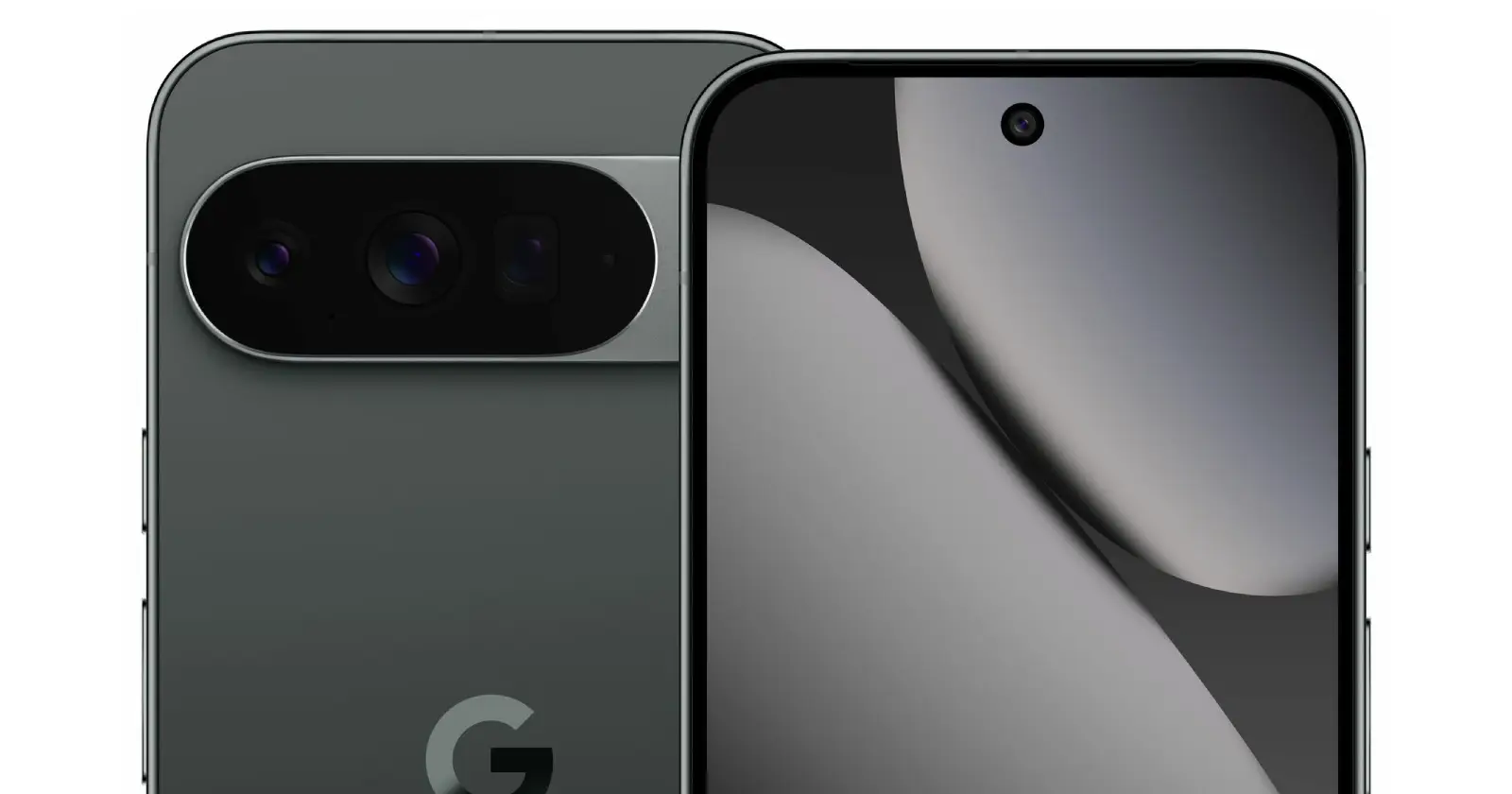
Google should just hit the launch switch for the Pixel 10 already because the leaks keep pouring in. Just when we thought we knew practically everything about the upcoming flagships, something new seems to pop up every other day. That said, while we wait for the hardware release, Google has already been at it with its software. And now, it’s come out with an informative guide about the new Google Photos editor. So let’s dive into the latest from Mountain View.
Google explains the new Photos editor
If you’ve been dabbling with the new Google Photos editor, you might have noticed things look a little different. Google recently rolled out a redesigned editor, and to help users navigate the changes, they’ve released a comprehensive guide. This comes after a wave of backlash against the new editor that we’ve covered.
This new layout brings all the powerful editing tools together in one place, making it easier to find your favorite features, even if they’ve moved around a bit. You can find tools like Crop, Magic Eraser, Unblur, and Best Take under the ‘Actions’ category.
Other familiar options like ‘Markup’, ‘Filters’, ‘Lighting’, and ‘Color’ also have their dedicated sections. It’s a pretty intuitive setup once you get the hang of it, and Google’s guide walks you through it step-by-step. For instance, if you’re looking for ‘Brightness’, you can simply tap ‘Edit’, then the magnifying glass icon, and type in the tool’s name.
One of the standout features is ‘AI Enhance’, which uses a combination of tools to generate multiple tailored results for your photos. However, it’s worth noting that this particular feature is currently exclusive to Pixel devices and only available in the US.
For those wondering about the fate of beloved tools like Magic Eraser and Magic Editor, rest assured, they haven’t gone anywhere. Magic Eraser is still there under the ‘Actions’ tab, and Magic Editor’s features are now integrated directly into the regular editor, making them more accessible. This includes ‘Move’ and ‘Erase’, which can be invoked right after selecting an object in your photo. Even features like ‘Reimagine’ and ‘Auto frame’, which were initially Pixel 9 exclusives, are now available to more devices and are integrated into the main editor.
While some features like ‘Color Pop’ and ‘Perspective tools’ have been removed, as we highlighted earlier, Google says it is working on restoring the latter. The redesigned editor is already live on Android devices, with an iOS rollout expected soon.
Pixel 10 leaks hint at AI Camera Coach
Shifting gears to upcoming hardware, fresh leaks surrounding the Google Pixel 10 series continue to surface. This time around, a report from Android Headlines reveals that Google is planning to introduce a new AI-powered feature called ‘Camera Coach’ with the Pixel 10.
This tool is apparently designed to help users capture better photos in real-time, leveraging Google’s powerful Gemini AI model. Imagine having an intelligent assistant guiding you on how to frame your shot, adjust lighting, and generally improve your photography skills on the fly. That’s what ‘Camera Coach’ aims to do by analyzing the scene and offering instant suggestions. While the exact speed of this real-time feedback is yet to be seen, the idea is to make it quick enough to be genuinely useful.
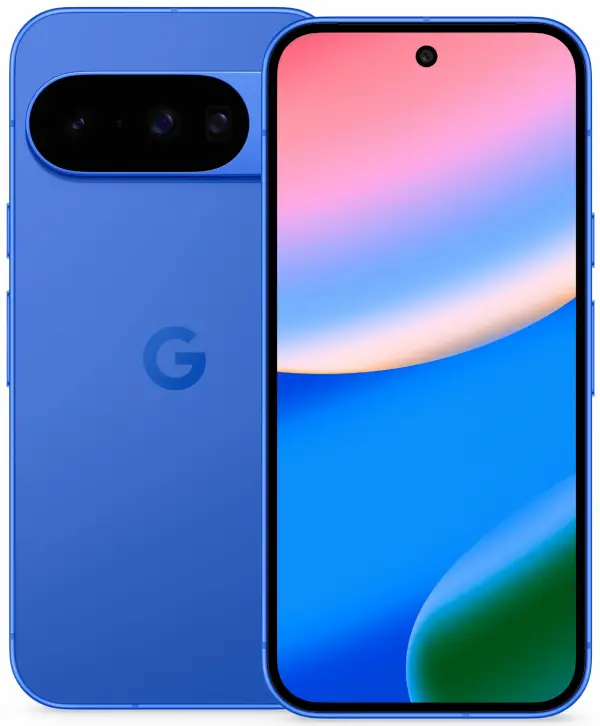
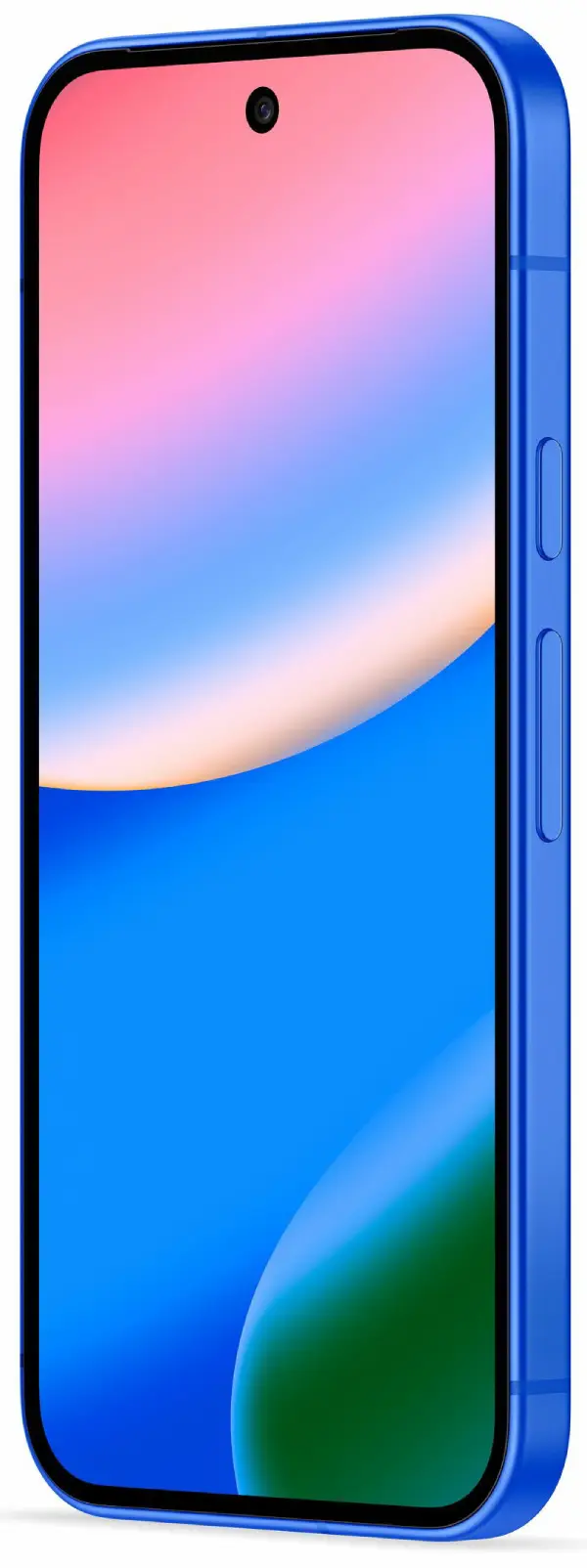
More Pixel 10 and 10 Pro XL images leaked
The folks over at WinFuture have shared some fresh renders of the Pixel 10 and 10 Pro XL, giving us a clear look at the devices from more angles. Check them out below.
Pixel 10

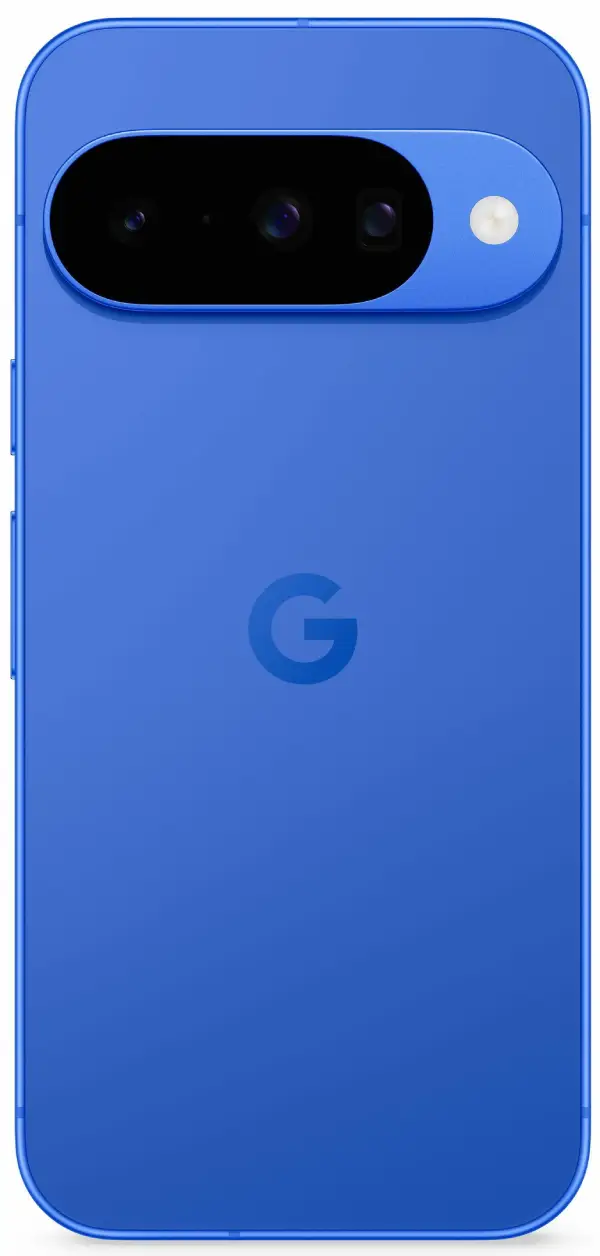
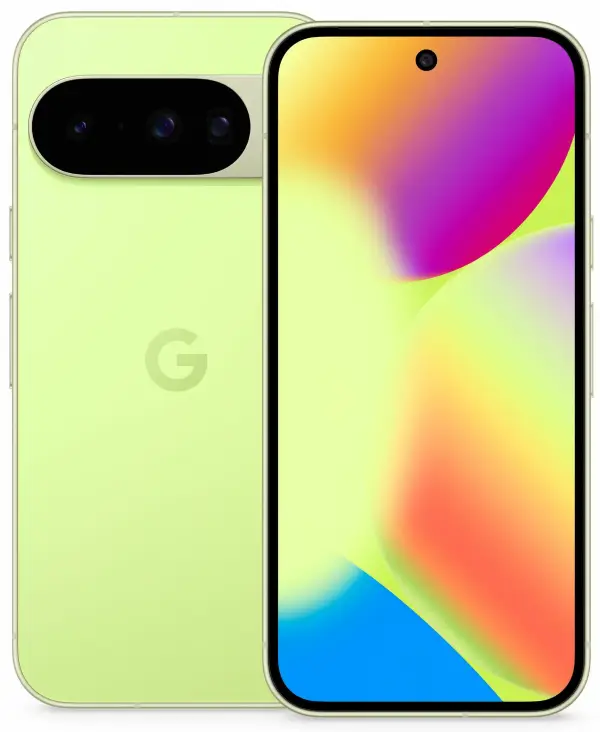
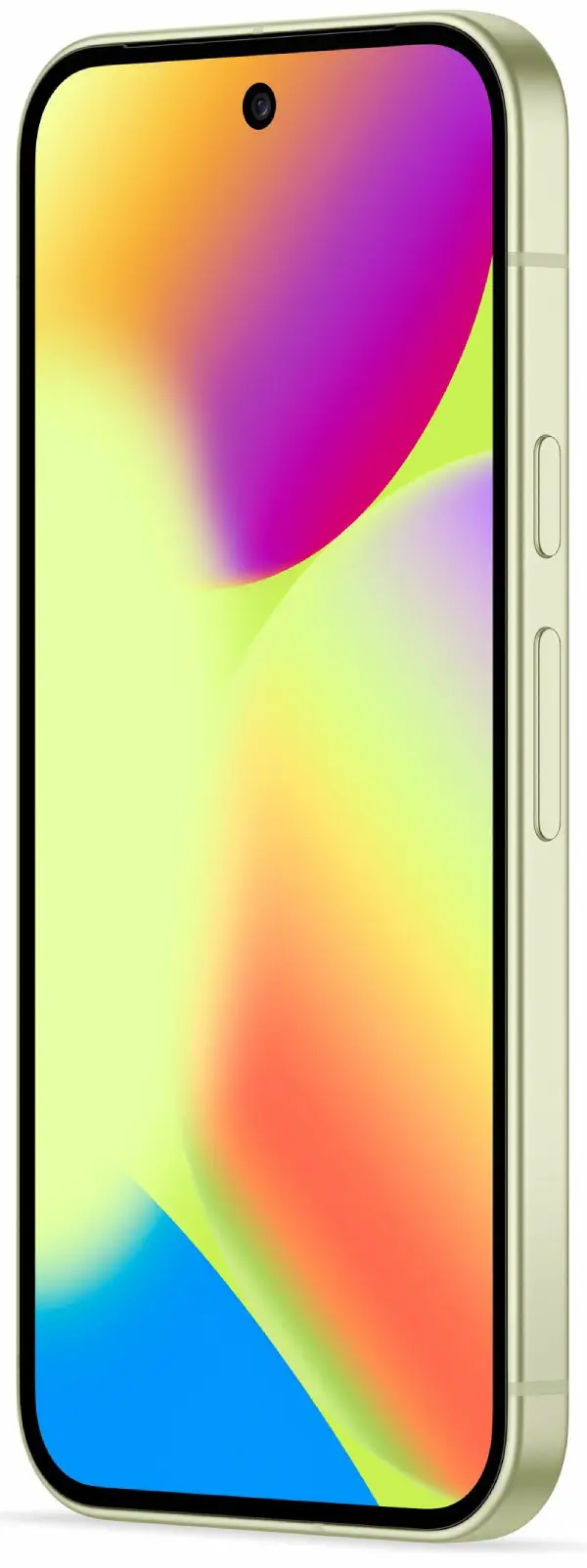
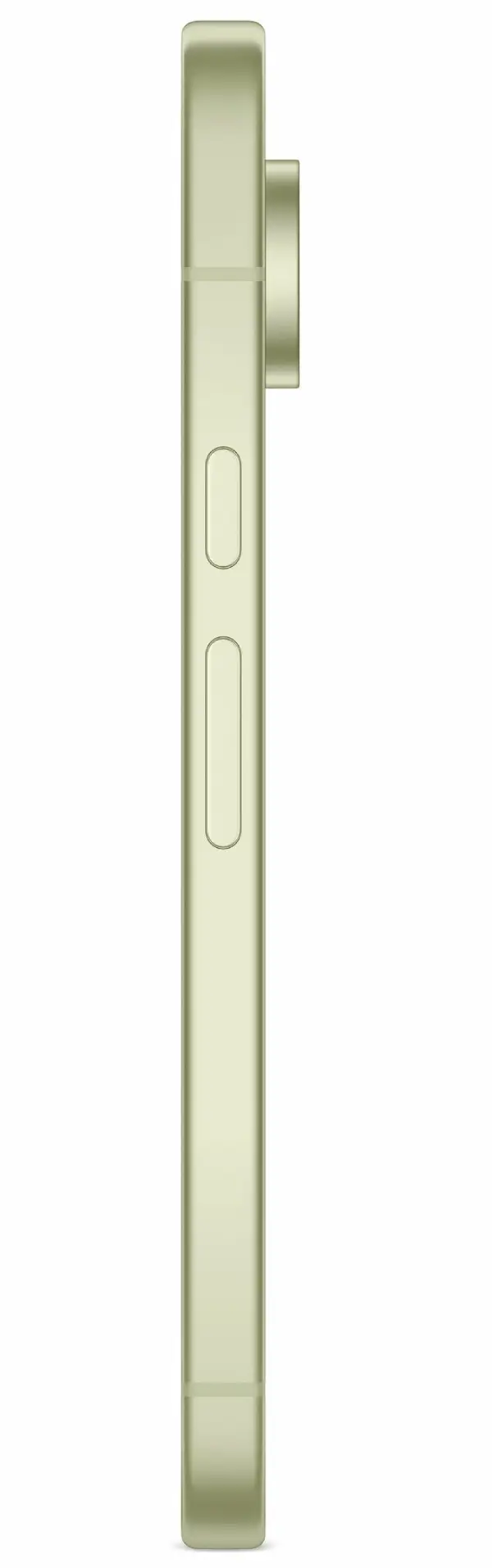

Pixel 10 Pro XL
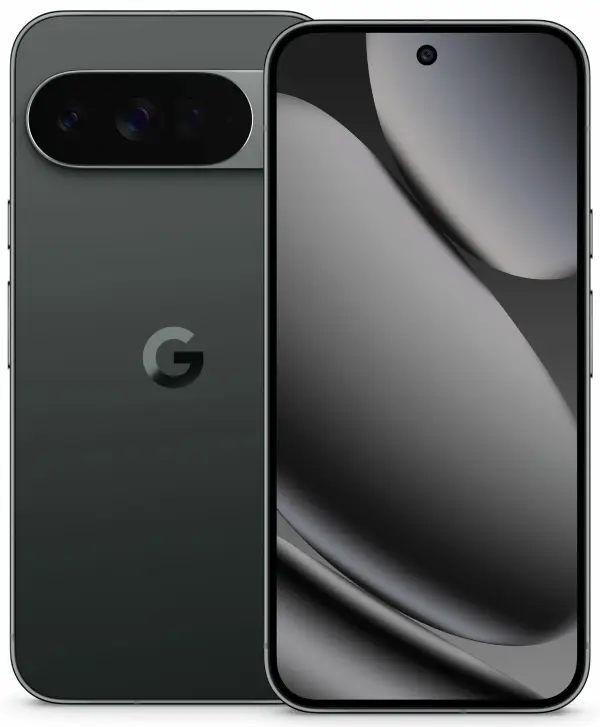
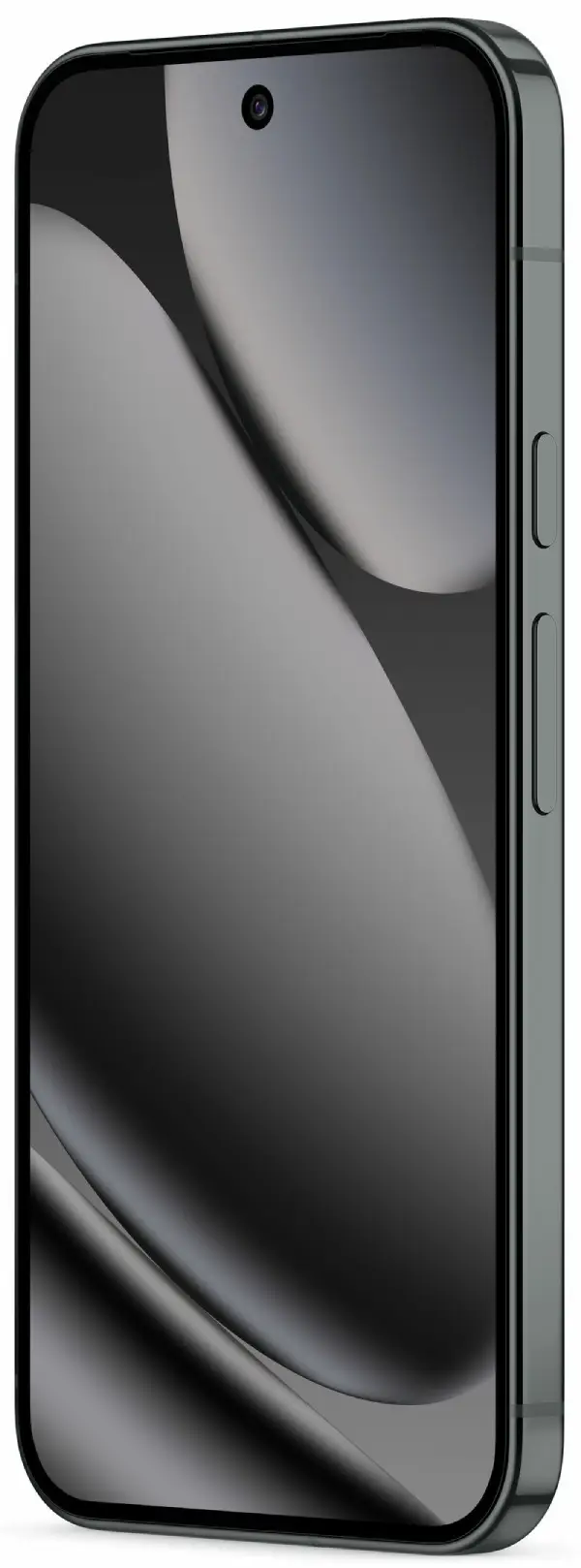
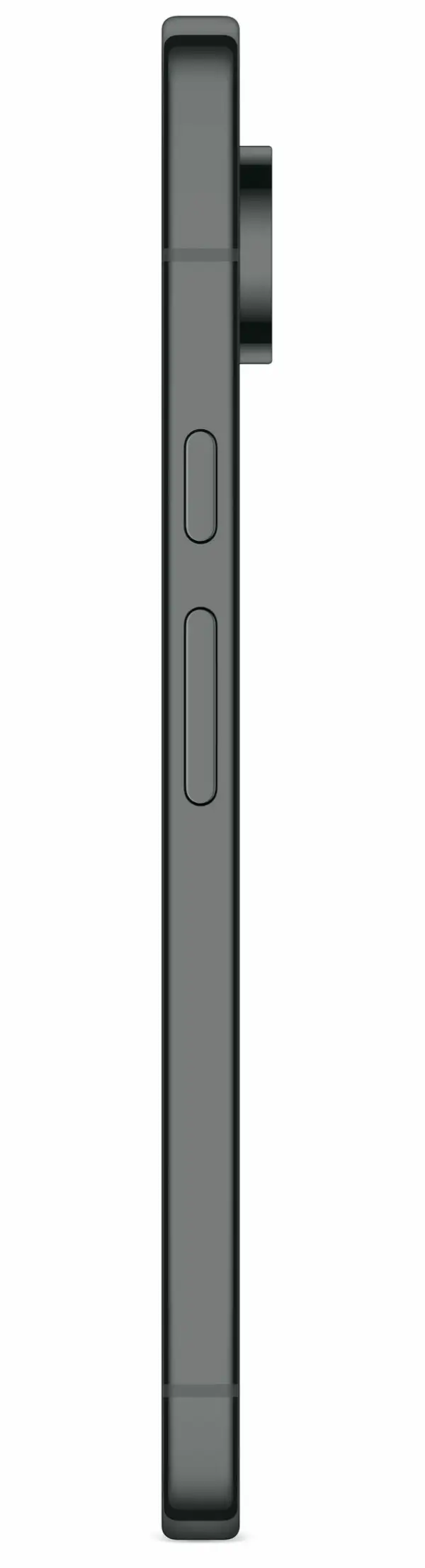
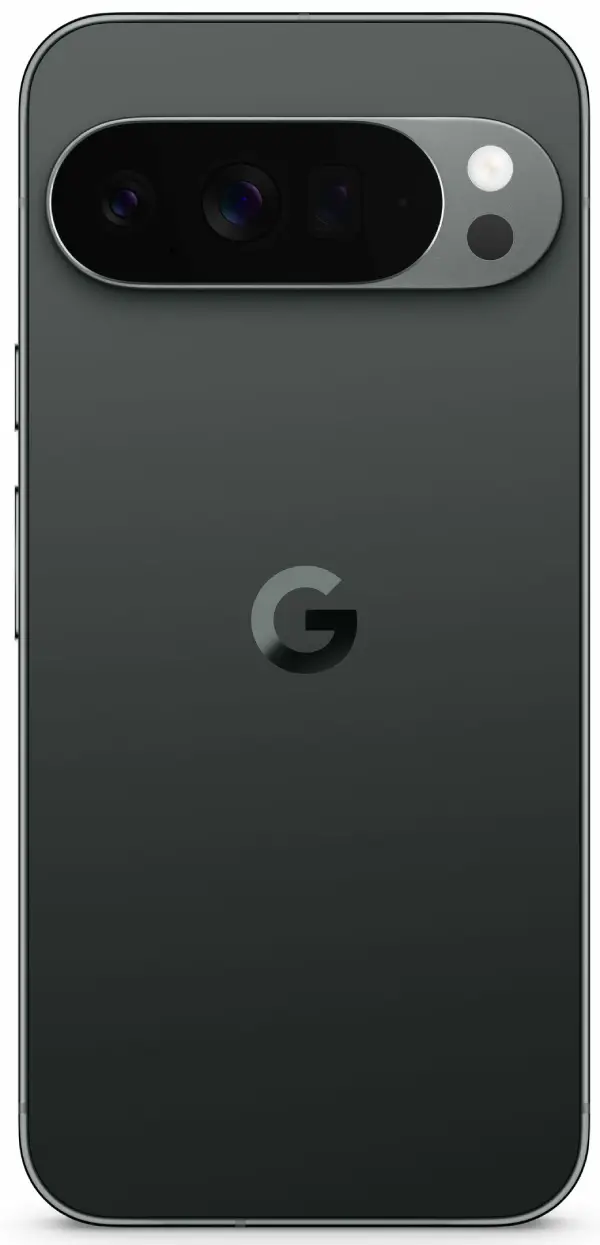
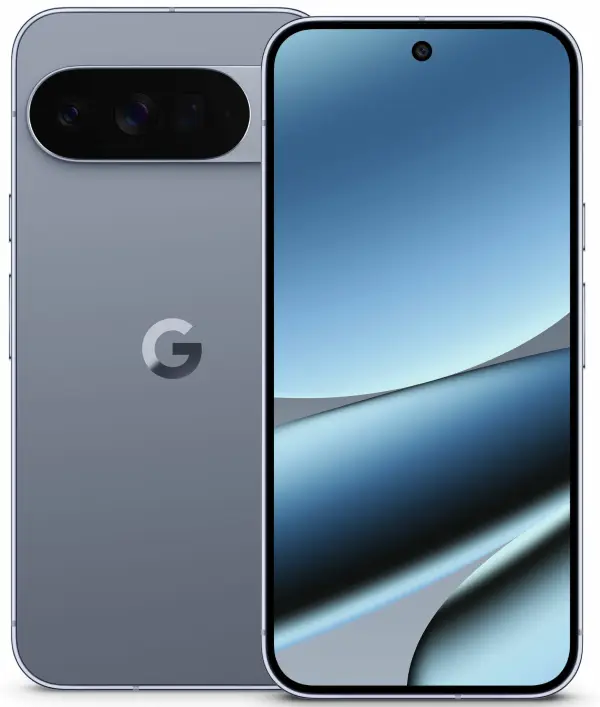
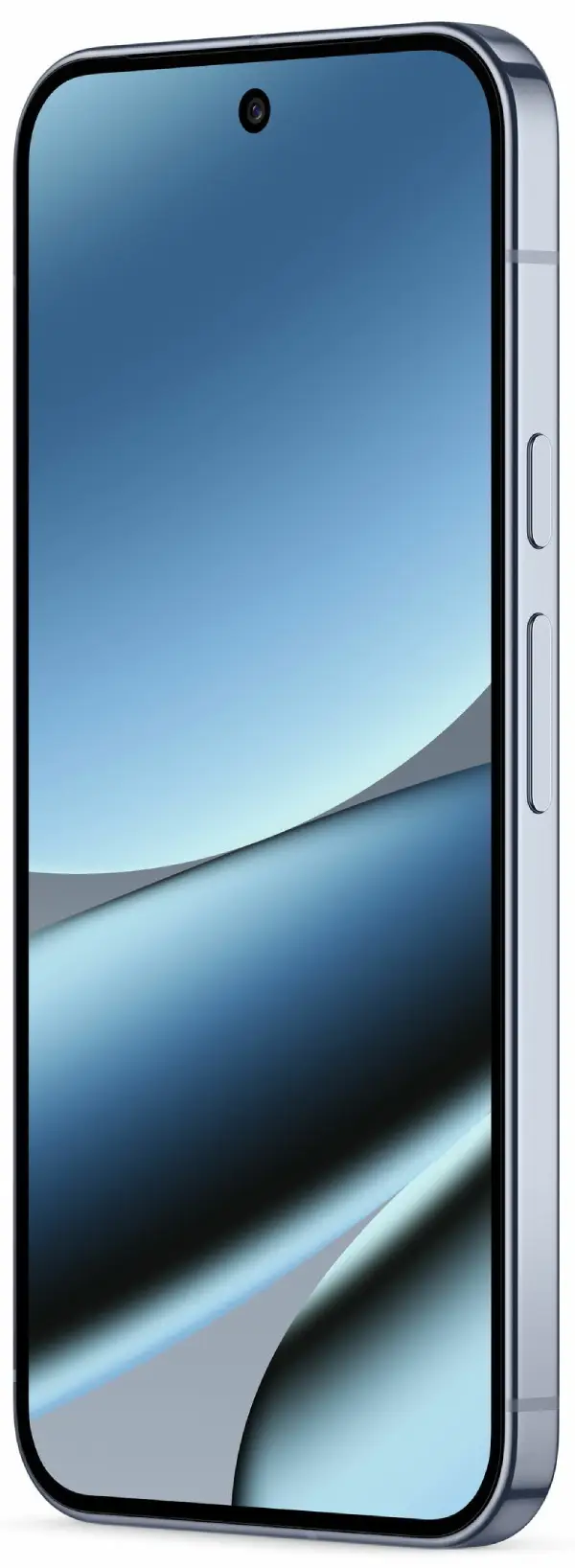
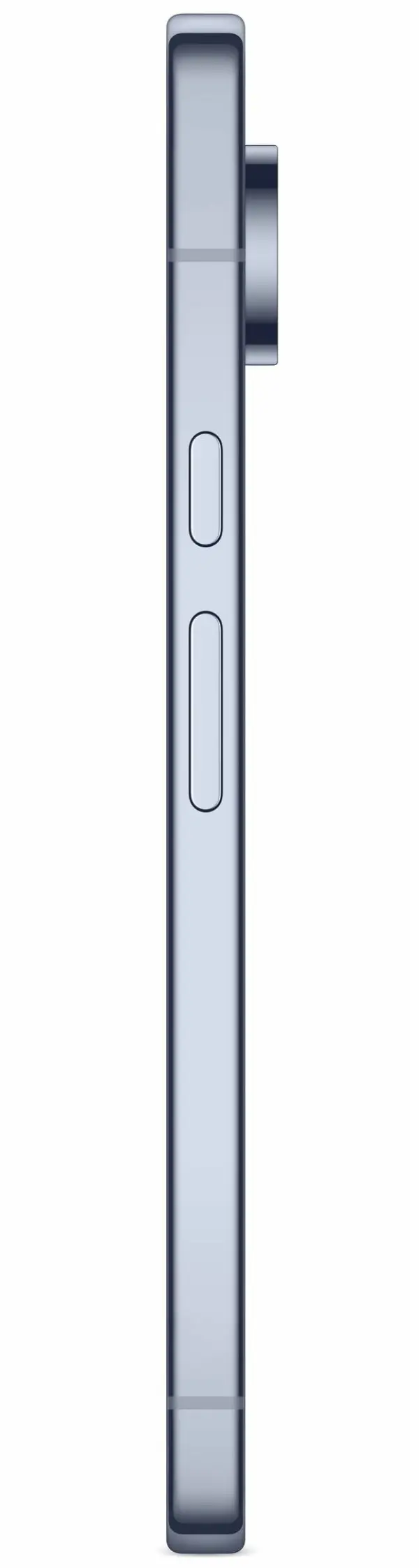
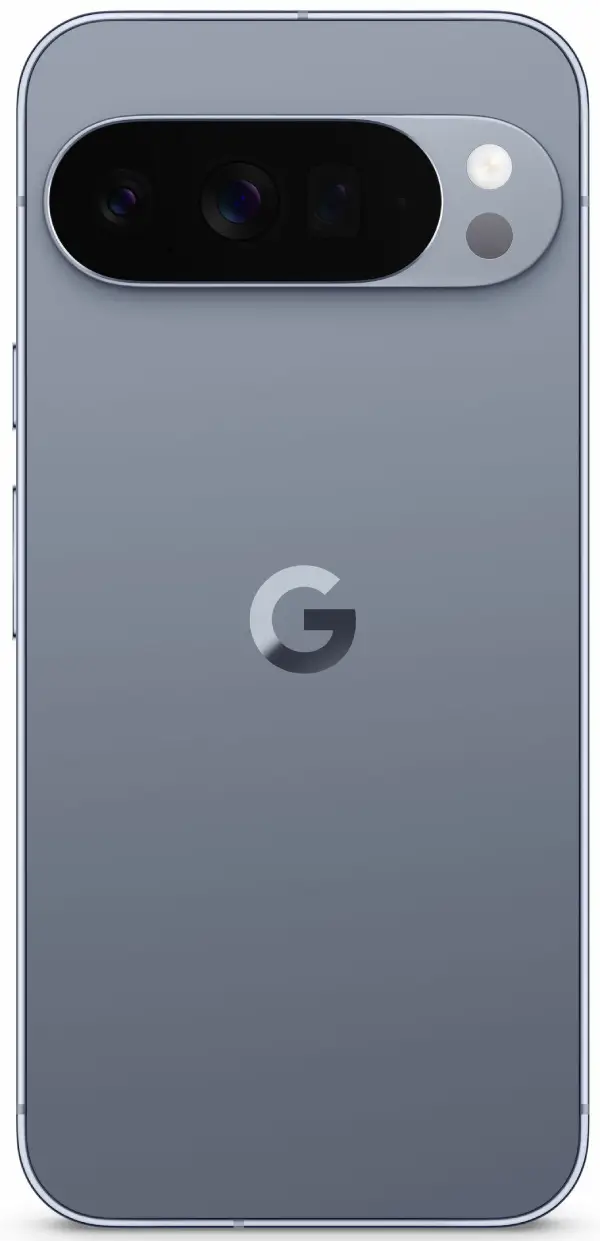
For those eagerly awaiting the Pixel 10, the release date is set for August 20, with pre-orders kicking off the same day. However, there have been rumors of delays for the Pixel 10 Pro Fold, which might ship later in October, indicating some supply chain hiccups.

Dwayne Cubbins
1828 Posts
My fascination with Android phones began the moment I got my hands on one. Since then, I've been on a journey to decode the ever-evolving tech landscape, fueled by a passion for both the "how" and the "why." Since 2018, I've been crafting content that empowers users and demystifies the tech world. From in-depth how-to guides that unlock your phone's potential to breaking news based on original research, I strive to make tech accessible and engaging.
Next article View Article
