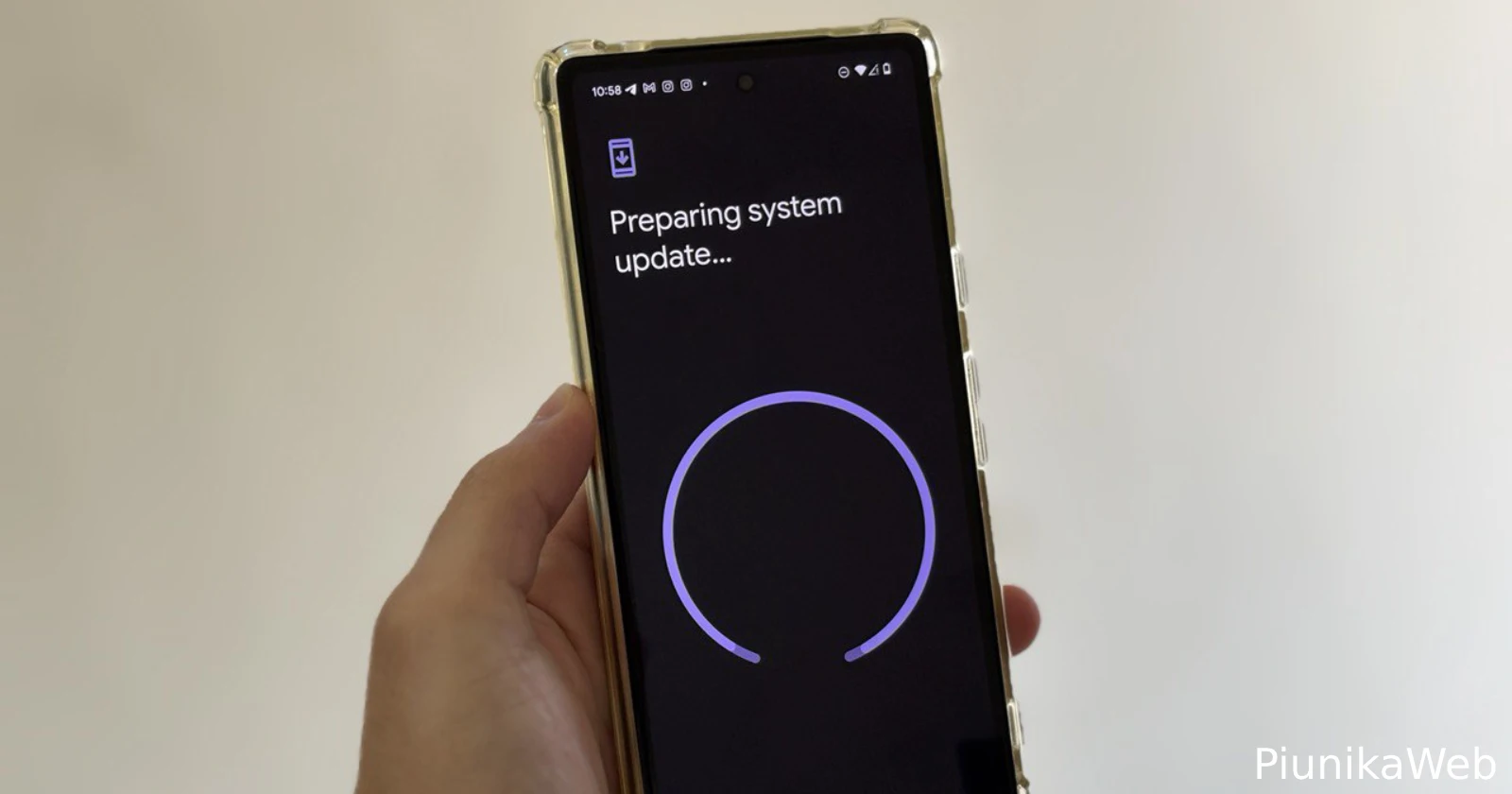
Google is shaking things up for Android enthusiasts and developers alike. The company just unveiled a brand new “Canary” release channel, a significant shift in how early access to Android’s most cutting-edge features will be handled. This new channel is set to replace the existing developer preview program, offering a continuous stream of in-development platform builds throughout the year. It will run alongside the familiar beta program.
The previous developer preview model had its drawbacks. Builds often required manual flashing, and the preview track would end once a platform version hit beta. This created a gap where promising but unready features simply had no official channel for feedback. So Google says that the new Canary channel aims to fix this. By flashing a supported Pixel device to this channel, users can now receive a steady flow of the very latest Android platform builds via over-the-air updates.

This means a year-round opportunity to explore and provide input on new features and potential behavior changes, even if they might not make it into a stable Android release. It is a bleeding-edge experience, intended primarily for developers who want to test the earliest pre-release Android APIs. These Canary builds, like the first one, ZP11.250606.010.A1, are for those who understand there will be bugs and breaking changes. They are certainly not ideal for a primary device. The existing beta channel will remain the go-to for a more polished set of features that are likely to be released soon.
Beyond the new channel, this initial Canary build is already bringing some interesting tweaks to the Pixel Launcher. One notable change is the option to remove the AI Mode shortcut from the search bar. This shortcut, which Google introduced with Android 16, provides quick access to the Google Search AI experience in regions like the US and India. However, it seems some users found it intrusive. Now, in the Google app settings, under “Customize Pixel Search Box,” a toggle will let users disable this shortcut, bringing back a cleaner search bar with just voice and Google Lens options. This change is appearing with the latest Google app beta, version 16.26.
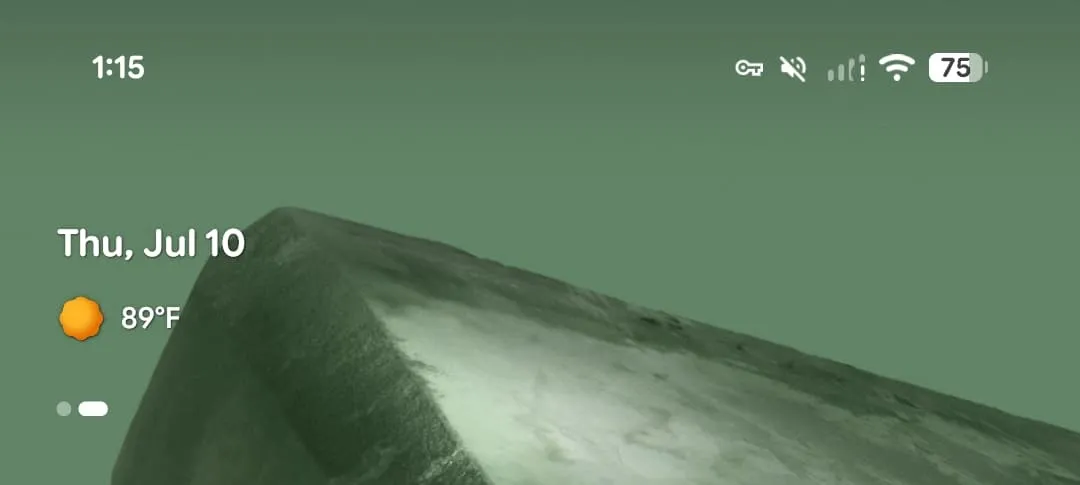
Another welcome return in the Pixel Launcher is the vibrant, colorful weather icons in the At a Glance widget. The Material 3 Expressive redesign had previously switched these to white, which some felt reduced visibility. The reintroduction of the colorful icons improves glanceability, making it easier to quickly see weather information.
Other reported changes in this first Canary update include the return of the “Users” widget, the separation of “Parental controls” from “Digital Wellbeing” in Settings, and a “Low light mode” option under Screen saver, replacing the “When to show: While charging” setting. There are also mentions of enhanced HDR brightness and a Pixel Now Playing lockscreen shortcut.
For developers, the Android Flash Tool can be used to get the most recent Canary build onto supported Pixel devices. Once flashed, OTA updates will follow. Exiting the channel will require a data wipe. Canary releases will also be available on the Android Emulator in Android Studio, with Canary SDKs ready for development.


Dwayne Cubbins
3078 Posts
I cover fast-moving stories across apps, online platforms, and everyday tech — phones, wearables, consoles, and whatever else people are fighting with this week. Bugs, rollouts, scams, policy enforcement, and the occasional internet-culture rabbit hole are all fair game. My goal is simple — make confusing tech news readable. When I'm not working, I'm working out or chilling with my dog. Got a tip? You can find me on X @dcubbins.
Next article View Article