





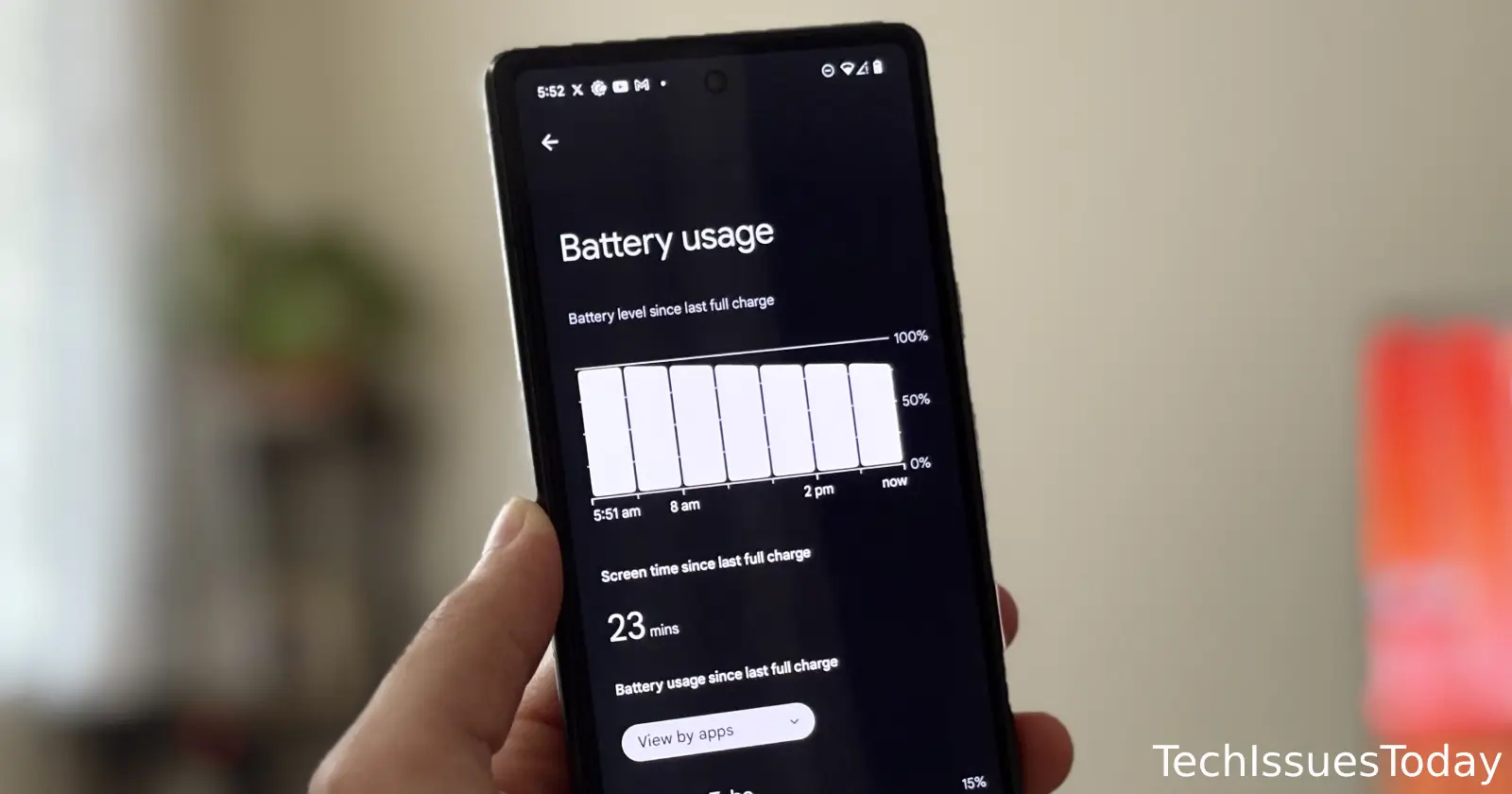
Facing battery woes after Google’s May update? You’re not alone. In recent weeks, Pixel owners from the Pixel 6 all the way up to the new Pixel 9 series have reported that their phones no longer last a full day on a single charge. Users say the issue kicked in as soon as the May 2025 security patch landed. Some devices even heat up noticeably during light use, pushing hard-working batteries past the brink far sooner than expected.
Amid the flood of complaints on Google’s support forums and the r/GooglePixel subreddit, one troubleshooting tip has risen above the rest. It involves two quietly installed system services: Android System SafetyCore and Private Compute Services. SafetyCore, meant to scan images in Google Messages for sensitive content, and Private Compute Services, which powers features like Live Caption and Now Playing, appear to be running full tilt in the background. Disabling or uninstalling them has sent battery meters back toward normal for many users.
Here’s how some users reacted to the suggested fix:
“My battery went from lasting around two days on moderate use to hitting 10 percent by 9 pm… After disabling those apps it’s back to not draining unless I’m using it.”
“This saved my phone. Thanks a million!”
“Just uninstalled the coresystem, keeping the live caption one… hopefully this update helps.”
Those are just a few of the voices echoing relief across Reddit. To try this fix yourself, open Settings, tap Apps, then Show System Apps. Look for “Android System SafetyCore” (you might need to tap on ‘Show Hidden’ from the three-dots menu). Disable it or uninstall background use. Do the same for Private Compute Services. A simple reboot afterward can lock in the change.
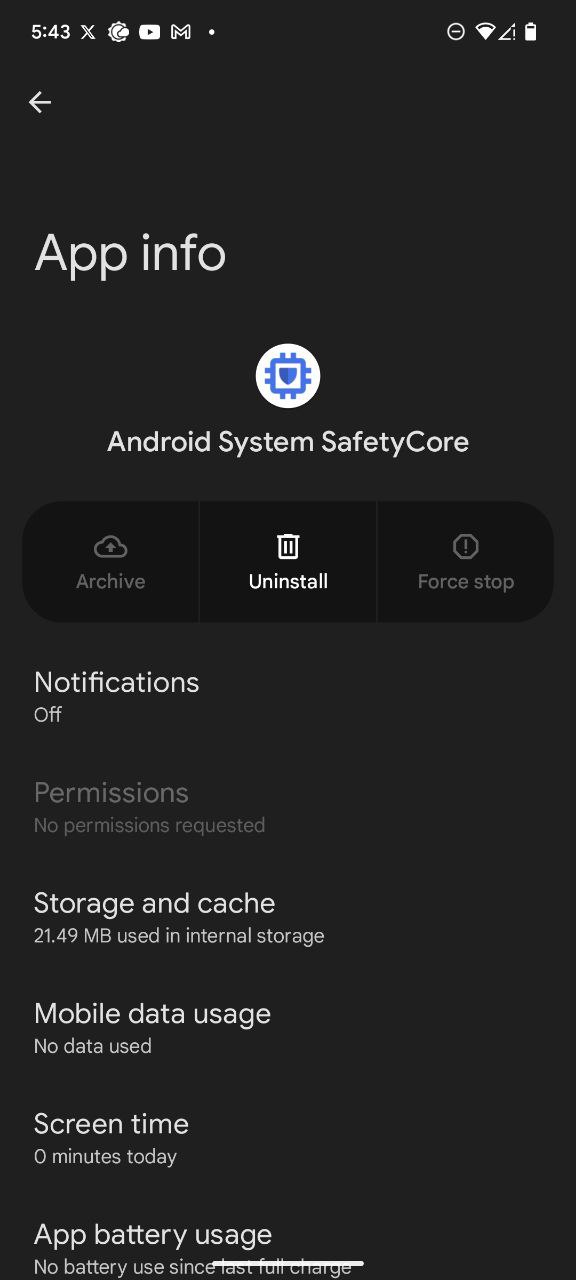
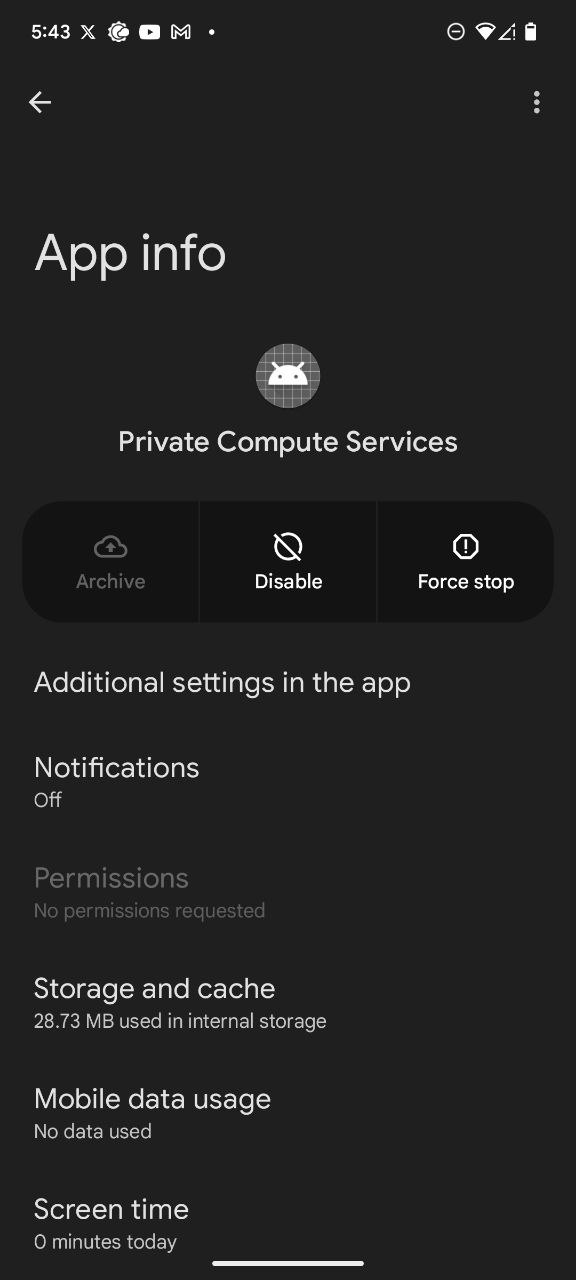
Keep in mind there’s a trade-off. You’ll lose on-device scanning for sensitive images in Messages and may notice smart-reply suggestions or live captions don’t work as smoothly. But if your Pixel’s battery life has become a daily headache, this workaround could buy you back hours of charge until Google issues a proper fix.
Google hasn’t officially acknowledged the underlying cause, but the volume of reports suggests this is more than just perception. For now, disabling these stealthy background services may be the quickest way to reclaim your Pixel’s stamina. If you give it a try, let us know whether it tames your battery drain too.

Dwayne Cubbins
1858 Posts
My fascination with Android phones began the moment I got my hands on one. Since then, I've been on a journey to decode the ever-evolving tech landscape, fueled by a passion for both the "how" and the "why." Since 2018, I've been crafting content that empowers users and demystifies the tech world. From in-depth how-to guides that unlock your phone's potential to breaking news based on original research, I strive to make tech accessible and engaging.
Next article View Article
