





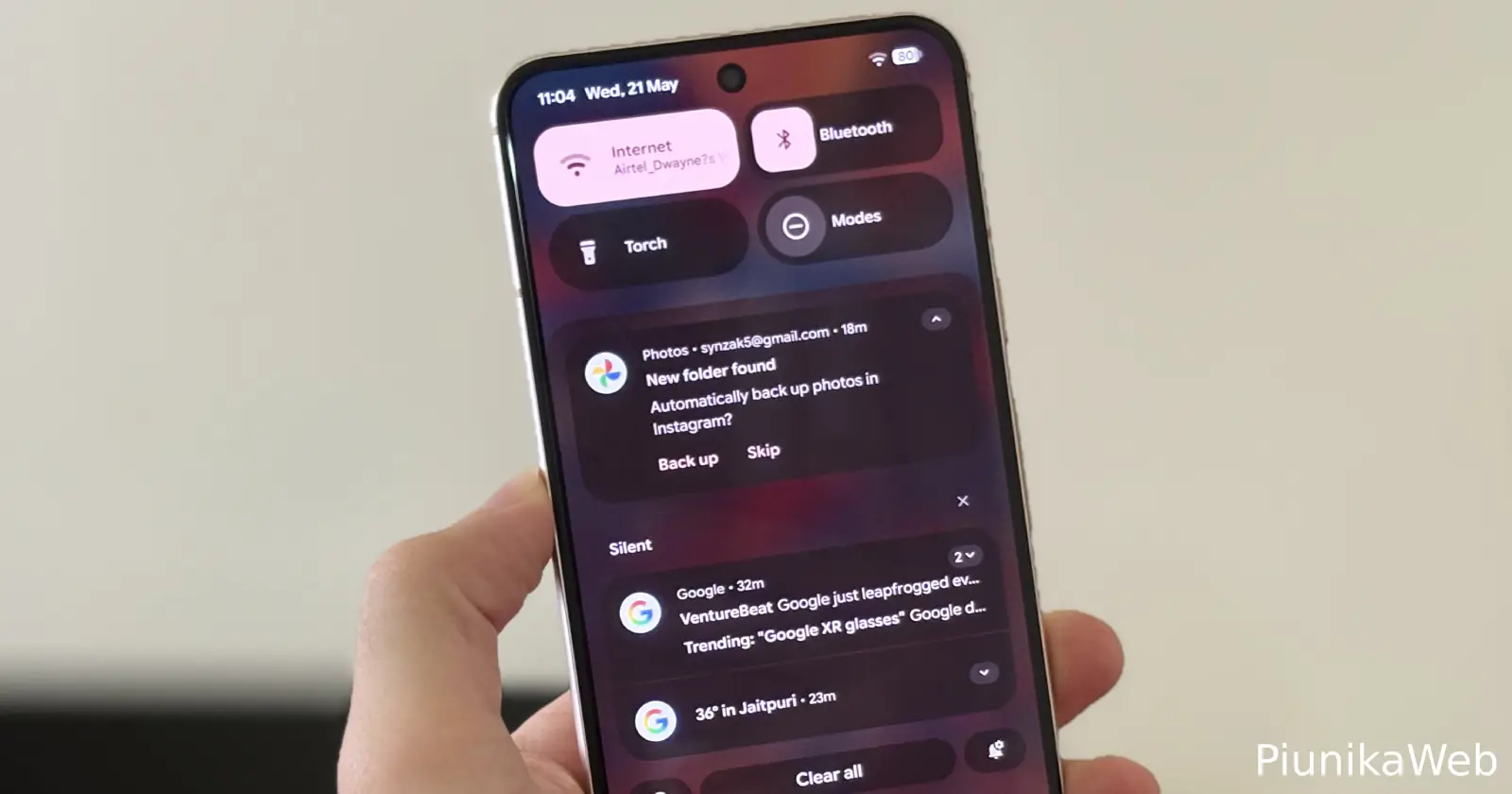
Google is giving Android enthusiasts an early taste of what’s next. The Android 16 QPR1 Beta 1 is now rolling out to eligible Pixel devices, bringing with it a vibrant new look and some intriguing customization features. However, this release arrives as Google has been made aware of reports of battery drain problems plaguing some users after the recent May security patch.
A more “Expressive” Android
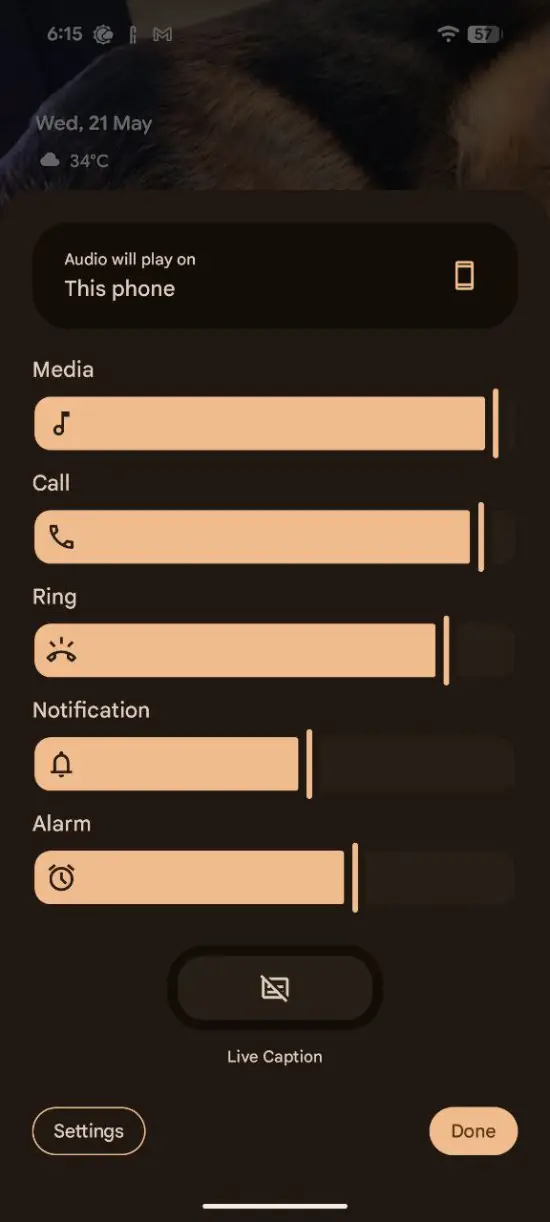
The big visual news in this beta is the introduction of Material 3 Expressive. This design language, officially unveiled by Google just last week, aims to inject more personality and youthfulness into the Android interface. Beta testers will notice the changes across several key areas, including the launcher, notifications, and the lock screen. Even the quick settings page is getting a refresh, reportedly taking some inspiration from Apple’s design approach.
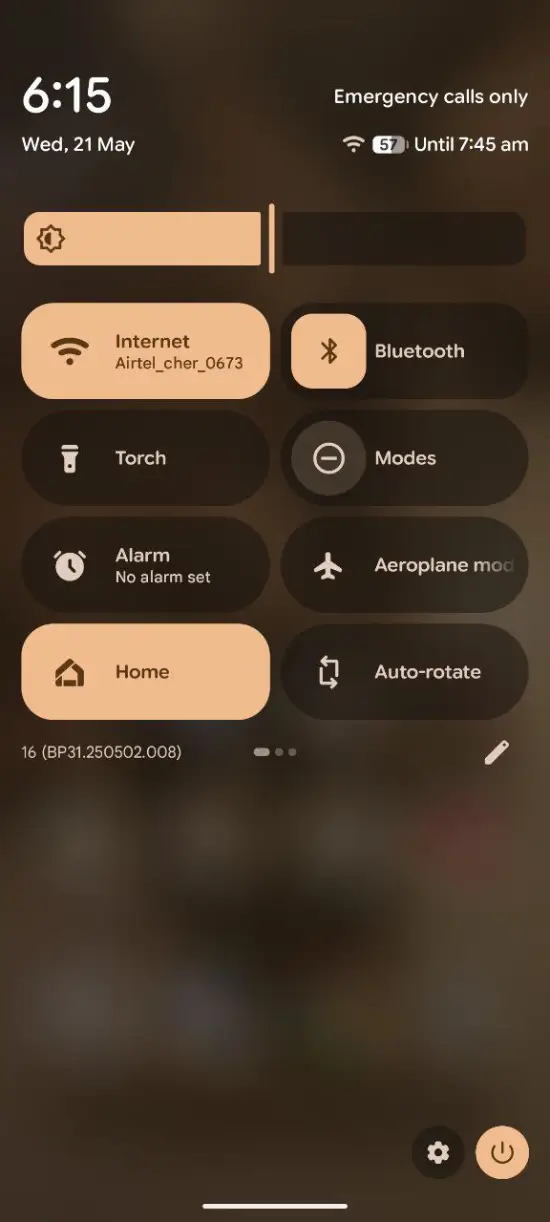
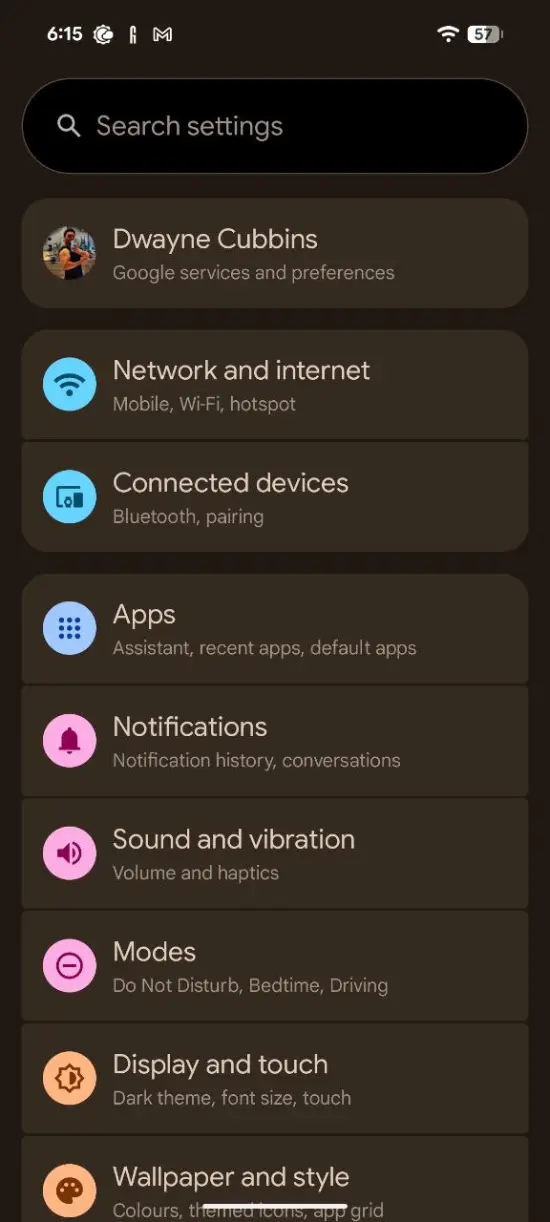
This QPR1, or Quarterly Platform Release, is typically where Google introduces more substantial feature updates compared to the regular monthly security patches. With the stable version of Android 16 expected to launch soon, this QPR1 update, slated for a fall release, will be what delivers these fresh visual touches to the broader public.
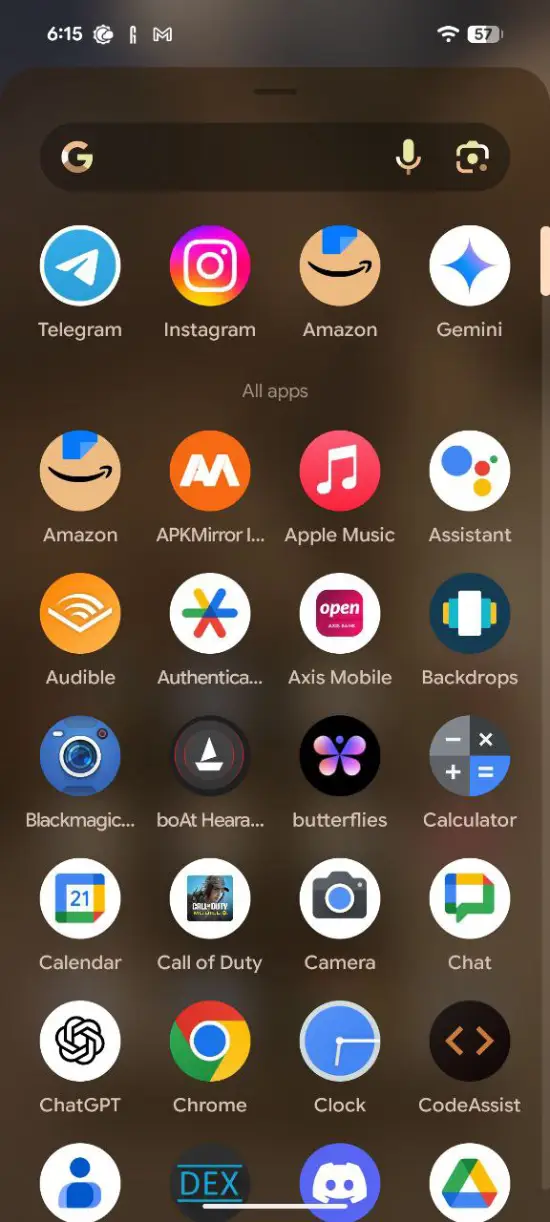
Pixel users from the Pixel 6 series all the way up to the newer 9A, who are enrolled in the Android Beta program, can get their hands on this new release. For those already testing Android 16, the update should arrive automatically unless they specifically opt out via the Android Beta website. Google has also provided instructions on Reddit for new users wanting to jump into the beta program.
Get creative with wallpaper effects
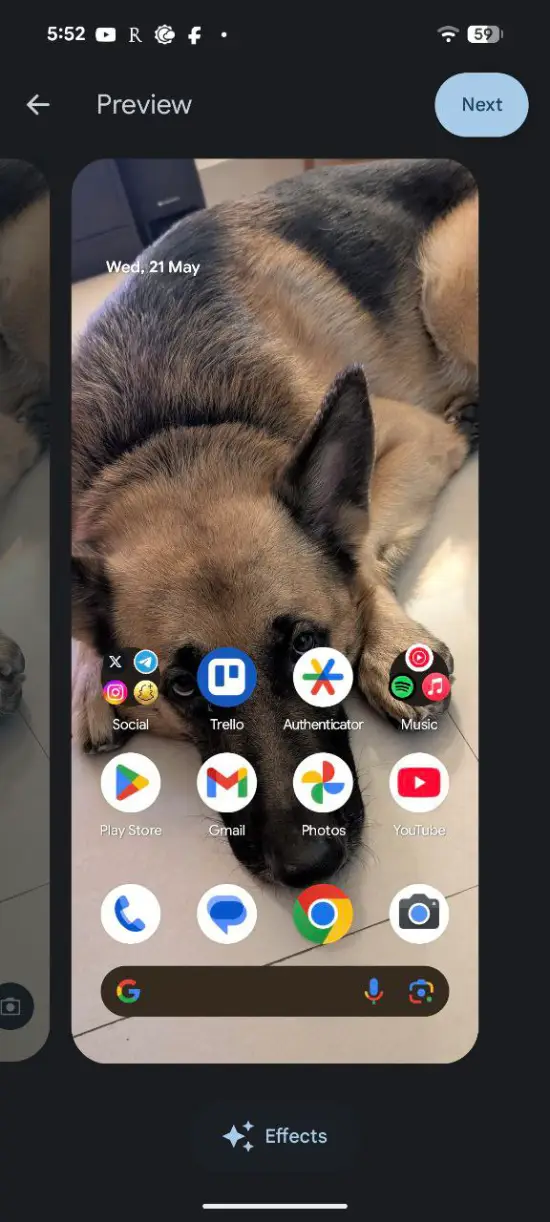
Beyond the system-wide visual overhaul, Android 16 QPR1 Beta 1 introduces a fun new way to personalize your Pixel’s wallpaper, as highlighted by 9to5Google. A new “Effects” option, identifiable by a sparkling icon that hints at AI involvement, allows users to transform their chosen background images.
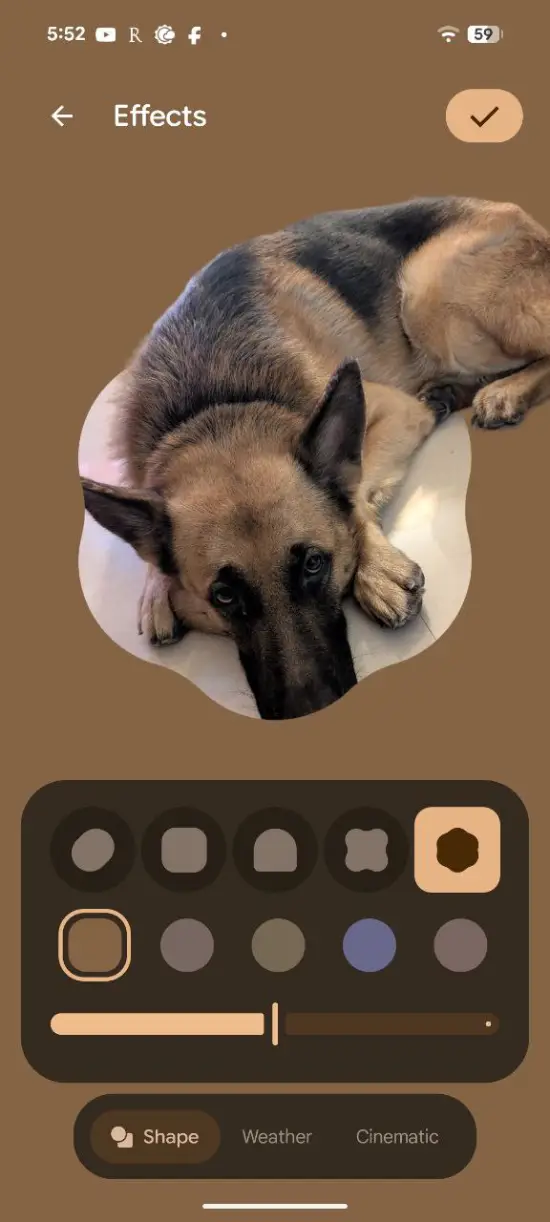
One of these is “Shape,” which cleverly isolates the main subject of your wallpaper and frames it within one of five different shapes. Often, a part of the subject will extend beyond the shape, creating a dynamic look. A color that complements the image’s palette is applied around the shape, and users can adjust its intensity with a slider. This feature might feel familiar to Samsung Galaxy users, who have had a similar option for a while.
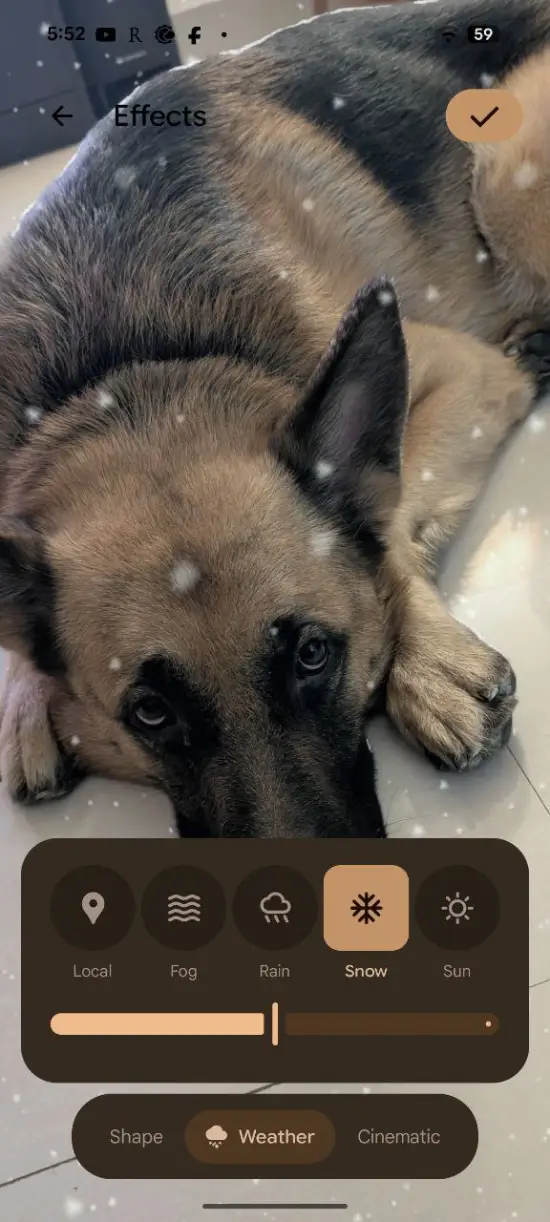
Another exciting addition is “Weather” effects. This feature keeps your wallpaper as is but overlays animated weather conditions like fog, rain, snow, or sun. There’s also a “Local” setting that dynamically changes the overlay based on your current weather.
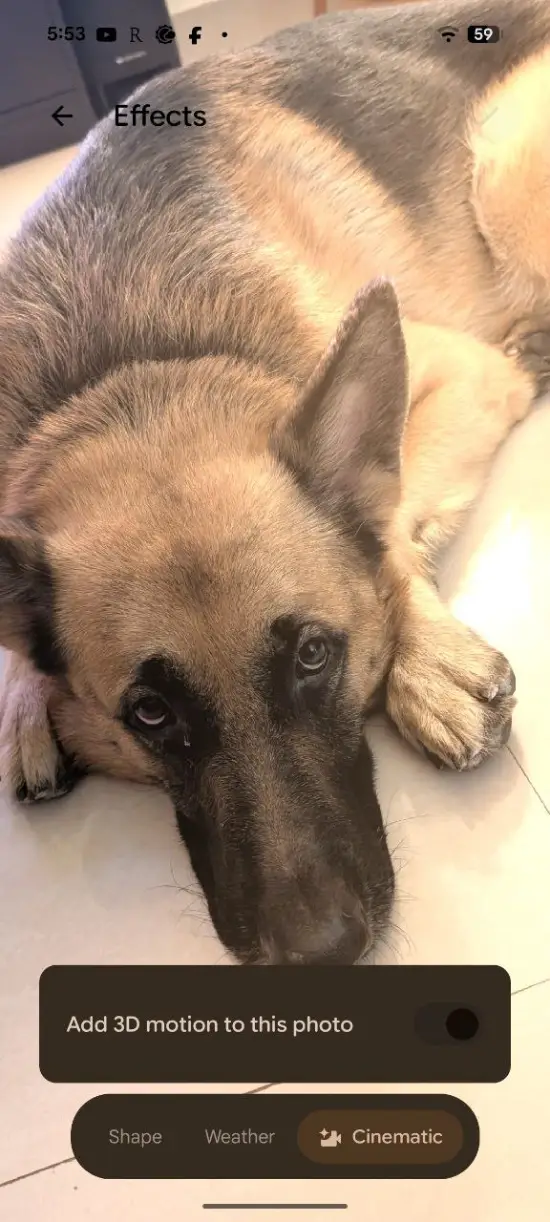
The “Effects” section is also the new home for Pixel’s “Cinematic” wallpaper option, which adds 3D depth to your backgrounds. These new customization tools are just a part of what’s new in this QPR1 release, with more discoveries expected as users and developers dig deeper.
Google aware of battery drain issue
While the new beta brings exciting features, there’s a cloud on the horizon for some Pixel owners. Following the May security update, a number of users have reported significant battery drain issues. While we highlighted the bug a couple of days ago, there were no signs of Google being aware.
But now it seems the company has been made aware of the issue. A Platinum Product Expert on the support forums confirmed that the issue has been escalated and brought to Google’s attention.
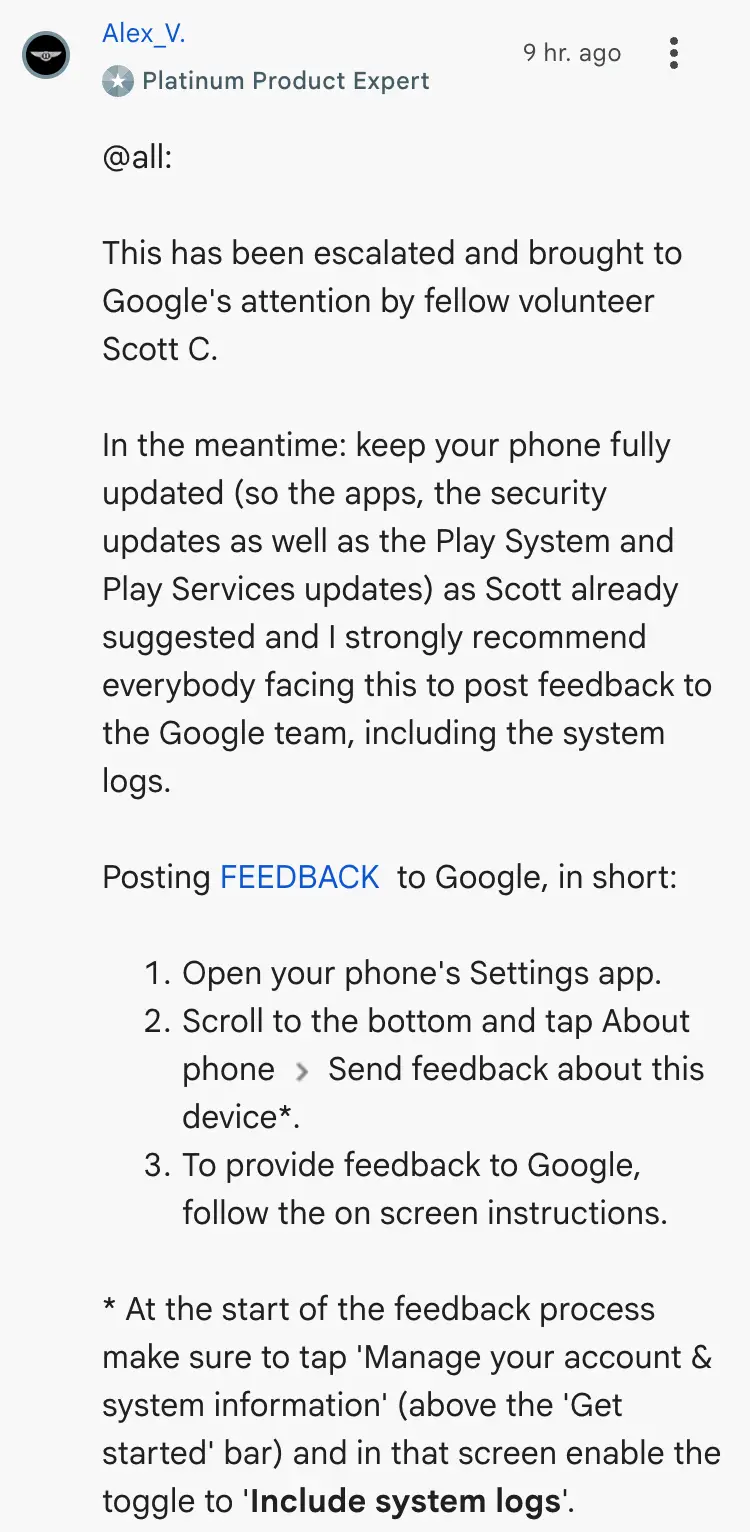
Users experiencing this rapid battery depletion are advised to ensure their phone’s apps, security updates, Play System, and Play Services are all fully updated. So hopefully Google rolls out a fix for the issue soon.

Dwayne Cubbins
1853 Posts
My fascination with Android phones began the moment I got my hands on one. Since then, I've been on a journey to decode the ever-evolving tech landscape, fueled by a passion for both the "how" and the "why." Since 2018, I've been crafting content that empowers users and demystifies the tech world. From in-depth how-to guides that unlock your phone's potential to breaking news based on original research, I strive to make tech accessible and engaging.
Next article View Article
