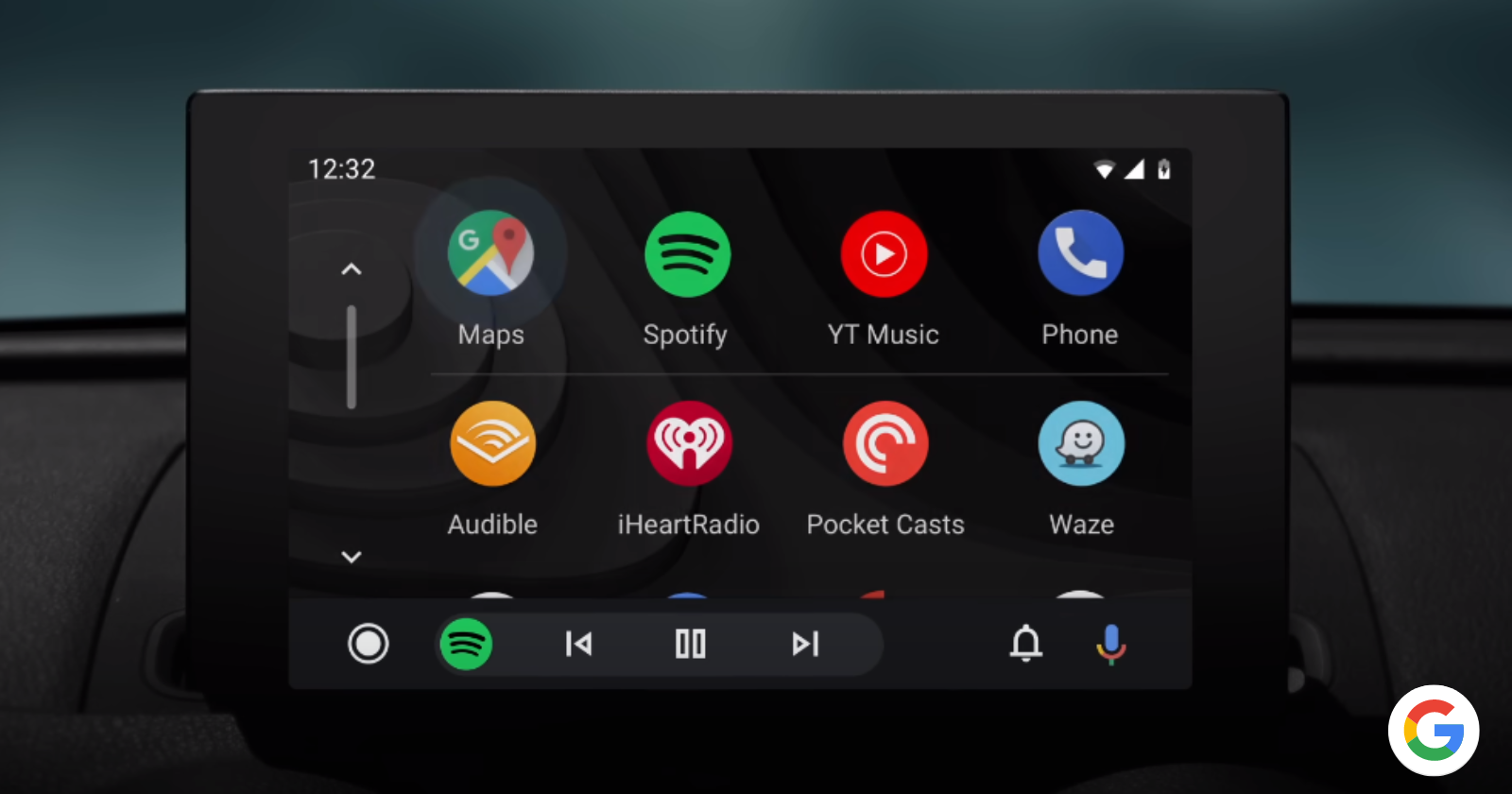
Pixel phone users are continuing to face frustrating Bluetooth call problems with Android Auto, and the latest December update hasn’t solved the issue. Dozens of users across multiple Pixel models – from the Pixel 7 to the newest Pixel 9 Pro – are reporting that they can’t hear anything during phone calls when connected to their car’s infotainment system.
The problem isn’t limited to one specific car brand. Users with Volkswagen, BMW, Toyota, Mercedes, and other vehicle makes have all reported similar experiences. The issue seems most prevalent with Bluetooth calls, where users can see an incoming call, but no sound comes through the car’s speakers.
While reading through the comments on various threads and discussions about the problem, I noticed that some users have discovered potential solutions to the problem. A few users have found success by simply restarting their phone before driving or disabling the Ultra-Wideband (UWB) feature on Pixel 9 Pro models.
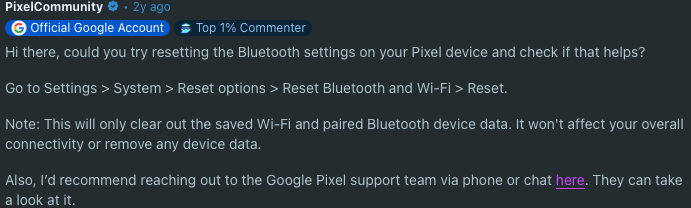
Google support on Reddit suggested resetting Bluetooth settings through the phone’s system options, which might help resolve the connection issues. Another approach involves completely unpairing and re-pairing the car’s Bluetooth connection, or repeatedly enabling and disabling Bluetooth.
Interestingly, some users reported that updating to the latest QPR1 Beta 3.1 resolved the problem. One user mentioned that phone calls worked flawlessly for several weeks after this update, giving hope to those frustrated by the persistent sound issues.
What makes this particularly annoying is that other Bluetooth functions like music playback work perfectly fine. It’s just phone calls that seem to be affected.
While a Googler has been engaging with users over on the Issue Tracker, it has been months since they’ve been going back and forth asking for bug reports. But there’s still no official word on the matter. That said, given the fact that things appear to work fine on QPR1 Beta 3.1, it’s possible that Google might have fixed the problem. As for when the fix will go live for those on the stable build, it’s anyone’s guess.
It’s a shame that the company has taken its own sweet time to address a major issue that’s been around for months at this point. We’ll keep track on the progress of this bug and will post an update if and when there are any further developments.


Dwayne Cubbins
3123 Posts
I cover fast-moving stories across apps, online platforms, and everyday tech — phones, wearables, consoles, and whatever else people are fighting with this week. Bugs, rollouts, scams, policy enforcement, and the occasional internet-culture rabbit hole are all fair game. My goal is simple — make confusing tech news readable. When I'm not working, I'm working out or chilling with my dog. Got a tip? You can find me on X @dcubbins.
Next article View Article