





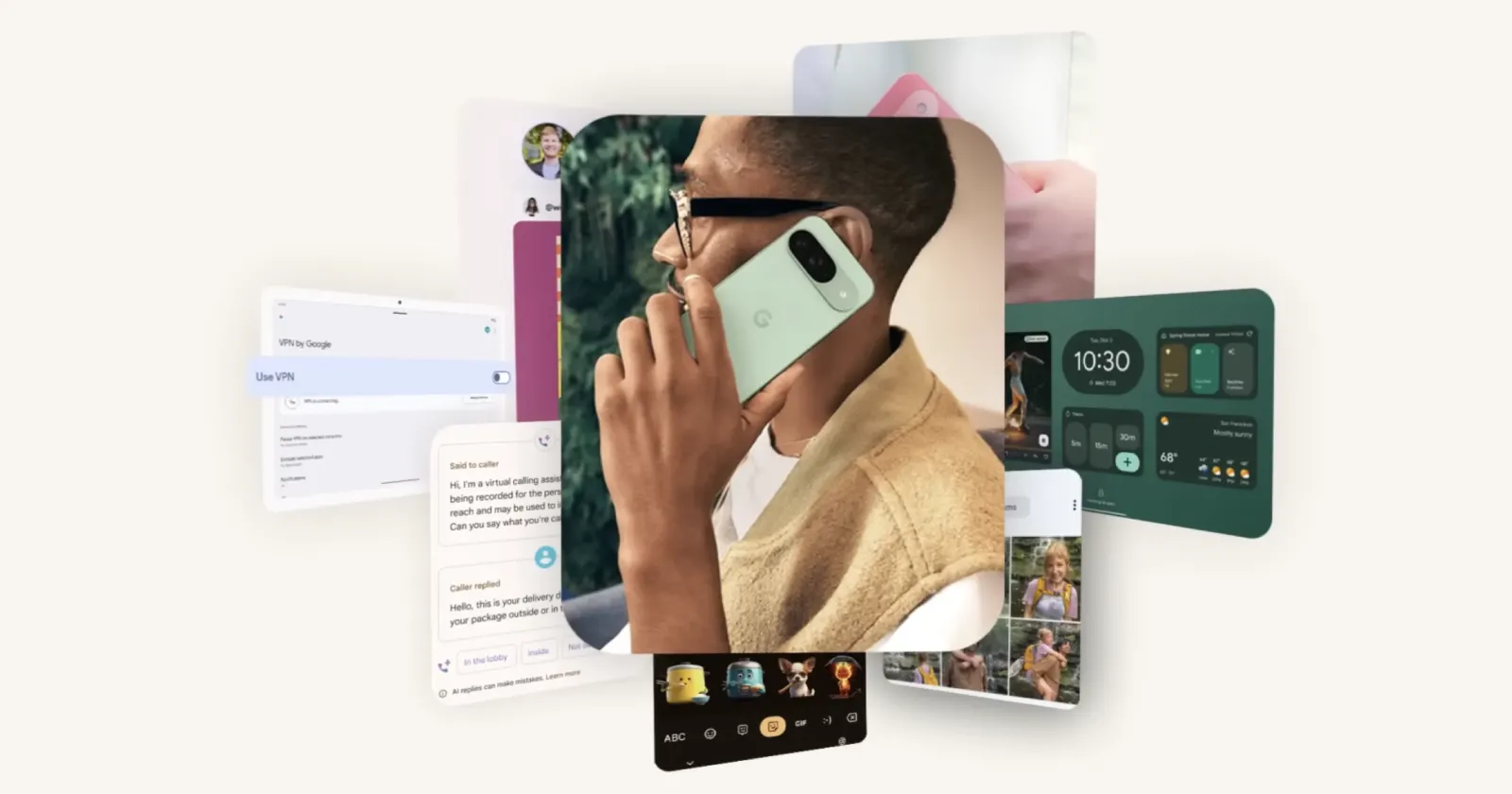
Google has unwrapped its December Pixel Drop, offering Pixel users a mix of new tools and updates. From smarter AI capabilities to improved camera features, this update packs a lot. Here’s a quick rundown of what’s new.
Smarter AI with Gemini
Gemini, Google’s AI assistant, now feels more personal. With the new “saved info” feature, you can teach Gemini your preferences — like being a vegetarian or your favorite music style — and it will remember. You’ll also see better integration with apps, including messaging, Spotify, and smart home controls. Plus, Gemini Live is expanding to support more languages.
Call Screen upgrades
Call Screen is getting smarter, thanks to Gemini Nano. It can suggest replies during screenings, like responding to delivery drivers without you picking up. You’ll also get real-time transcripts of calls to decide whether to answer.
New Photo and sharing features
For photography enthusiasts, there are plenty of upgrades. You can now capture Ultra HDR photos and share them directly to Instagram. On Pixel Fold and Pixel 9 Pro Fold, Dual Screen mode makes it easier to preview portraits. And if you use Snapchat, the updated Photo Picker lets you quickly find pictures from all your albums.
Screenshots, but smarter
Pixel Screenshots gets a major boost. Screenshots are now automatically categorized, making them easier to find. They can also integrate with Google Wallet for storing tickets and cards. Handy suggestions like creating calendar events or getting directions make them even more useful.
Audio and accessibility
The Recorder app now has a “Clear voice” feature, reducing background noise for better playback. Expressive Captions brings a touch of drama to live captions, showing gasps, cheers, or excitement during video playback.
Expanded safety and health tools
Pixel devices are doubling down on security. The new Identity Check beta adds an extra layer of protection by requiring biometric authentication for sensitive changes when you’re in an unfamiliar location. Also, Google’s built-in VPN is now available on Pixel Tablets, keeping your data secure on public Wi-Fi.
On the health side, advanced metrics like Cardio Load and Target Load are rolling out to Pixel Watches and Fitbit devices. These tools help you balance workouts and recovery, preventing overtraining.
The folks over at 9to5Google have a neat hands-on video highlighting most of the major new features with the update. You can check it out here:
Other interesting updates for Pixel devices
Pixel Tablets now let you swipe right on the lock screen to access widgets for music, smart home controls, and more. Meanwhile, the Pixel Watch 2 gets live Nest Cam feeds, letting you see who’s at your door directly from your wrist.
The Pixel Drop starts rolling out today. It’s packed with features aimed at making your devices more intuitive and helpful. Whether you’re looking for smarter AI, better organization, or improved safety, there’s something in this update for everyone. In fact, it’s one of the biggest feature drops we’ve seen for a while. So get digging and see if you spot something that other eagle-eyed enthusiasts haven’t already.
If you’re a Pixel user, consider this your early holiday gift from Google — no wrapping paper needed.


Dwayne Cubbins
3101 Posts
I cover fast-moving stories across apps, online platforms, and everyday tech — phones, wearables, consoles, and whatever else people are fighting with this week. Bugs, rollouts, scams, policy enforcement, and the occasional internet-culture rabbit hole are all fair game. My goal is simple — make confusing tech news readable. When I'm not working, I'm working out or chilling with my dog. Got a tip? You can find me on X @dcubbins.
Next article View Article
