





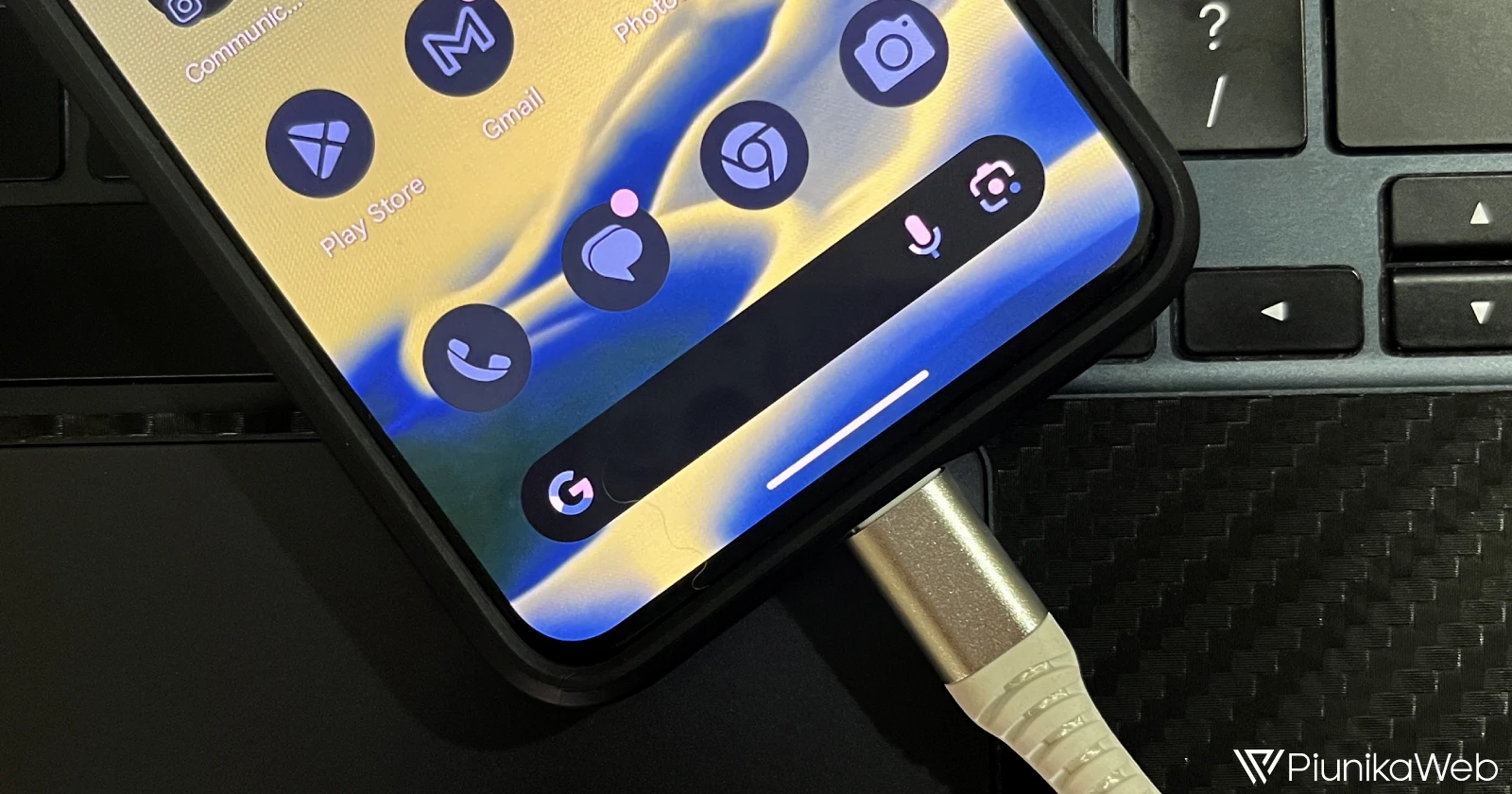
For Google Pixel fans, Now Playing has always been a quiet superstar. It lives on your lock screen, effortlessly identifying songs playing in the background. But after years of staying the same, Google is giving it a much-needed remix. Introducing “Enhance Now Playing”, an update rolling out with Android System Intelligence v13 that brings both smarts and style to the feature.
The biggest change is the addition of album artwork. Instead of the generic music note icons next to identified tracks, Now Playing will now display vibrant album covers. It’s unclear whether this visual upgrade will apply to your entire song history or just new discoveries going forward, but the promise of a more colorful playlist history already feels like a win.
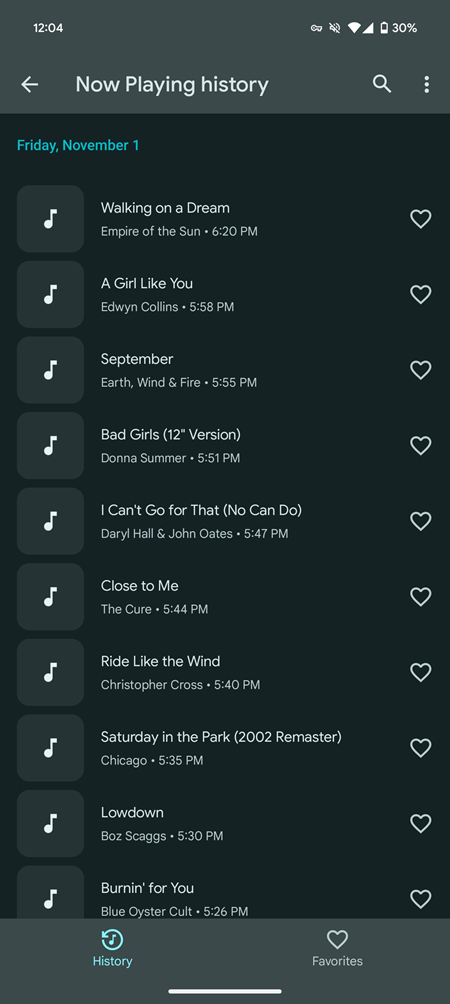
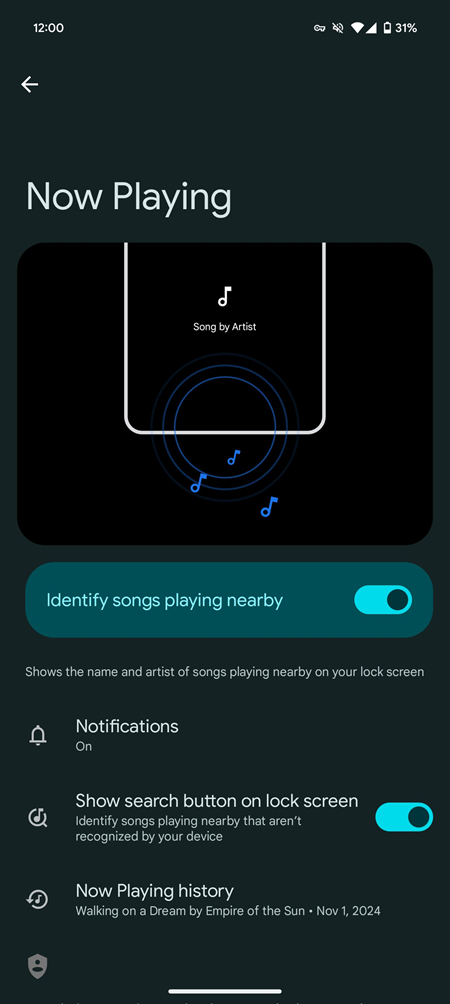
Beyond aesthetics, Google is also beefing up Now Playing’s song recognition abilities. While the feature typically relies on its offline database to identify tracks, the enhanced version will use Google Search for cloud-based identification when it hits a snag. This means tougher-to-recognize songs should now pop up with ease, thanks to the same tech powering “Hum to Search.” It’s like giving your lock screen a superpower upgrade.
Privacy remains a priority, as always. On-device recognition ensures no audio is sent to Google, and even when you toggle on the “Enhance Now Playing” feature, only a tiny digital fingerprint of the song is transmitted for cloud matching. With Android’s Private Compute Core handling everything, you won’t see any mic indicators or privacy dashboard alerts — just seamless song discovery.
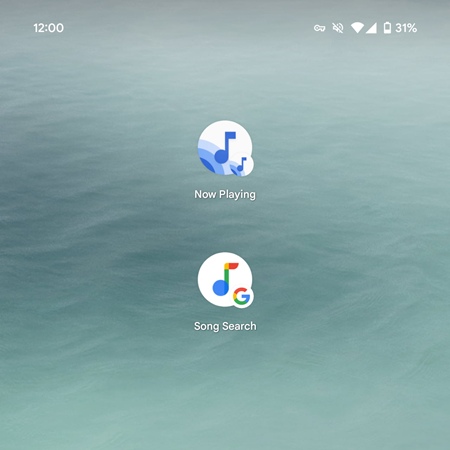
Google is also giving the feature a slight design refresh. The homescreen shortcut has been renamed from “Now Playing history” to simply “Now Playing,” and the album artwork squares now feature rounded corners for a cleaner, more polished look. Unfortunately, Material You-themed icons still aren’t part of the package, but here’s hoping that changes in the future.
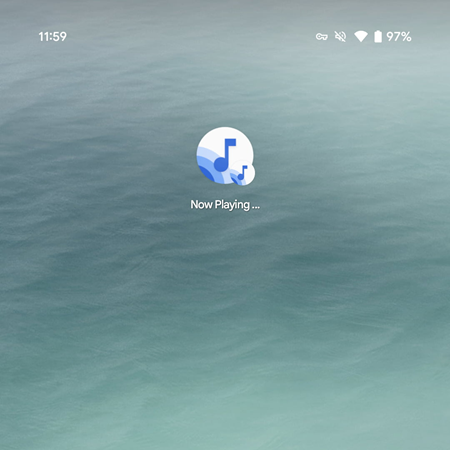
The update isn’t fully live yet, as Google needs to flip the server-side switch, but it’s clear Now Playing is entering a new era. With smarter recognition, eye-catching artwork, and privacy-first features, your lock screen is about to get a whole lot cooler.
Elsewhere in the Google Pixel world, the Pixel At a Glance widget has started showing live sports scores — perfect for keeping track of the big game without digging for your phone. On a less exciting note, the Pixel Tablet 2 has been shelved, marking the end of that particular hardware chapter. Meanwhile, Android 16 is rethinking how we share Wi-Fi with a redesigned QR code feature, and Google Pixel Weather is stepping up its game with pollen alerts, AI-powered updates, and even some subtle haptic feedback to enhance your weather-checking experience.
With so many changes in the pipeline, it’s a thrilling time to be part of the Pixel ecosystem. The question is, are you ready to hit the “Enhance Now Playing” switch, or are you sticking with the classic vibes? Either way, Google’s making sure your lock screen stays as cool as the tracks it discovers.

Hillary Keverenge
2484 Posts
Tech has been my playground for over a decade. While the Android journey began early, it truly took flight with the revolutionary Lollipop update. Since then, it's been a parade of Android devices (with a sprinkle of iOS), culminating in a mostly happy marriage with Google's smart home ecosystem. Expect insightful articles and explorations of the ever-evolving world of Android and Google products coupled with occasional rants on the Nest smart home ecosystem.
Next article View Article
