





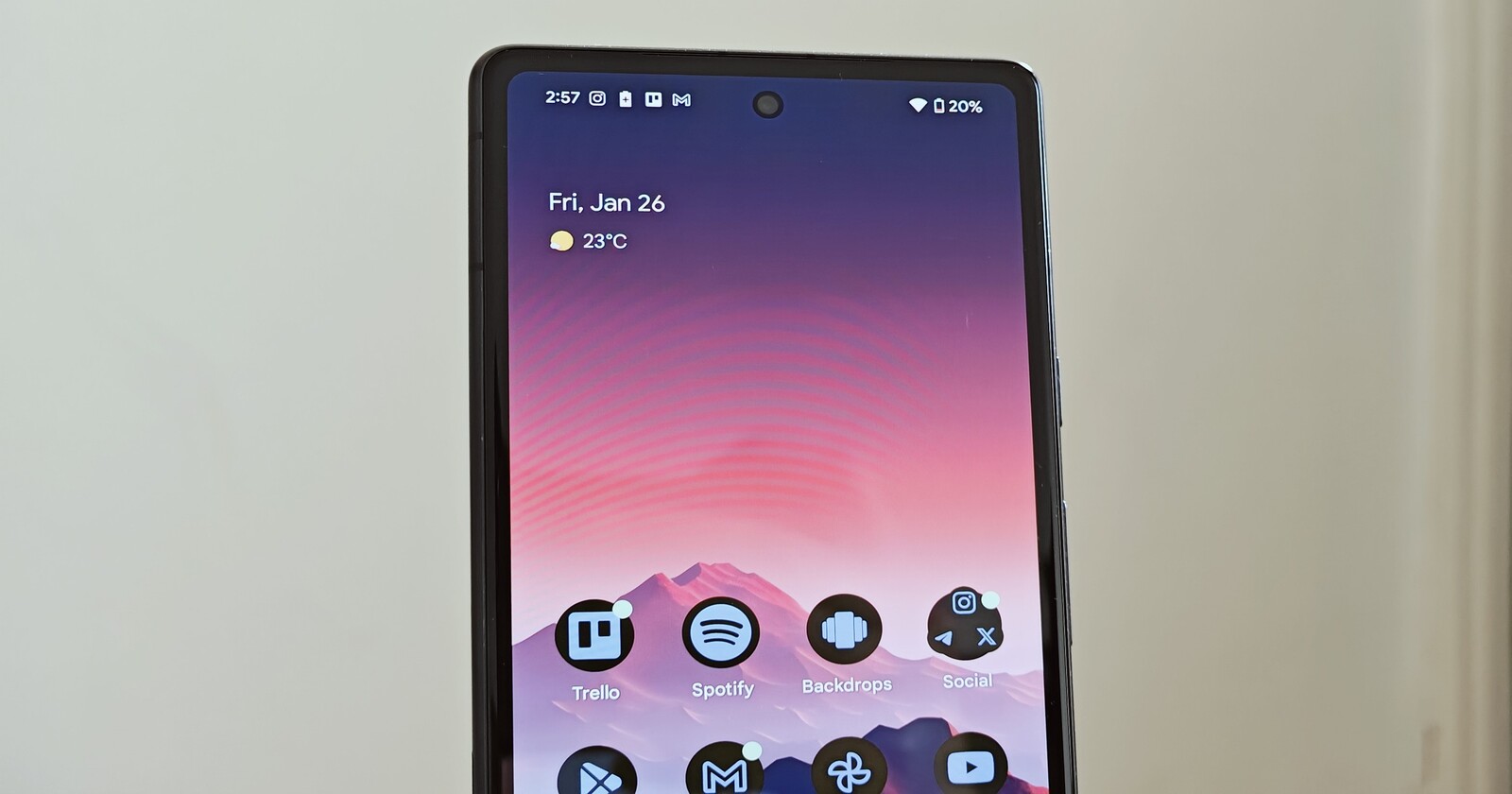
The Pixel’s At a Glance widget could soon get a sporty upgrade. According to a teardown of the latest Android System Intelligence (v13) by the folks over at 9to5Google, Google is working on adding live sports scores to the widget. This means you might be able to see game updates directly on your home or lock screen — no need to dig into apps or wait for notifications.
Strings of code unearthed during the APK teardown suggest a new toggle for showing sports updates. Check it out below:
- <string name=”echo_smartspace_pref_sports_key”>gemini_space_sports_score</string>
- <string name=”echo_smartspace_sports_toggle_subtitle”>Show sports updates from %1$s. These might affect battery life.</string>
- <string name=”echo_smartspace_sports_toggle_title”>Sports</string>
- <string name=”echo_smartspace_sports_toggle_subtitle_provider_name”>Google</string>
The updates will likely come from the Google app, which already sends sports notifications. The move could make your Pixel feel a little more personalized, especially if you’re the type who lives for game day.
Interestingly, there’s also a mention of “gemini_space_sports_score.” This might hint at Google’s Gemini AI stepping in to do more than just show scores. Imagine summaries or game highlights delivered right in the widget. While that’s not confirmed, it’s an exciting possibility.
At a Glance hasn’t seen major updates in a while, so it’s nice to see Google showing it some love. While sports scores aren’t live yet, the code hints that they’re in the works. If this rolls out, it could be a win for sports fans who rely on Pixel for everyday convenience.
One thing to note: the code mentions potential battery life impacts. If you enable this feature, it might require more frequent updates, so keep that in mind. If this update goes live, it’s a small but meaningful upgrade for Pixel users. Google’s pushing to make At a Glance more relevant.

Dwayne Cubbins
1858 Posts
My fascination with Android phones began the moment I got my hands on one. Since then, I've been on a journey to decode the ever-evolving tech landscape, fueled by a passion for both the "how" and the "why." Since 2018, I've been crafting content that empowers users and demystifies the tech world. From in-depth how-to guides that unlock your phone's potential to breaking news based on original research, I strive to make tech accessible and engaging.
Next article View Article
