





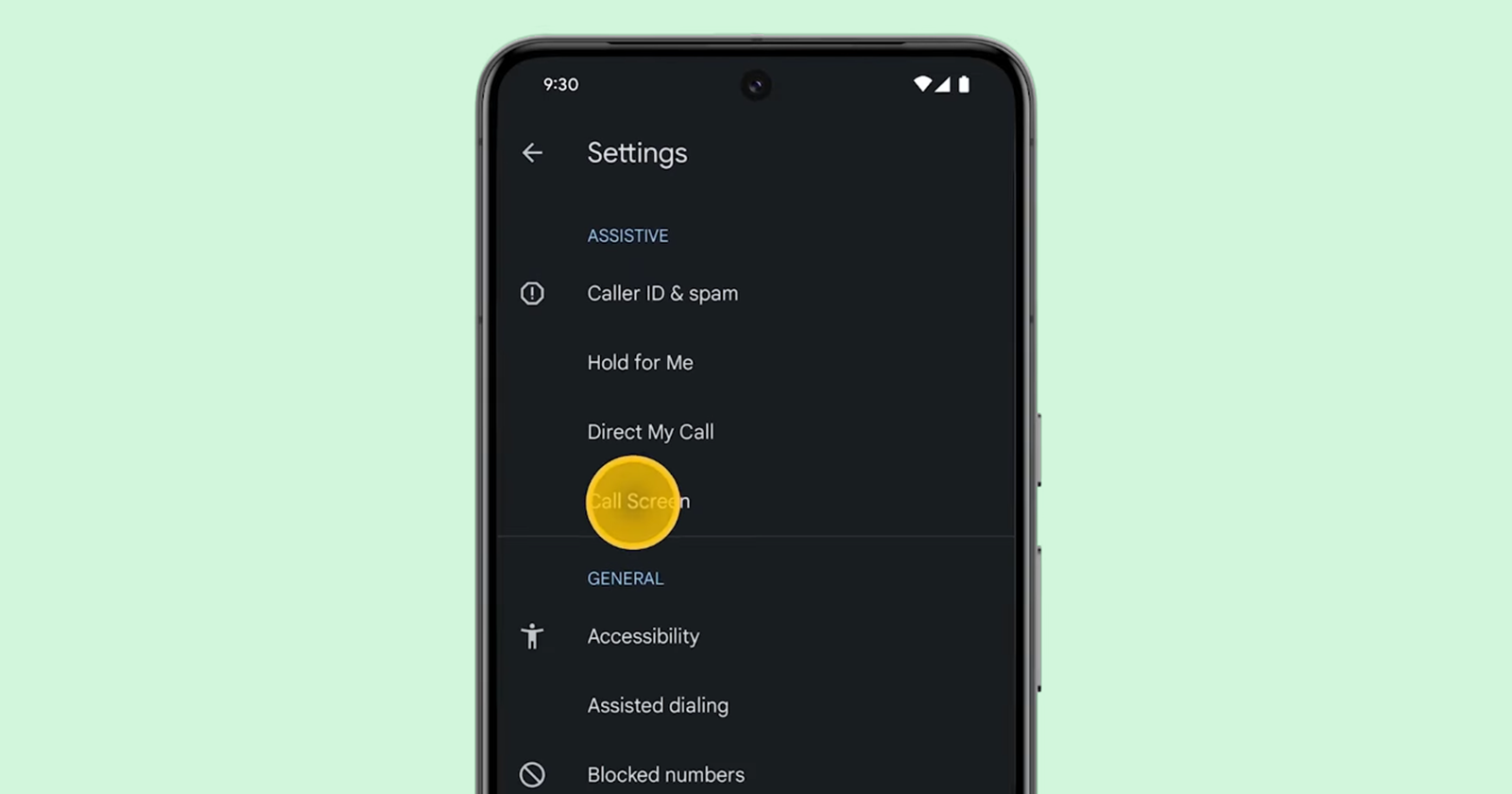
If you’re one of the lucky Pixel users in the United States, or in countries like Australia, Canada, France, Germany, Ireland, Italy, Japan, Spain, or the UK, you might already be familiar with Google’s handy Call Screen feature. For everyone else, Call Screen is that magical Pixel tool that lets you screen calls and even send smart responses — all without needing to pick up the phone. Now, Google is kicking things up a notch with a fresh feature called “AI Replies,” which promises to take your call-handling powers to a whole new level.
Currently, the Call Screen feature gives you a few go-to replies for those situations where you don’t want to talk but still want to respond. If someone calls to confirm an appointment, for example, you might get options like “Confirm” or “Cancel appointment.” There are also generic prompts, like “Hello,” “Can you say more?” “Who is this?” and “Call me back later,” that you can tap to keep things moving. No talking required, which is great for anyone who’d rather leave the chitchat to an AI.
But here’s where things get exciting. According to strings in the latest Pixel Phone beta app discovered by 9to5Google, Google is testing out a whole new layer of intelligence with “AI Replies.” This feature, part of Google’s Call Assist toolkit (previously known for gems like “Hold for Me” and “Direct My Call”), will use AI-driven language models to generate even smarter, more personalized responses. Essentially, if you receive a call, Call Assist will take what the caller says, think it over, and then whip up some highly relevant suggestions — just like having your own personal assistant do the talking.
This new feature is in beta testing in the latest version of Google’s Phone app, so it’s not available to everyone just yet. The code in the app refers to these next-gen replies as “dobby_AI” and “dobby_LLM,” a fun nod to the house-elf in Harry Potter, while some of the tech might rely on Google’s Gemini Nano model to make the responses even sharper.
Of course, with great AI power comes great responsibility — or at least, a little disclaimer. When you activate AI Replies, Google will show a friendly reminder that these responses are AI-generated and might not be 100% accurate. But if you’re ready to give it a go, you’ll have to switch on the new “AI Replies” toggle and consent to let the AI do the talking.
If Google rolls this out broadly, AI Replies could mean big things for handling calls. We could be looking at more sophisticated, human-like responses, and, who knows, perhaps Google will keep adding to this AI toolbox to make answering calls feel less like a chore and more like a smart, hands-free experience.

Hillary Keverenge
2484 Posts
Tech has been my playground for over a decade. While the Android journey began early, it truly took flight with the revolutionary Lollipop update. Since then, it's been a parade of Android devices (with a sprinkle of iOS), culminating in a mostly happy marriage with Google's smart home ecosystem. Expect insightful articles and explorations of the ever-evolving world of Android and Google products coupled with occasional rants on the Nest smart home ecosystem.
Next article View Article
