





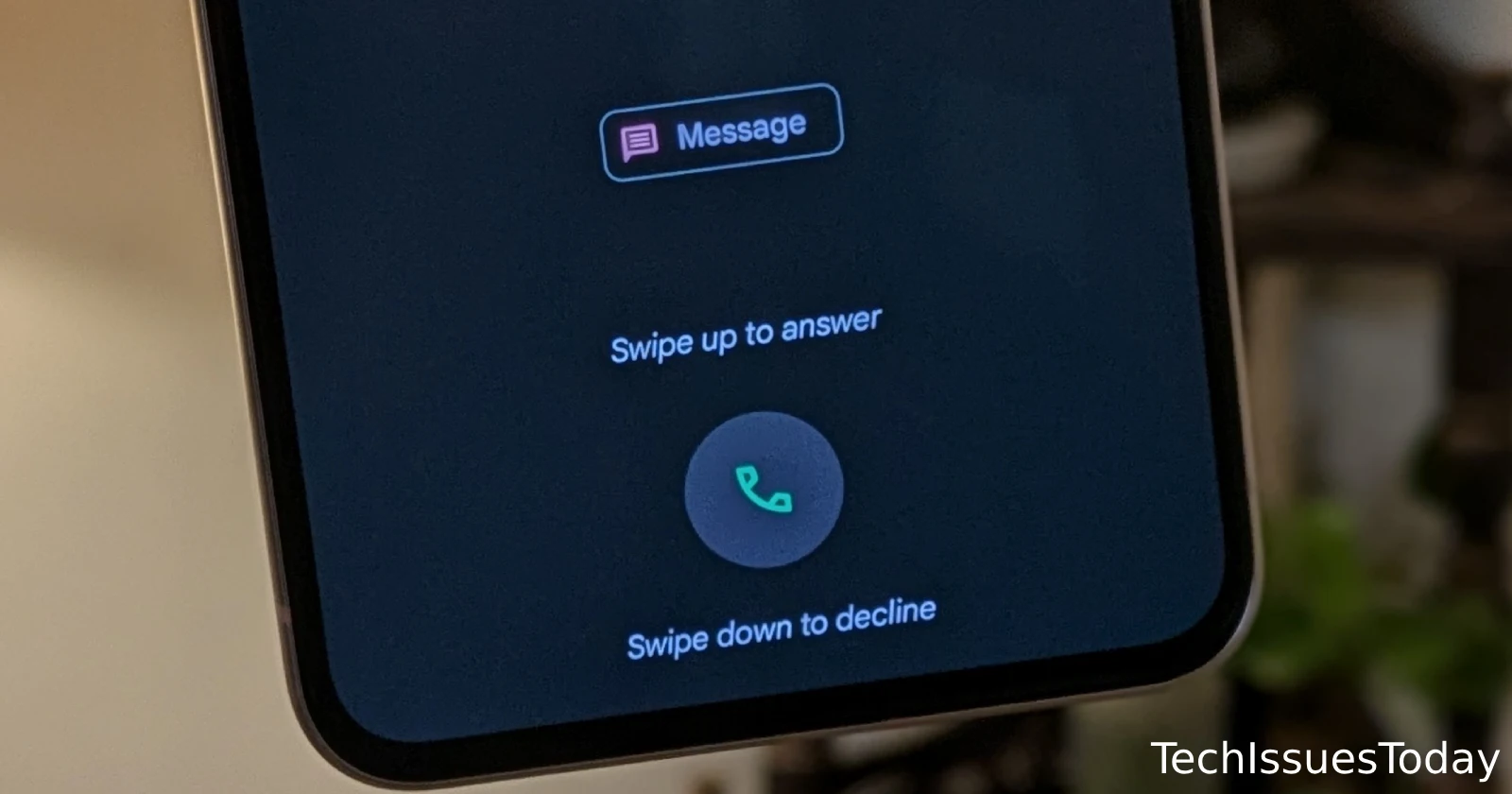
If you’re a Pixel user, you might soon notice a small but notable change in how incoming calls are displayed. Google is currently testing a tweak to the Google Phone app’s call screen, shifting away from the traditional swipe gestures to more straightforward buttons for answering or rejecting calls.
The new UI was first highlighted on Reddit with a follow-up APK teardown by Android Authority, who also confirmed the redesign. The current Google Phone interface, which features a draggable phone icon for call management, may soon be replaced with dedicated “Accept” and “Decline” buttons. The new layout positions a green “Answer” button on the right and a red “Decline” button on the left, making it similar to the call UI on iPhones and many other Android devices like Samsung.
This redesign is part of an update to Google Phone version 145.0.672690850. However, it seems to be in limited testing, with only a few users reportedly seeing the change after updating the app. The update aims to simplify how you handle incoming calls, potentially making it easier and quicker to respond without the hassle of dragging a button.
For now, this appears to be a server-side test, meaning not everyone with the latest version of the app will see the new layout. Google hasn’t officially confirmed if this will be a permanent change, but if the test receives positive feedback, we could see a broader rollout in the near future.
If you’re one of the lucky few to spot this new incoming call UI, let us know what you think. Does the button-based design make answering and rejecting calls easier for you?


Dwayne Cubbins
2728 Posts
I cover fast-moving stories across apps, online platforms, and everyday tech — phones, wearables, consoles, and whatever else people are fighting with this week. Bugs, rollouts, scams, policy enforcement, and the occasional internet-culture rabbit hole are all fair game. My goal is simple — make confusing tech news readable. When I'm not working, I'm working out or chilling with my dog. Got a tip? You can find me on X @dcubbins.
Next article View Article
