





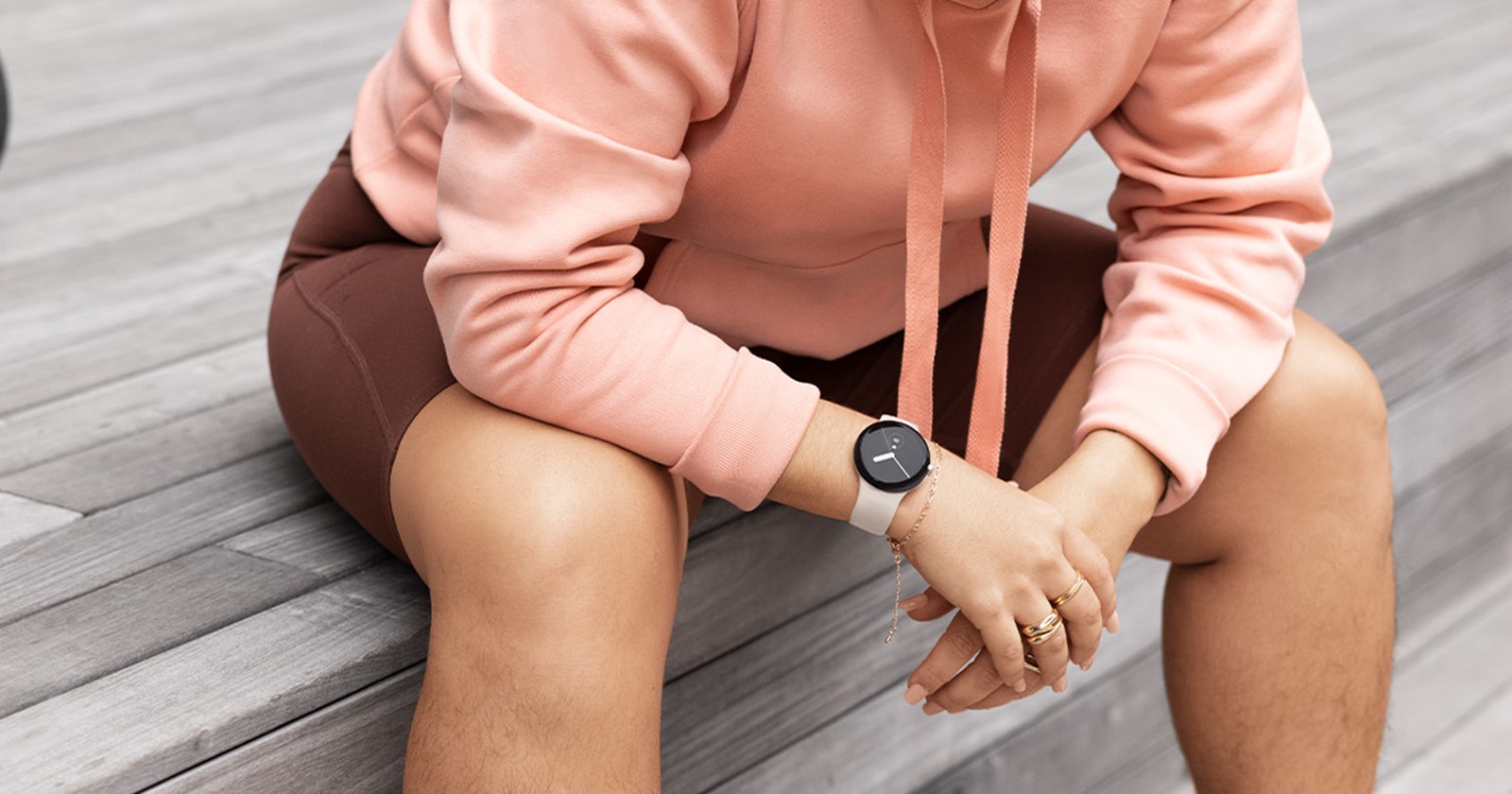
Google Home is making it easier than ever to control your smart home directly from your Pixel Watch or Pixel Watch 2. The latest update brings a new Favorites Tile and device complications to streamline your smart home management right from your wrist.
Fire up Google Home on your Pixel Watch (you might need a quick restart to get going), and you’ll be greeted with a splash screen showcasing the fresh features. First up, the new Favorites Tile displays icons for your top five favorite smart home devices, making it a breeze to access them with a tap. Think of it like your contacts list, but for your lights, thermostat, and more. While it’s not an instant on/off switch like the widget, tapping “Open” at the bottom of the Tile will take you to a complete device list.
But that’s not all. In addition to the Favorites Tile, Google Home for Wear OS now offers a new type of complication. Previously, there was just one complication that opened the app. Now, by selecting “Device Shortcut” in the picker, you can choose specific devices. The icon next to the device name will appear on your watch face, giving you quick access to that device. Tapping it opens the app and takes you straight to the control card for that device, where you can tap, swipe, or long-press to interact with it.
Last month, Google announced that Home for Wear OS would allow for deeper control over your smart home devices. This means you can do more than just turn devices on and off. Essentially, your Pixel Watch can adjust fan rotation, speed, and humidifier settings, switch between home and away modes, select inputs for devices like smart TVs, control docks for smart vacuums, change modes on appliances like washing machines or dishwashers, and more.
You’ll need to update Google Home on your Pixel Watch to v2.73.57.4 to experience these exciting new features. This update is also rolling out to other Wear OS smartwatches.

Hillary Keverenge
2486 Posts
Tech has been my playground for over a decade. While the Android journey began early, it truly took flight with the revolutionary Lollipop update. Since then, it's been a parade of Android devices (with a sprinkle of iOS), culminating in a mostly happy marriage with Google's smart home ecosystem. Expect insightful articles and explorations of the ever-evolving world of Android and Google products coupled with occasional rants on the Nest smart home ecosystem.
Next article View Article
