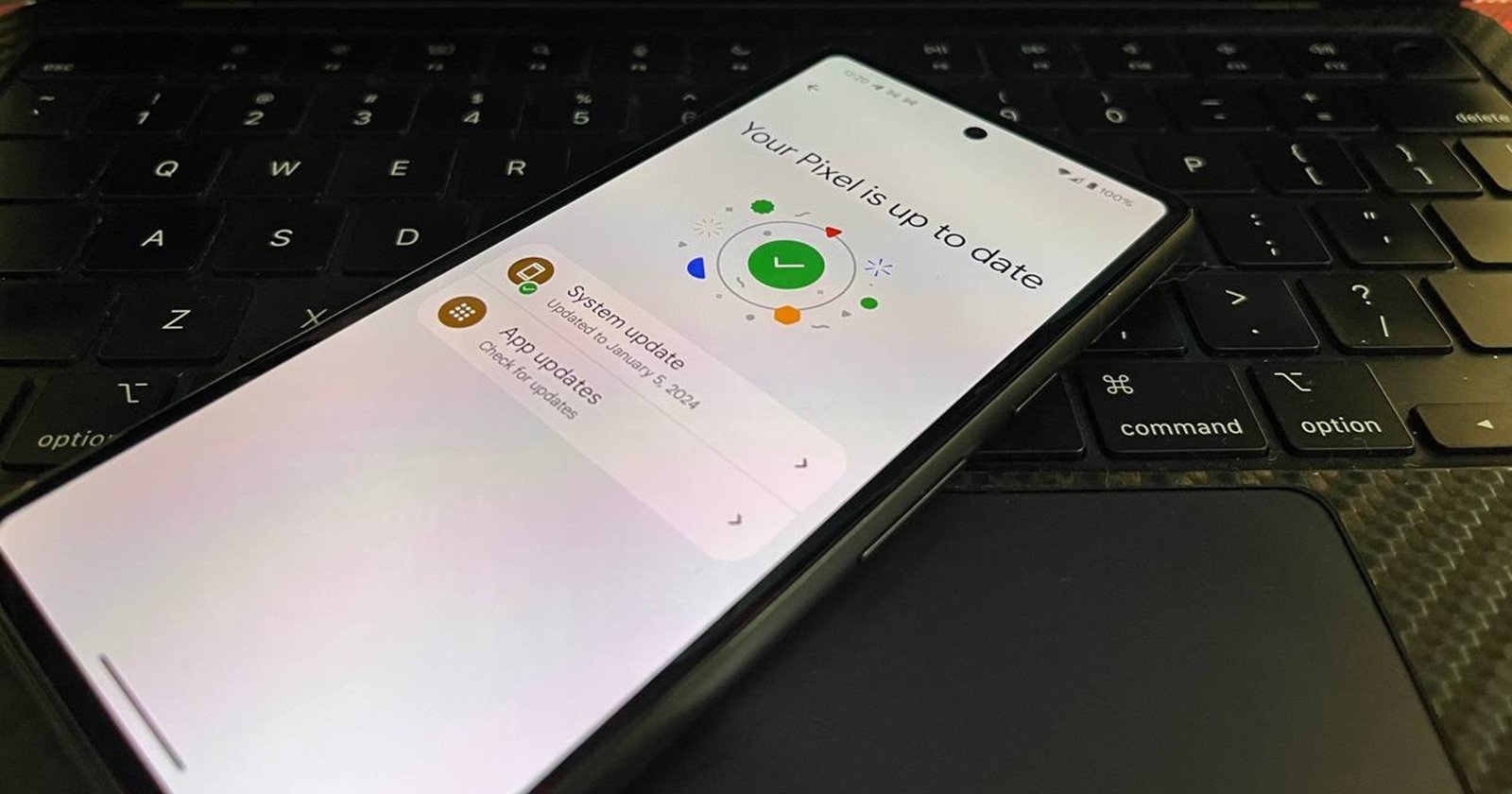
Google is rolling out a new update to its core Google Play services app that is arriving as version 24.11 to Pixel phones and other compatible Android devices. This substantial update brings a range of enhancements focused on streamlined device connectivity, expanded Google Wallet support, and overall system improvements for a better user experience.
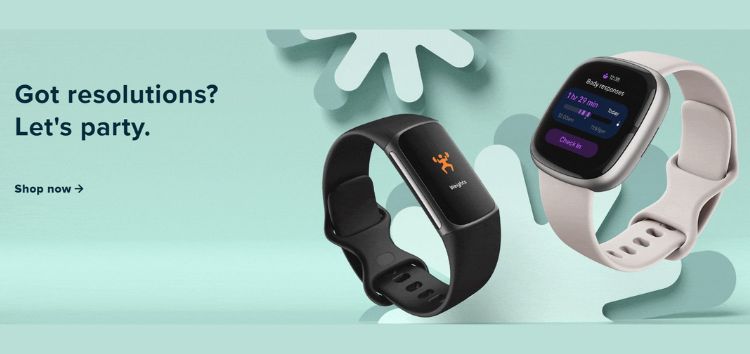
If you own any of the latest Pixel Watch or other Wear OS wearables, this update has a welcome treat in store. Google Play services now makes it incredibly easy to pair your wearable devices when you switch to a new phone. This eliminates the frustration of the setup process, letting you quickly connect your accessories and get back to enjoying a seamless experience between devices.
Google Wallet is also continuing its expansion drive, with the latest Play services update adding support for users in Guernsey, Morocco, Bermuda, and Bahrain. Both phone and Wear OS users in these regions can now enjoy the convenience and security of Google’s digital wallet service after installing the new Play services update.
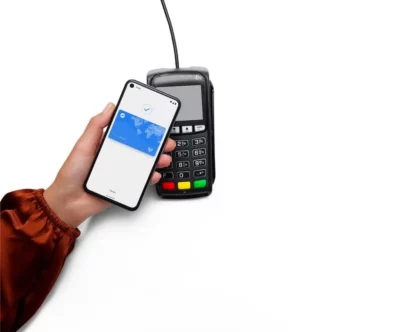
Additionally, Google Wallet is getting even more accessible. Pixel users and those with compatible Android phones can now add a shortcut to directly access their payment methods simply by long-pressing the Wallet app icon on their home screens.
This Google Play services update not only brings user-facing improvements, but also important refinements to how your devices function. There are new updates to system management services aimed to boost overall device performance across a wide spectrum of devices.
This translates into smoother operation on your phone, as well as enhanced experiences on Android Auto, Android TV, and Wear OS devices. The Play Games Services component is also getting a makeover, with a refreshed user interface for logging in and creating profiles. These improvements should bring a more optimized experience as you interact with Google’s gaming ecosystem on your devices.
While not all the changes in Google Play services v24.11 are immediately obvious, they collectively contribute to a more refined and capable Android experience. That said, be sure to keep your Google Play services updated to ensure you’re benefiting from the latest enhancements. Also, be on the lookout for the new features enabled by these improvements rolling out gradually on your Pixel for a smoother experience.


Hillary Keverenge
2723 Posts
Tech has been my playground for over a decade. While the Android journey began early, it truly took flight with the revolutionary Lollipop update. Since then, it's been a parade of Android devices (with a sprinkle of iOS), culminating in a mostly happy marriage with Google's smart home ecosystem. Expect insightful articles and explorations of the ever-evolving world of Android and Google products coupled with occasional rants on the Nest smart home ecosystem.
Next article View Article