





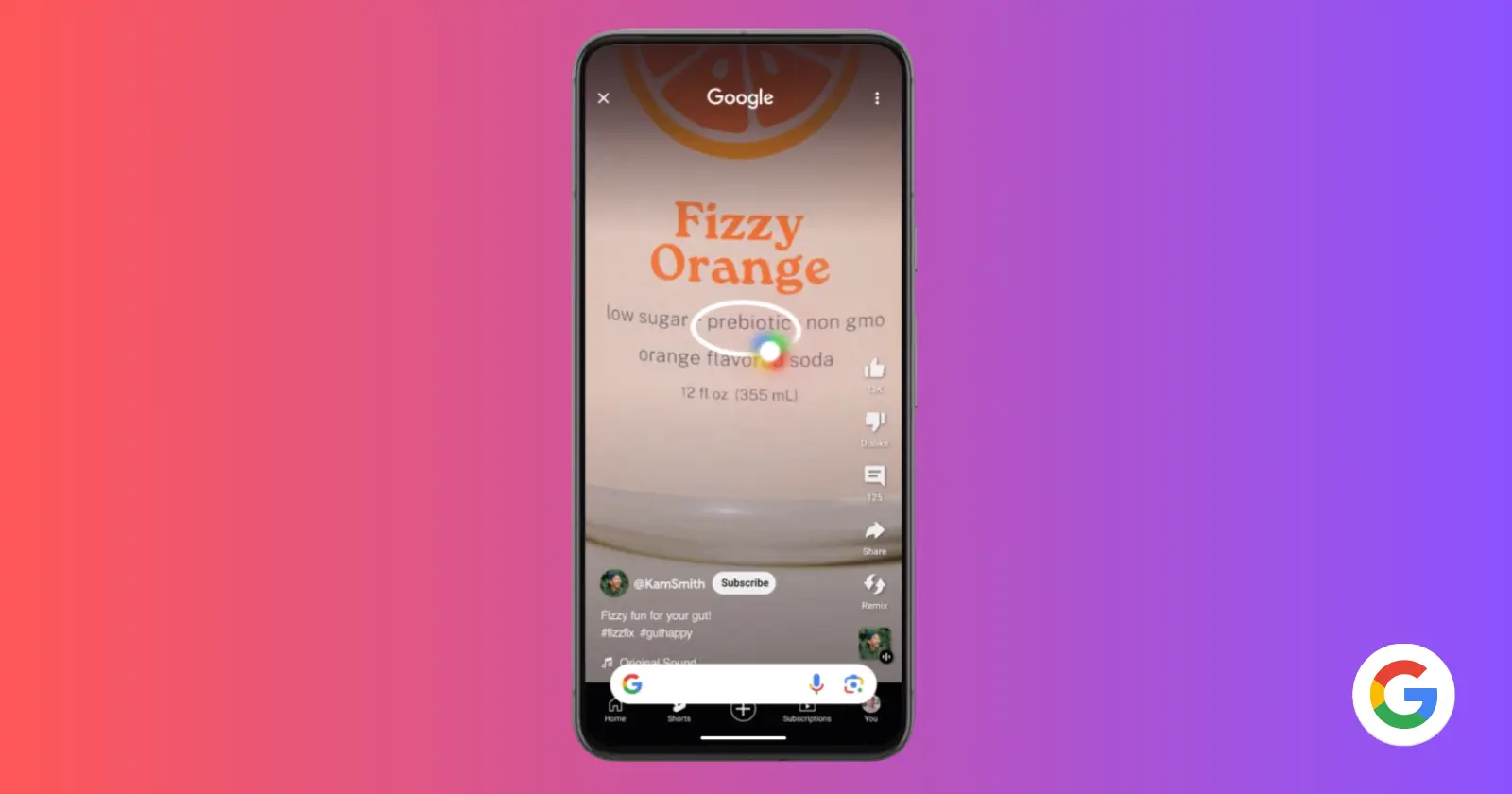
Google’s powerful Circle to Search feature, initially launched on the Pixel 8 series, is now making its way to the popular Pixel 7 and Pixel 7 Pro. This exciting update empowers you to find information faster and more seamlessly than ever before.
Imagine you’re scrolling through Instagram and see a stunning photo of a travel destination. With Circle to Search, you can simply circle that image and get instant search results about the location, all without leaving the Instagram app. Or maybe you’re in a text conversation and a friend recommends a book – highlight the title and get summaries and reviews right there in your messages.
Circle to Search integrates Google’s powerful search capability directly into your apps. It works with images, text, and even videos! In case you aren’t familiar with the steps to use it, you can check out our detailed guide on how to use Circle to Search.
Not sure how to take advantage of the new AI-powered feature? Well, here are just a few ways you can make use of it:
- Find restaurant details: See a delicious-looking dish on social media? Circle the image to get restaurant information, menus, and reviews.
- Translate instantly: Circle a word or phrase in a foreign language within any app to get a quick translation.
- Identify landmarks: Circle a photo of a building or monument to learn about its history and significance.
- Shop smarter: Circle a product from a screenshot or photo to find prices, deals, and similar items.
Of course, these suggestions are just the tip of the iceberg. Circle to Search takes the effort out of searching. It eliminates the need to switch apps, copy and paste, or launch separate searches. Information is delivered to you fluidly and intuitively, enhancing your experience within the apps you’re already using.
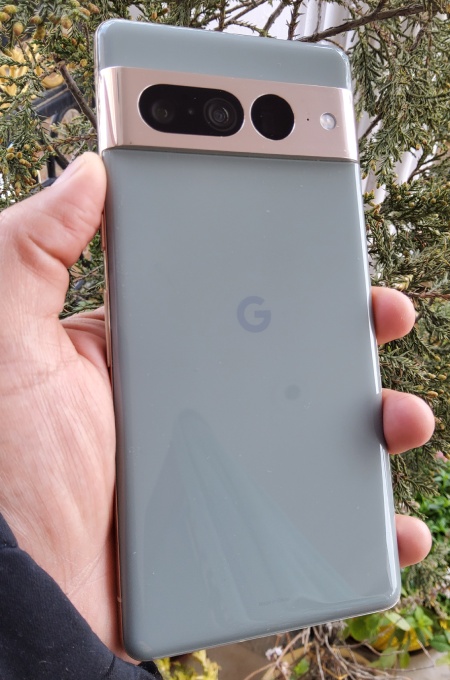
Circle to Search is rolling out now to Pixel 7 and Pixel 7 Pro devices as part of Google’s March Feature Drop. If you haven’t gotten the feature yet, don’t fret. Here’s what Google says:
Over the following weeks, we’ll continue to expand access until everyone can take advantage of the new search experience. If you don’t see the feature become available on your Pixel 7 & Pixel 7 Pro right away, don’t worry. It’ll be available soon.
If you own a Pixel 7a like me, there’s disappointing news. Even though the devices share the Tensor G2, Google chose to leave out the mid-ranger from the Circle to Search fun.


Dwayne Cubbins
3123 Posts
I cover fast-moving stories across apps, online platforms, and everyday tech — phones, wearables, consoles, and whatever else people are fighting with this week. Bugs, rollouts, scams, policy enforcement, and the occasional internet-culture rabbit hole are all fair game. My goal is simple — make confusing tech news readable. When I'm not working, I'm working out or chilling with my dog. Got a tip? You can find me on X @dcubbins.
Next article View Article
