





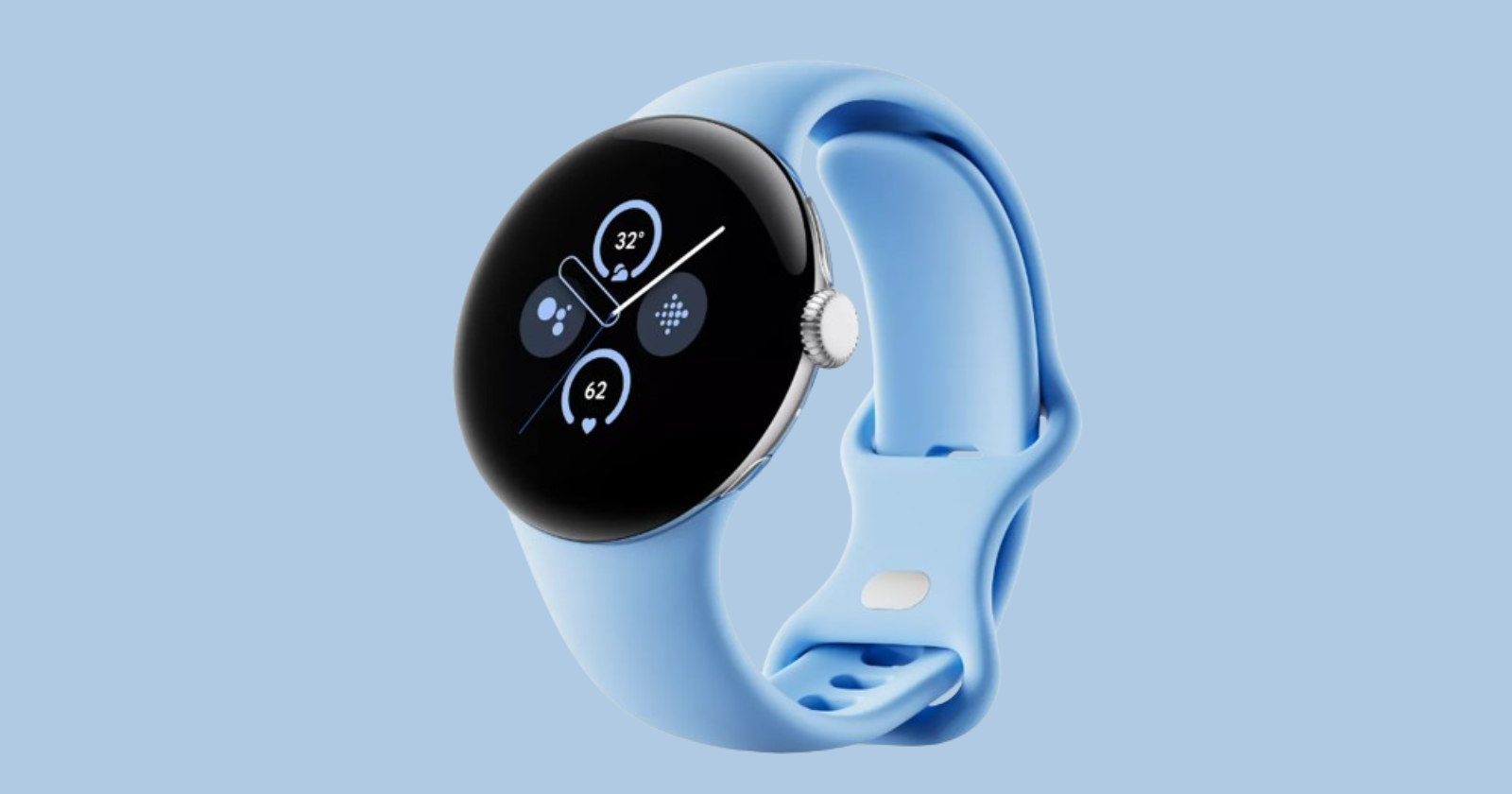
Your Pixel Watch 2 is about to get even more convenient. A cool new feature will allow the smartwatch to tell you the time through a series of subtle vibrations, offering a discreet and accessible way to check the time.
This new capability is likely made possible by the Pixel Watch 2’s improved haptics. By tapping the watch face with two fingers, you’ll receive the current time in a unique format:
Digits: A long vibration signifies ‘ten’ and short vibrations represent ‘ones’ for a precise time readout.
Terse: For a more approximate sense of time, the watch will vibrate once for each quarter-hour.
That’s not all! You’ll also be able to personalize the ‘Vibration Speed’ setting to your preference.
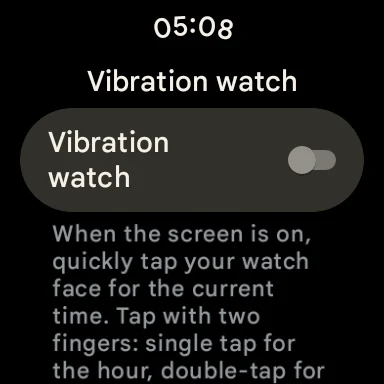
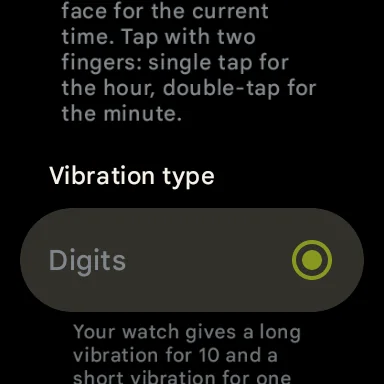
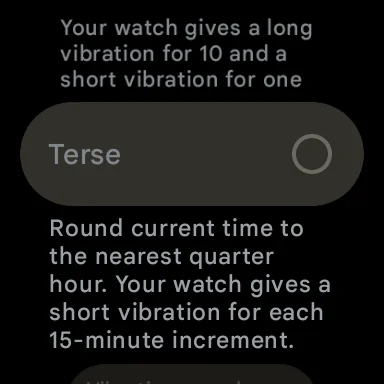
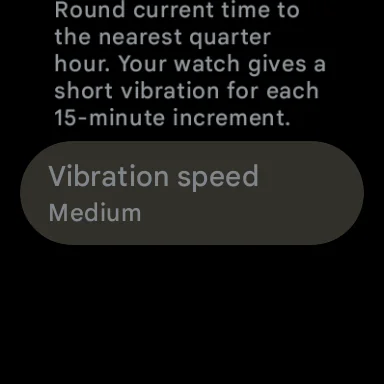
Spotted by a few users on Reddit, the ‘Vibration Watch’ option seems to be a part of a limited test rollout. It could become widely available in the upcoming Pixel Feature Drop, potentially as soon as next month. It’s worth noting that the OP as well as others in the comments of the Reddit post claim the feature does not work as of yet.

This clever feature adds flexibility to how you use your Pixel Watch, and thoughtfully expands accessibility for blind or low-vision users. Google’s innovation echoes a similar ‘Taptic Time’ function found on the Apple Watch.
We’ll keep track of the availability of the new Pixel Watch 2 feature that tells you the time with vibrations and post an update once it goes live to a wider audience.


Dwayne Cubbins
3040 Posts
I cover fast-moving stories across apps, online platforms, and everyday tech — phones, wearables, consoles, and whatever else people are fighting with this week. Bugs, rollouts, scams, policy enforcement, and the occasional internet-culture rabbit hole are all fair game. My goal is simple — make confusing tech news readable. When I'm not working, I'm working out or chilling with my dog. Got a tip? You can find me on X @dcubbins.
Next article View Article
