





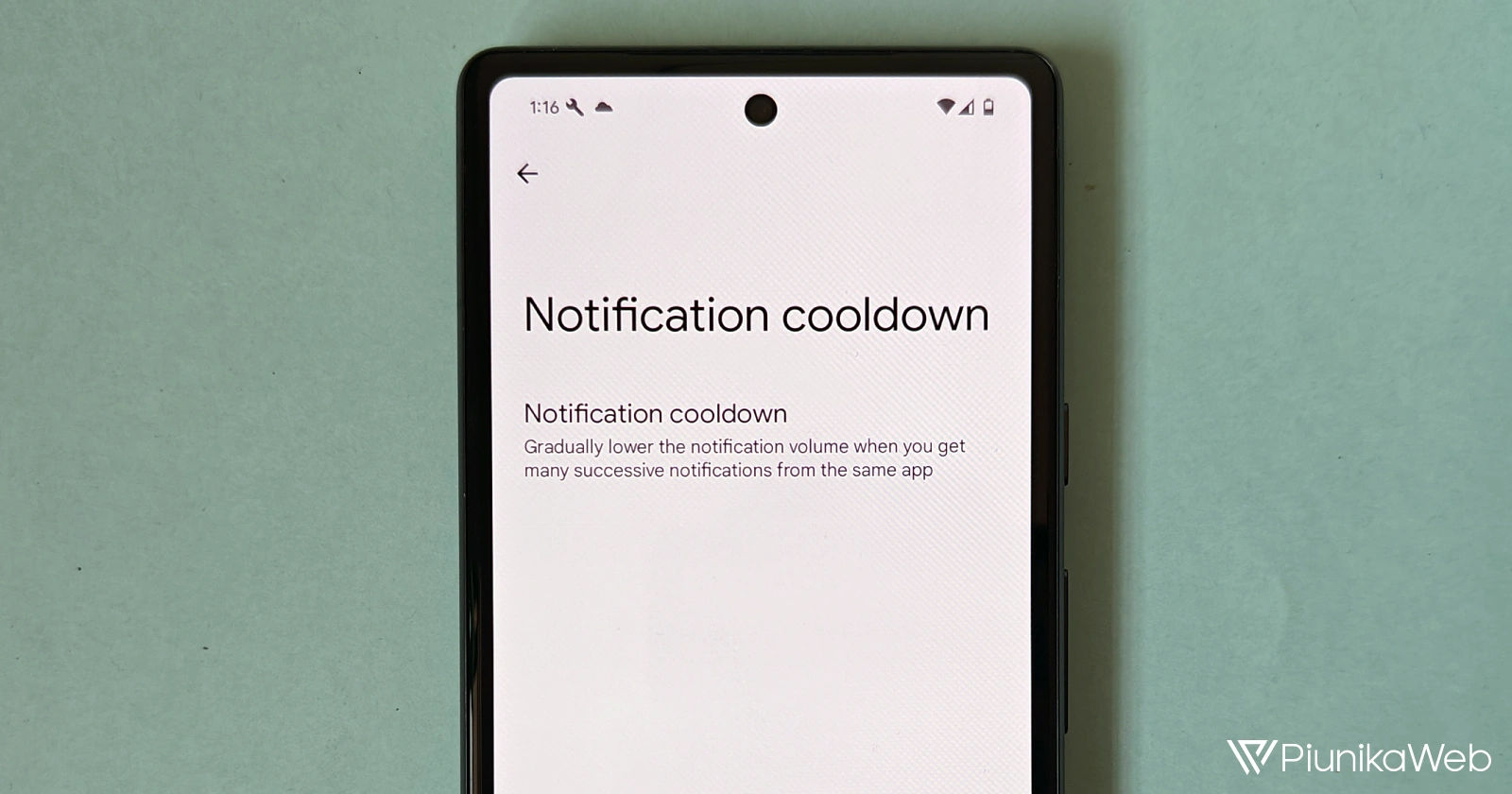
Android’s latest update, Android 15 Developer Preview 1, introduces a much-needed feature called ‘Notification cooldown’. It intelligently addresses the annoyance of persistent buzzing and dinging when apps, or overexcited friends, bombard you with a rapid stream of notifications.
We all have at least one of those contacts or a particularly lively group chat that loves to send out messages in rapid succession. In fact, I might be guilty of being “that friend” on more than one occasion. Nonetheless, while you may miss those conversations at a later time, the immediate result is your phone turning into a distracting symphony of alerts.
Rather than resorting to silencing your phone or desperately muting entire conversations, Android 15 has a better way. ‘Notification cooldown’ automatically decreases the volume and intensity of repeated notifications from the same app. We spotted this new feature in development with the Android 14 QPR2 beta 2 update. But now, Notification cooldown is ready and working with the new Android 15 Developer Preview 1 update.
You can enable or customize this feature by taking these steps:
- Open your Settings app.
- Search for “Notification cooldown” or go to Settings > Notifications > Notification cooldown.
- Choose to apply the cooldown effect to all notifications or just those from active conversations.
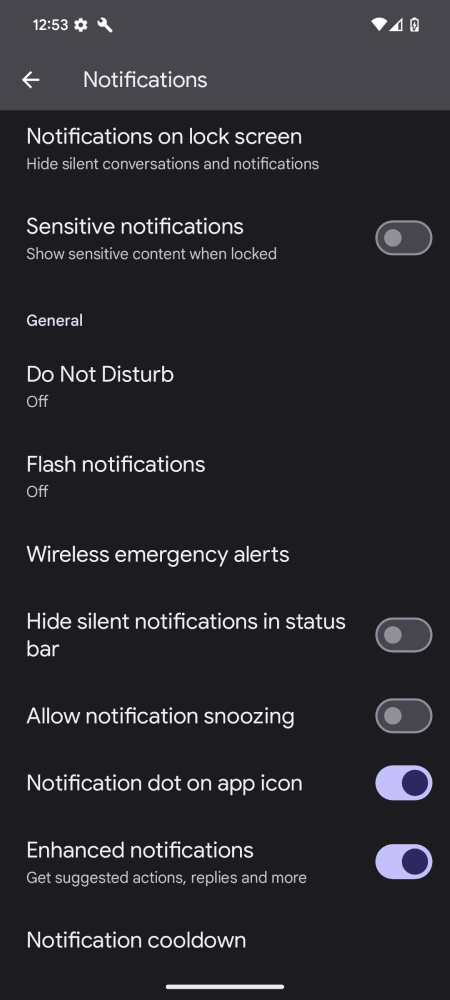
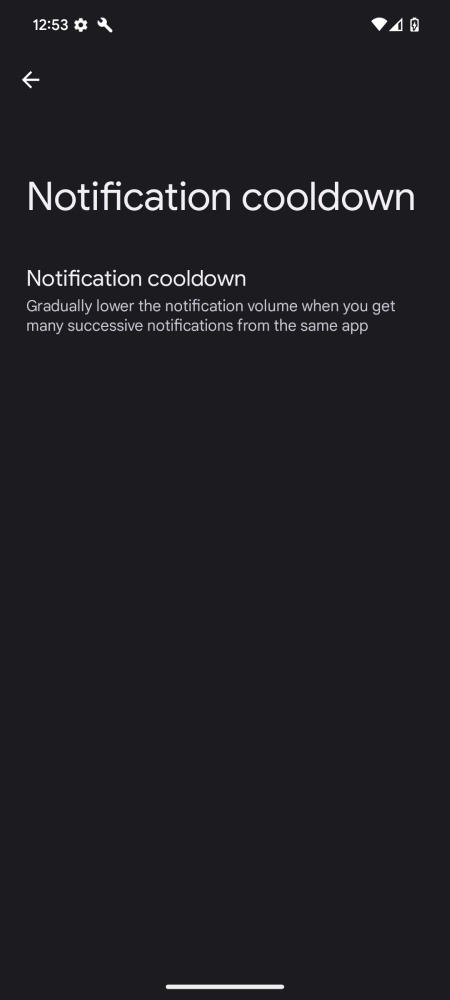
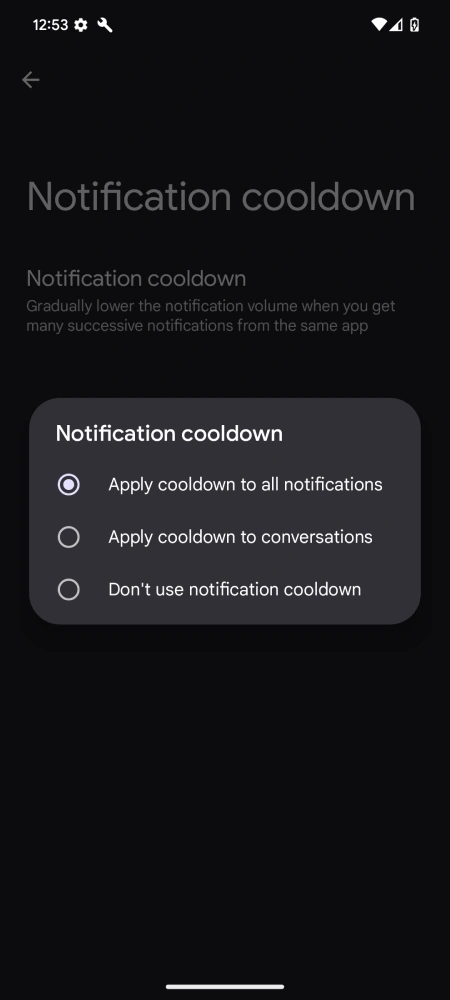
By default, ‘Notification cooldown’ is enabled on devices running the Android 15 Developer Preview. Here’s how it works in action:
Initial notification: The first notification from an app will arrive at full volume.
Subsequent notifications: Following notifications from the same app will be progressively quieter. This helps subtly signal that the new messages are part of an ongoing conversation and not brand new alerts.
Cooldown reset: If there’s a significant pause in notifications from the app, the volume will reset.
If you value minimizing digital distractions, ‘Notification cooldown’ is a lifesaver. However, if you need every notification to arrive at full blast due to work or emergency purposes, you have the option to disable the feature altogether.
This update demonstrates that Google is taking notification overload seriously. The ‘Notification cooldown’ feature shows an increasing dedication to improving the user experience, offering greater control in balancing your digital attention with an onslaught of constant alerts.


Dwayne Cubbins
3101 Posts
I cover fast-moving stories across apps, online platforms, and everyday tech — phones, wearables, consoles, and whatever else people are fighting with this week. Bugs, rollouts, scams, policy enforcement, and the occasional internet-culture rabbit hole are all fair game. My goal is simple — make confusing tech news readable. When I'm not working, I'm working out or chilling with my dog. Got a tip? You can find me on X @dcubbins.
Next article View Article
