





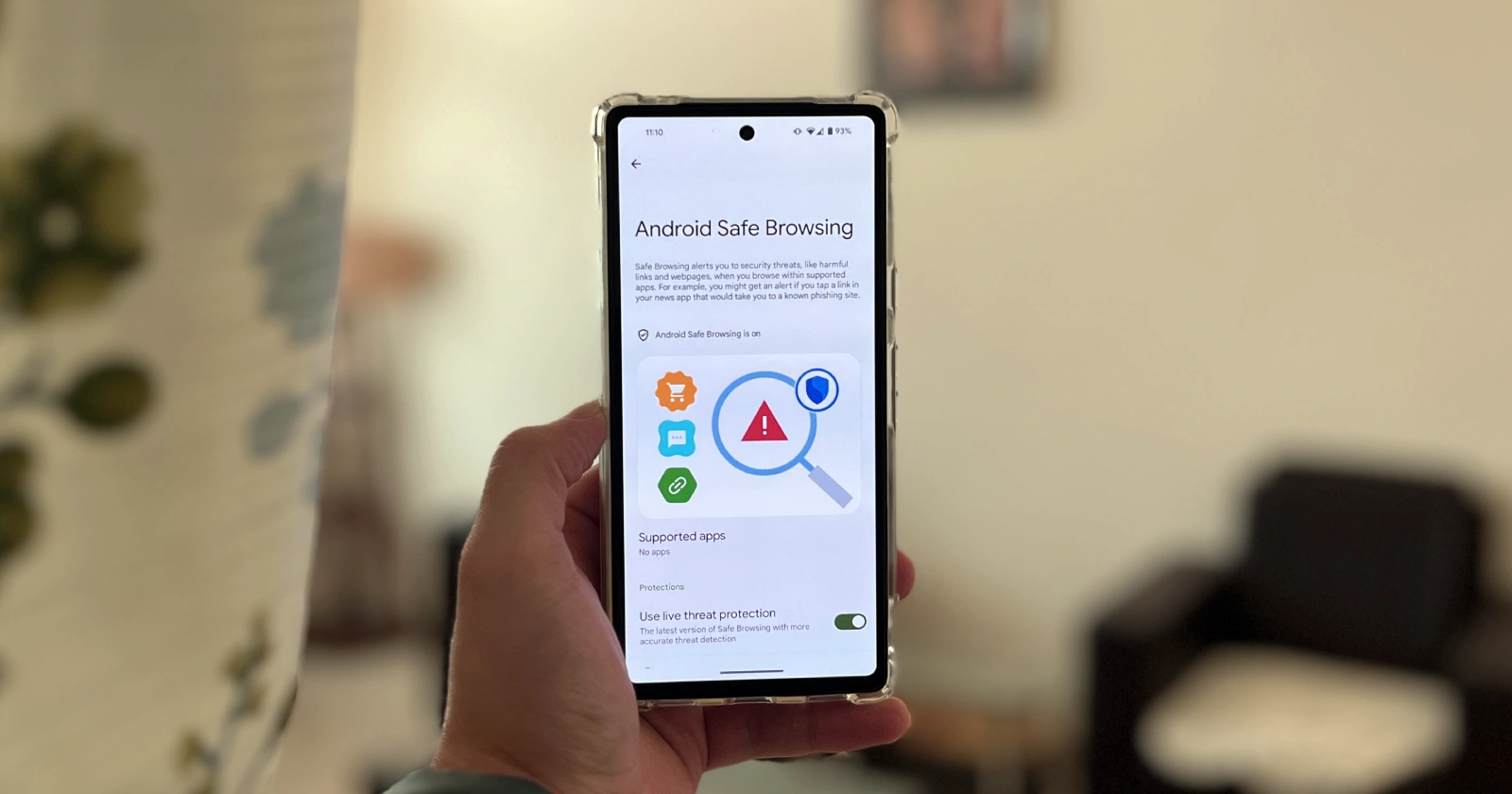
Google is prioritizing the security of Android users by rolling out a new feature called “Android Safe Browsing.” This feature is designed to protect Pixel devices (and select others) from potentially harmful websites, phishing attempts, and malware during your everyday browsing.
How it works
Android Safe Browsing leverages Google’s extensive database of security threats and the SafetyNet Safe Browsing API. This integration lets your device quickly determine if a website you’re about to visit is known to be dangerous. If a threat is detected, you’ll receive a clear warning notification before the website loads. The information along with the screenshots you see in the article below were shared on a Telegram group labeled – ‘Google News | En’.
To manage Android Safe Browsing, check your Google Pixel or Samsung Galaxy phone’s security and privacy settings. On a Pixel, you can go to Settings > Security & privacy > More security & privacy. You should find Android Safe Browsing listed under the Security section.
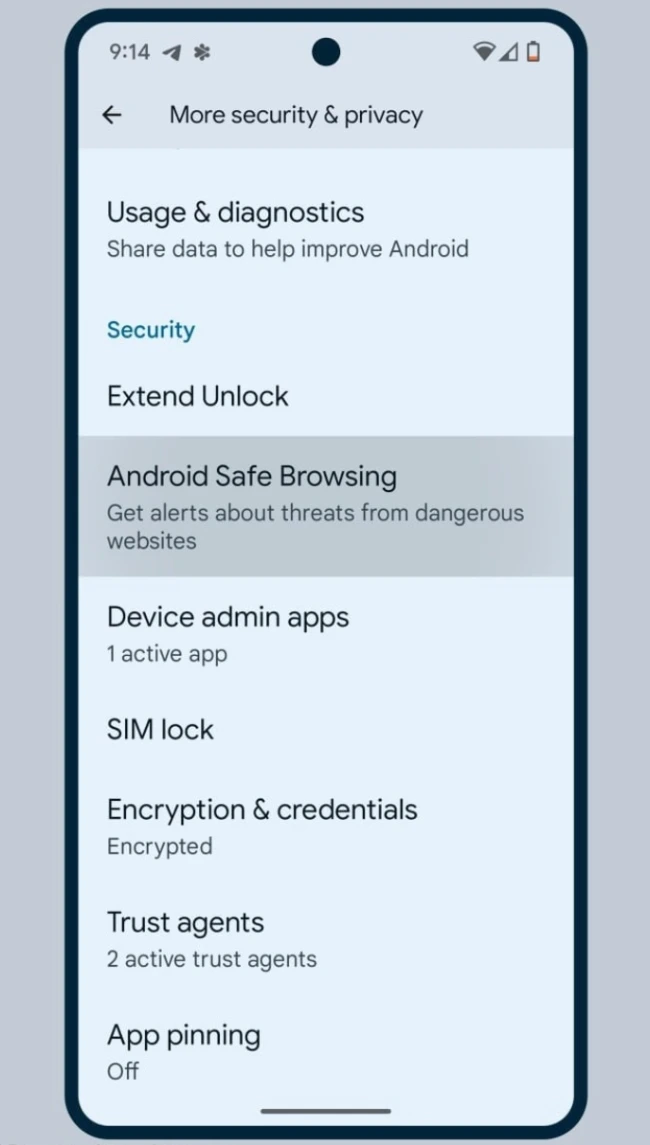
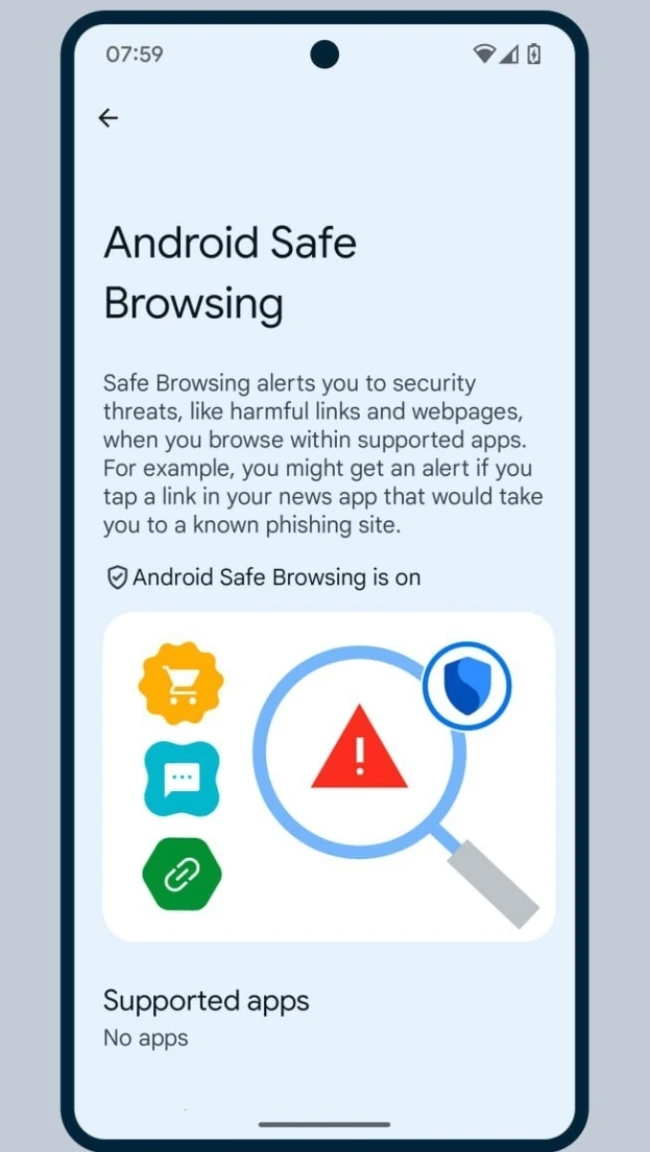
This feature works seamlessly with Google Play Protect, which needs to be enabled. Android Safe Browsing likely works best with apps that also use the SafetyNet Safe Browsing API, as indicated by a ‘Supported apps’ page.
We’re yet to see the feature arrive on our Pixle 7a, Pixel 8, and Pixel 8 Pro units here in India. That said, the new security feature is a welcome addition but not the only way Google is beefing up security. Google Play Protect now automatically scans apps downloaded from sources outside the official Play Store. If malware is detected, the installation will be blocked, and the app removed for your protection.
What you should know
While these advances from Google are beneficial, always stay vigilant online. Here are some tips:
- Be cautious of links: Think twice before clicking links in emails, texts, or on unfamiliar websites.
- Stick to trusted app sources: If possible, download apps primarily from the Google Play Store. In case that’s not an option, my personal go-to site for APKs is APKMirror.
- Keep your device updated: Install the latest Android security updates as they become available.
Google’s focus on stronger Android security is good news for those who rely on their smartphones or tablets daily. With Android Safe Browsing and other proactive measures, you should be able to have a safer and more worry-free experience online.


Dwayne Cubbins
2751 Posts
I cover fast-moving stories across apps, online platforms, and everyday tech — phones, wearables, consoles, and whatever else people are fighting with this week. Bugs, rollouts, scams, policy enforcement, and the occasional internet-culture rabbit hole are all fair game. My goal is simple — make confusing tech news readable. When I'm not working, I'm working out or chilling with my dog. Got a tip? You can find me on X @dcubbins.
Next article View Article
