






View post on imgur.comImagine instantly getting information about anything that catches your eye, without leaving the app you’re using. That’s the magic of Circle to Search, a new feature rolling out on Pixel 8, Pixel 8 Pro, and the Samsung Galaxy S24 series. Google envisions it as a handy tool for curious minds and multitaskers, and here are 5 ways they see people using it:
Seamlessly shop items you see in any app
Spotted a stunning outfit online or a must-have kitchen gadget in a video? Long press the home button, circle the item, and voila! Circle to Search finds and compares similar options from retailers across the web. Shopping inspiration just got a whole lot easier and faster.
Look up words on the fly
Ever come across a confusing term in a video or article? No need to pause and switch apps. Just highlight the word with Circle to Search, and instantly get its definition or even compare it with similar terms. Learning and clarifying doubts become seamless experiences.
Discover travel gems
Browsing social media and stumble upon a breathtaking cityscape? Scribble over the building and Circle to Search reveals its identity, perhaps sparking your next travel adventure. Planning trips just got more intuitive and visually engaging.
Compare options without juggling apps
Group chat buzzing with restaurant recommendations? No more switching between messages and review apps. Highlight a restaurant name, and Circle to Search displays its menu, photos, reviews, and location – all within your chat window. Decision-making with friends becomes effortless.
Ask intriguing questions and get AI-powered answers
Intrigued by the latest food trend sweeping social media? Circle to Search goes beyond basic info. Ask “Why are these popular?” and get AI-powered overviews that combine insights from various sources, painting a comprehensive picture of the phenomenon. Curiosity satisfied, instantly.
Bonus tip: Google’s Circle to Search goes beyond circling text on your screen – you can also zoom in, move content, and reposition the search bar for precise selection. This was spotted by Android expert Mishaal Rahman (via Android Police). While currently limited to Pixel 8 and Samsung S24 devices, this versatile feature lets you easily search for information about anything you see on your screen with a few simple gestures.
Remember, these are just a few cool ways Google imagines people using Circle to Search on the Pixel 8 series and other supported phones. So, grab your Pixel 8 or 8 Pro (or the new Samsung Galaxy S24), start circling, highlighting, or scribbling, and see how it unlocks a world of instant information and exploration, right at your fingertips.

We stand out from the tech-media crowd because we break news stories; we mainly bring you stuff that you won’t find anywhere in the mainstream tech media. Our stories have been picked up by some of the world’s most popular websites and media outlets—more info is available here.

Dwayne Cubbins
3123 Posts
I cover fast-moving stories across apps, online platforms, and everyday tech — phones, wearables, consoles, and whatever else people are fighting with this week. Bugs, rollouts, scams, policy enforcement, and the occasional internet-culture rabbit hole are all fair game. My goal is simple — make confusing tech news readable. When I'm not working, I'm working out or chilling with my dog. Got a tip? You can find me on X @dcubbins.
Next article View Article
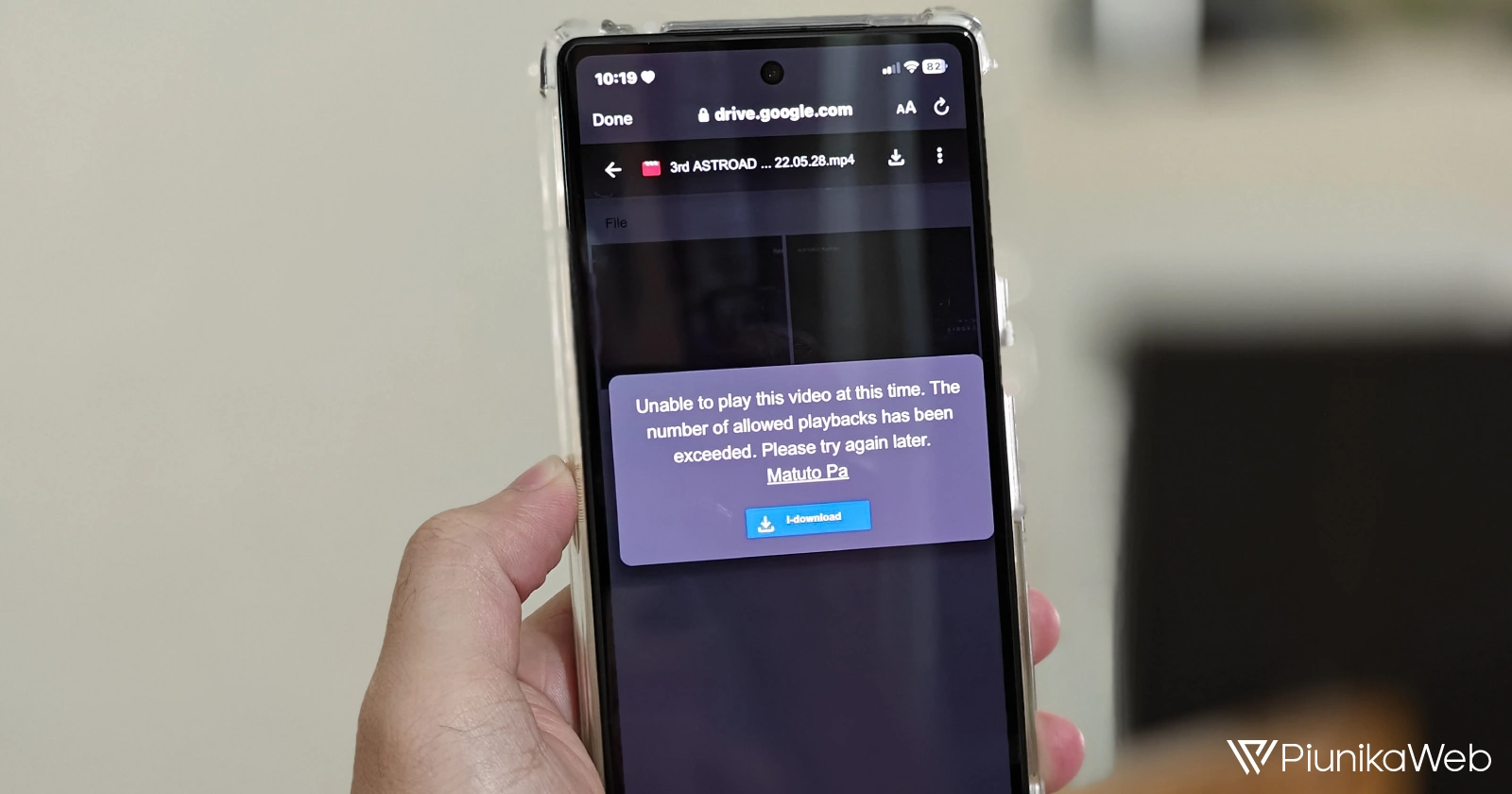
Google Drive not letting users play videos, throws 'allowed playbacks has been exceeded' error
Google Drive users have been dealing with an issue for years where they get an 'allowed playbacks has been exceeded' error when trying to play videos. And Google has still...
Feb 20, 2024 2 Min Read