Here’s the crux of the article in video form:
Android users often find joy in bending their devices to their will. However, Android 14 on Pixel devices throws a curveball, preventing users from setting lock screen shortcuts to launch their desired apps. Furthermore, launching ChatGPT’s Voice Mode without root access seems like an elusive feat. Fear not! I’ve uncovered a clever workaround to hijack the QR code scanner shortcut and make your Google Pixel dance to the tune of ChatGPT’s Voice Mode.
But before we dive into the how-to, let’s rewind a bit. What exactly is ChatGPT’s Voice Mode? Picture this: it’s like having a superpowered Google Assistant or Siri. You can ask it anything, from ‘What’s the capital of Mongolia?’ to ‘Write me a poem about a lost robot in space.’ ChatGPT analyzes your prompt and crafts a response.
Steps to launch ChatGPT’s Voice Mode from your Google Pixel’s lock screen
Android 14 on Pixel devices presents a roadblock in customizing lock screen shortcuts. Additionally, attempting to launch ChatGPT’s Voice Mode without root access seems like a daunting task. But, where there’s a will, there’s a workaround.
- To kick things off, long-press your lock screen and tap on ‘Customize lock screen.’
- Within the customization options, locate the ‘Shortcuts’ menu.
- Tap on either the Right or Left shortcut option, depending on your preference.
- Choose ‘QR code scanner,’ setting the stage for our creative workaround.
- Now, it’s time to wield the Android Debug Bridge (ADB). Follow our guide to run ADB commands on your Google Pixel phone and then enter the following command:
adb shell "device_config put systemui default_qr_code_scanner 'com.openai.chatgpt/com.openai.voice.VoiceModeActivity'". - To prevent Google Mobile Services (GMS) from undoing your ingenious customization, run the following ADB command:
adb shell device_config set_sync_disabled_for_tests persistent.
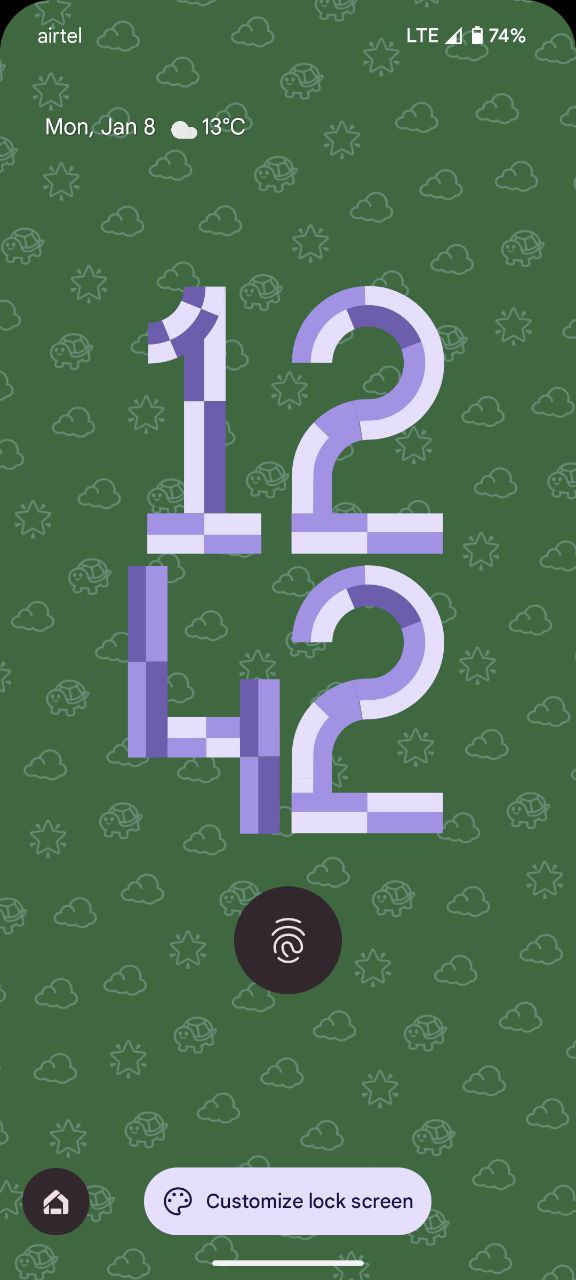


Okay, that’s the technical bit. Now, for the consequences you’ll have to find another way to scan QR codes. But hey, Google Lens has your back. Now, whenever you tap your lock screen’s QR code shortcut, ChatGPT’s Voice Mode bursts to life, ready to chat, answer, or even crack a joke.
So, there you have it: lock screen voice magic with ChatGPT on your Pixel. Remember, this might not be the most conventional method, but hey, where’s the fun in playing it safe? Go forth, chat with your phone, and unleash the power of AI at your fingertips.

Karanjot Sidhu
1024 Posts
A computer science engineer who loves tech and won't stop talking about it. Here at Piunikaweb, I mostly cover Google Pixel deals and how-tos, though you may find me covering Pixel news as well sometimes. Apart from being a nerd, i love gaming and watching movies in my free time.
Next article View Article