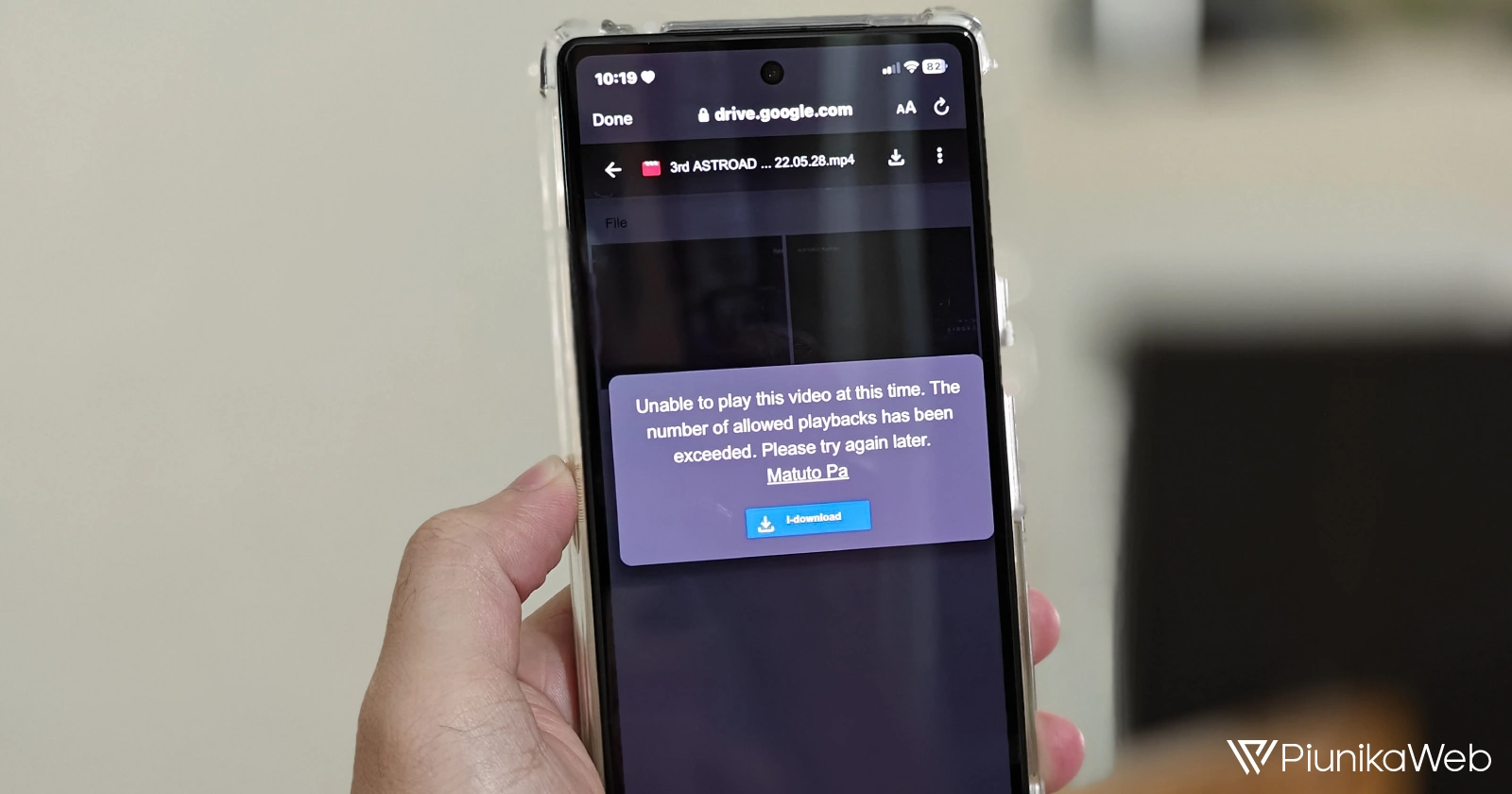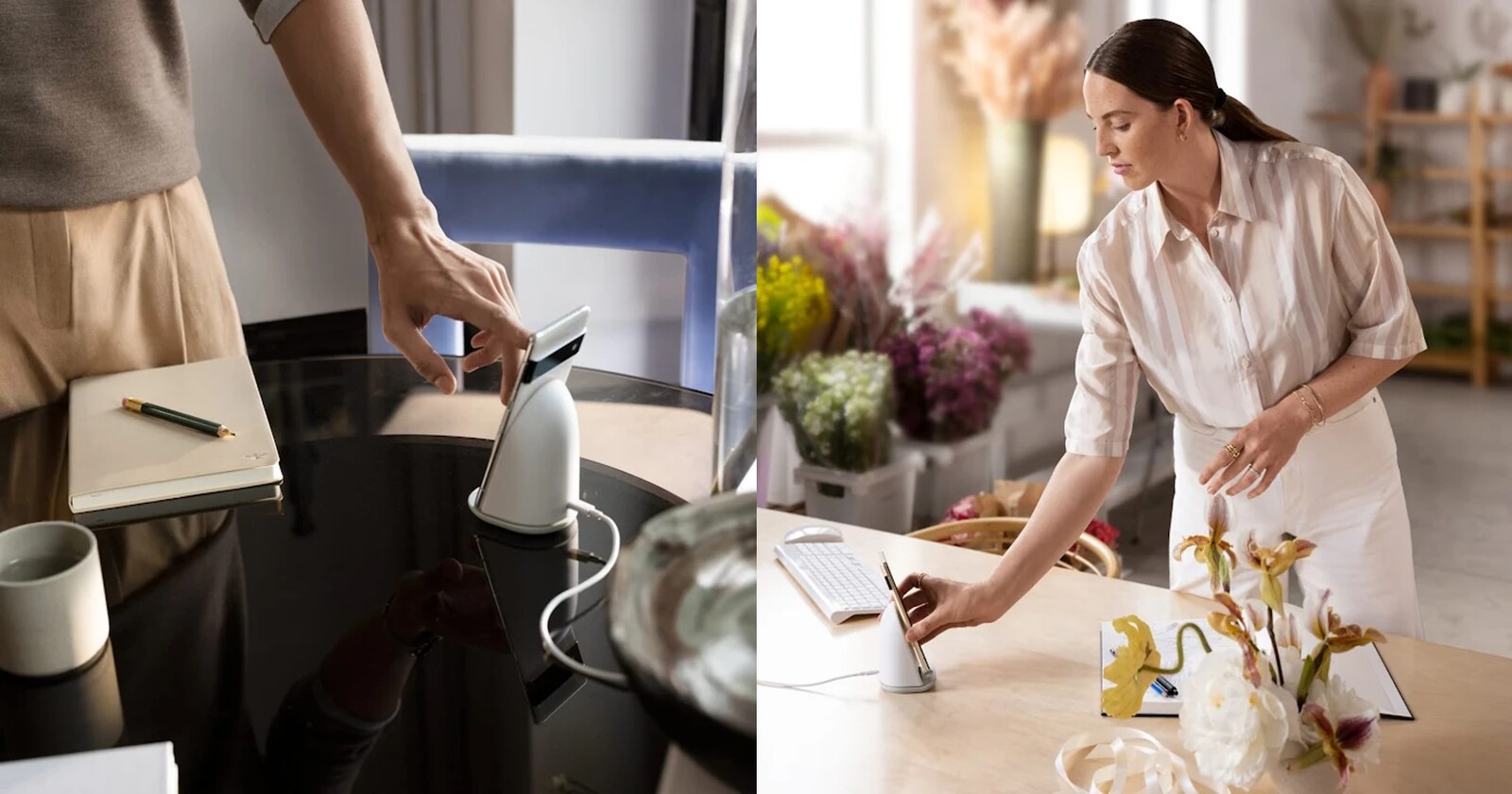
Numerous Google Pixel users have been reporting a bug where the screens of their devices becomes unresponsive when using a Pixel Stand to charge them, and in some cases, they remain frozen for a while even after removing the phone from the wireless charger.
Google Pixel screens freezing or unresponsive while using a Pixel Stand
The Google Pixel Stand is the official wireless charger for Pixel devices, so one would expect it to offer the best performance and compatibility. However, for weeks now, multiple reports of people being unable to use their devices while charging on a Pixel Stand have been emerging.
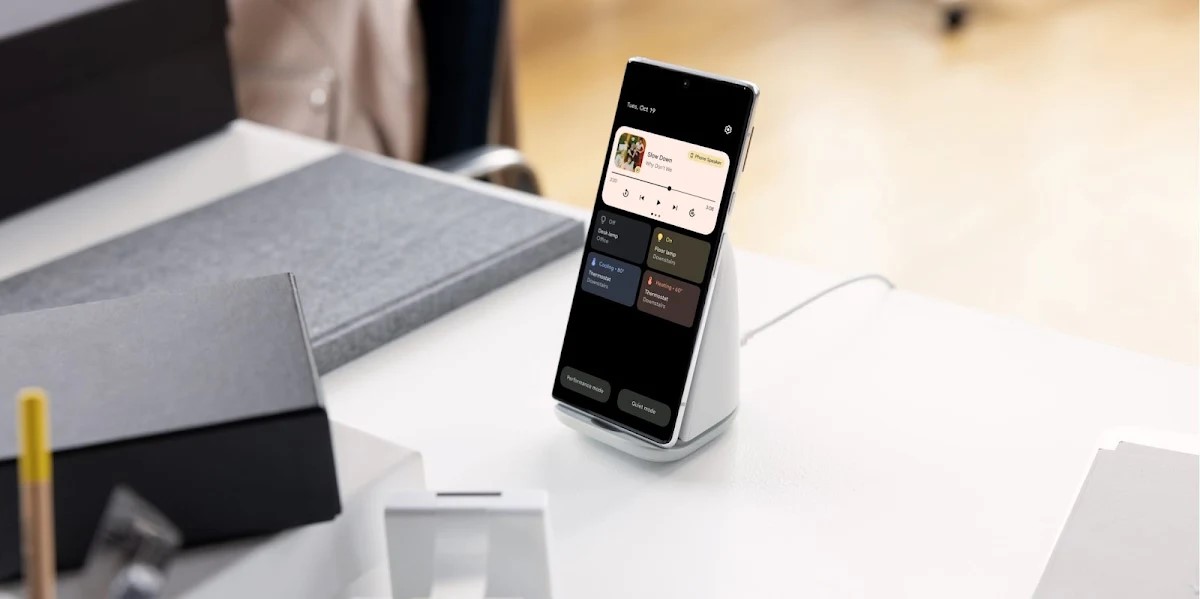
Those affected claim that, while their phones are charging on a Pixel Stand, the screen becomes completely unresponsive. This goes against one of the goals of the accessory: turning your phone into a ‘control hub’ for all your Google Assistant-compatible Smart Home products, as shown in the image below.
The only way to resolve the issue once it appears is to restart the affected Pixel phone, which is quite impractical and annoying. Also, it is not an occasional bug, as it occurs every time people use the Pixel Stand to charge their devices.
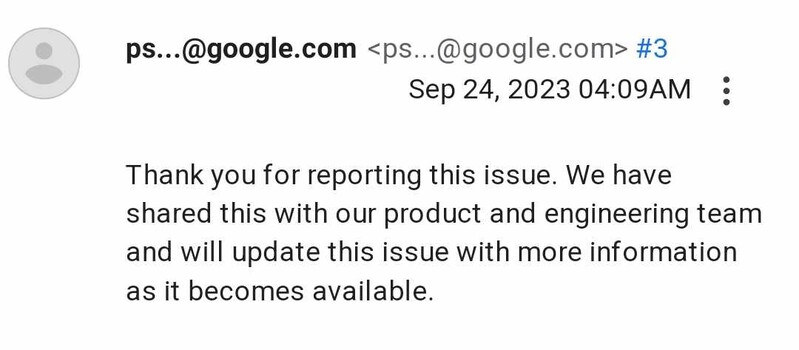
The issue is not exactly new, since there have been reports of Google Pixel devices’ screens freezing while using a Pixel Stand even since September 2023, when Android 14 was still in beta stage. At that time, it had been escalated to the Android dev team, but recent reports suggest that it was not resolved before the stable rollout.
Screens remain unresponsive even after disconnecting the device
In addition to affecting the functionality of Pixel phones while charging on a Pixel Stand, there are reported cases where the screen remains unresponsive even after removing it from the accessory, requiring a wait of around two minutes for everything to return to normal.
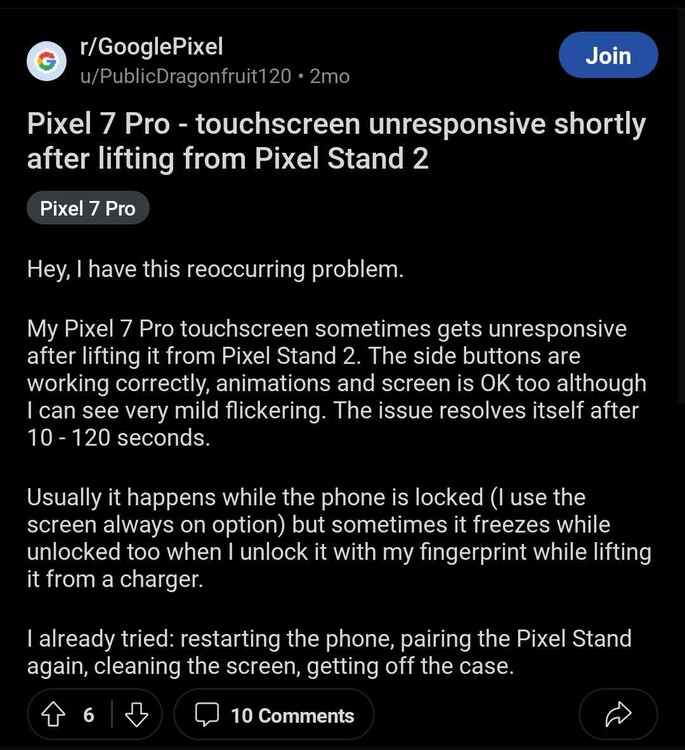
According to one of the affected users, the bug is ‘less noticeable’ if you set the wireless charging mode to ‘optimized’ instead of ‘maximum speed’. However, a definitive fix depends on Google, but it is not known when it will arrive since the bug was escalated in September, and cases continue to arise.
Finally, you can also take a look at the official troubleshooting for when a Pixel screen is not working correctly, although given what we have seen, it is unlikely to be an effective solution. Let’s hope that it doesn’t take much longer for Google to resolve once and for all the freezing issue on Pixel device screens when using a Pixel Stand.

Jean Leon
1613 Posts
A tech enthusiast since ever. I like to always be up to date on the latest news in the industry and write about it. Twitter: @jean_ERdC

Next article View Article