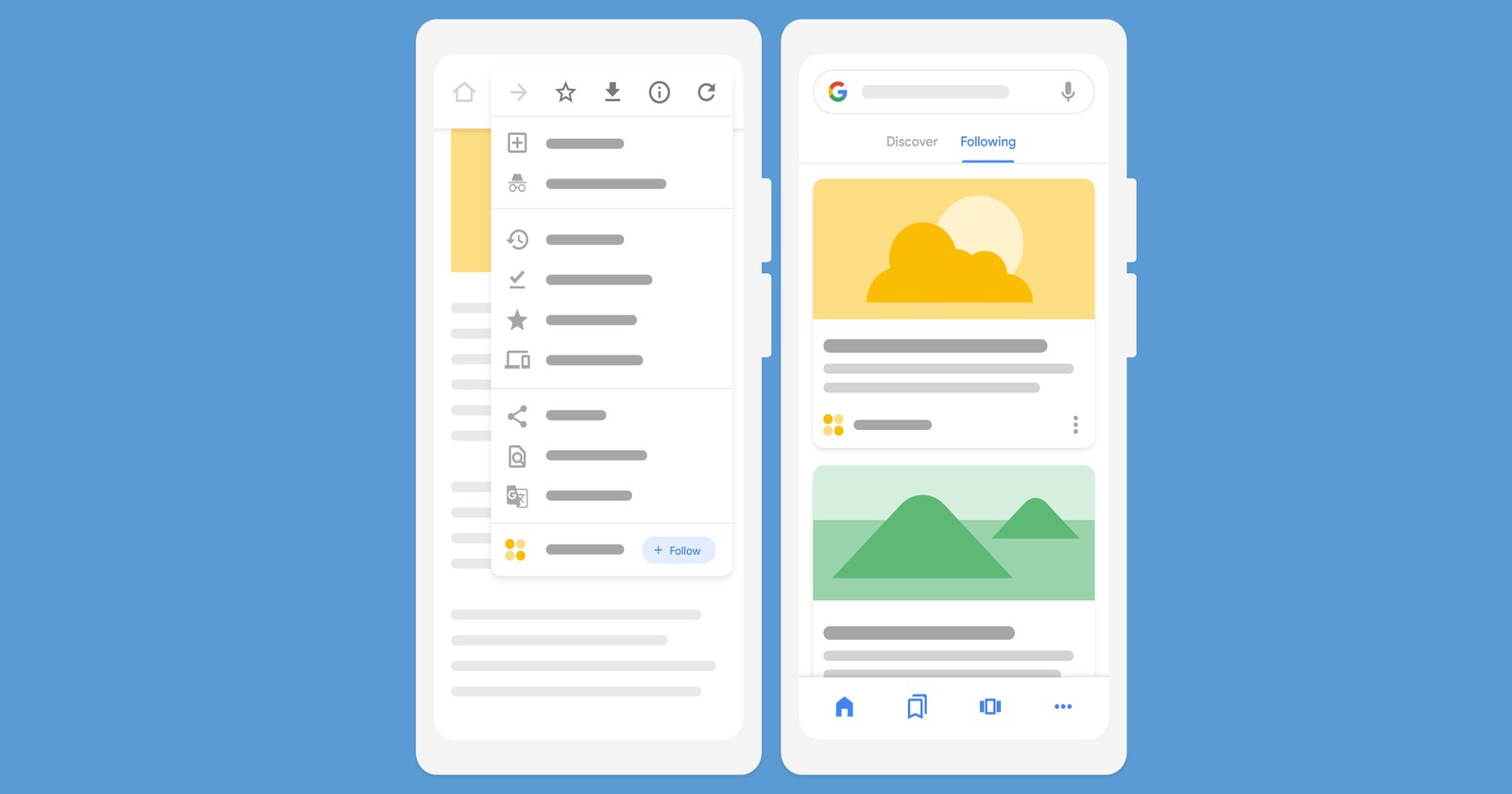
Google Discover is a personalized news feed available through the Google app. While casually scrolling through Discover, you may have spotted the heart-shaped ‘Like’ button on each article or YouTube video. Previously used as a tool for user feedback to enhance feed quality, this ‘like’ button has now gained a new purpose.
Previously, you had to go to ‘My Google Activity’ to see the posts that you’ve liked. However, this section has vanished in recent times. In its place, Google has now introduced a new ‘Liked’ section accessible through the Interest page. This section houses all your liked articles and YouTube videos.
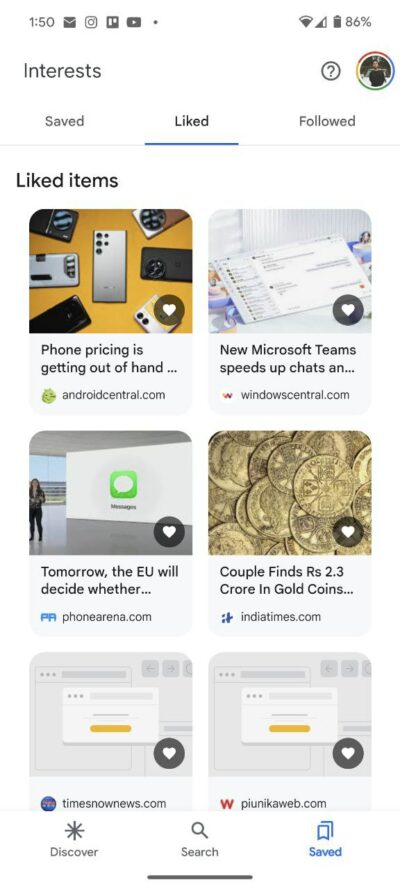
To access this section, you simply need to tap on the ‘Saved’ tab located at the bottom of the Google app. Here, you’ll find three distinct sections. The ‘Saved’ section contains all your bookmarks, while the ‘Followed’ section showcases searches that you are following. Right in between these sections resides the ‘Liked’ tab, where all the articles and YouTube videos you’ve marked as favorites are stored.
Under the ‘Liked’ section, all of your articles will be displayed in a grid view. Each card showcases a cover image, headline, and domain. As noted by folks over at 9to5Google, the Liked section archives articles dating back to early 2021. If you’ve consistently liked articles in Discover, you’ll find your history stored in this section.
That said, the new update will be beneficial for those who rely on Google Discover feed to stay updated with the latest news. It will offer them a convenient way to locate and review the articles and videos they’ve liked.

Aashish Singh
502 Posts
I developed a keen interest in technology ever since my school days. And writing about it keeps me closer to this fascinating world. When I’m not working you can catch me playing video games.
Next article View Article