





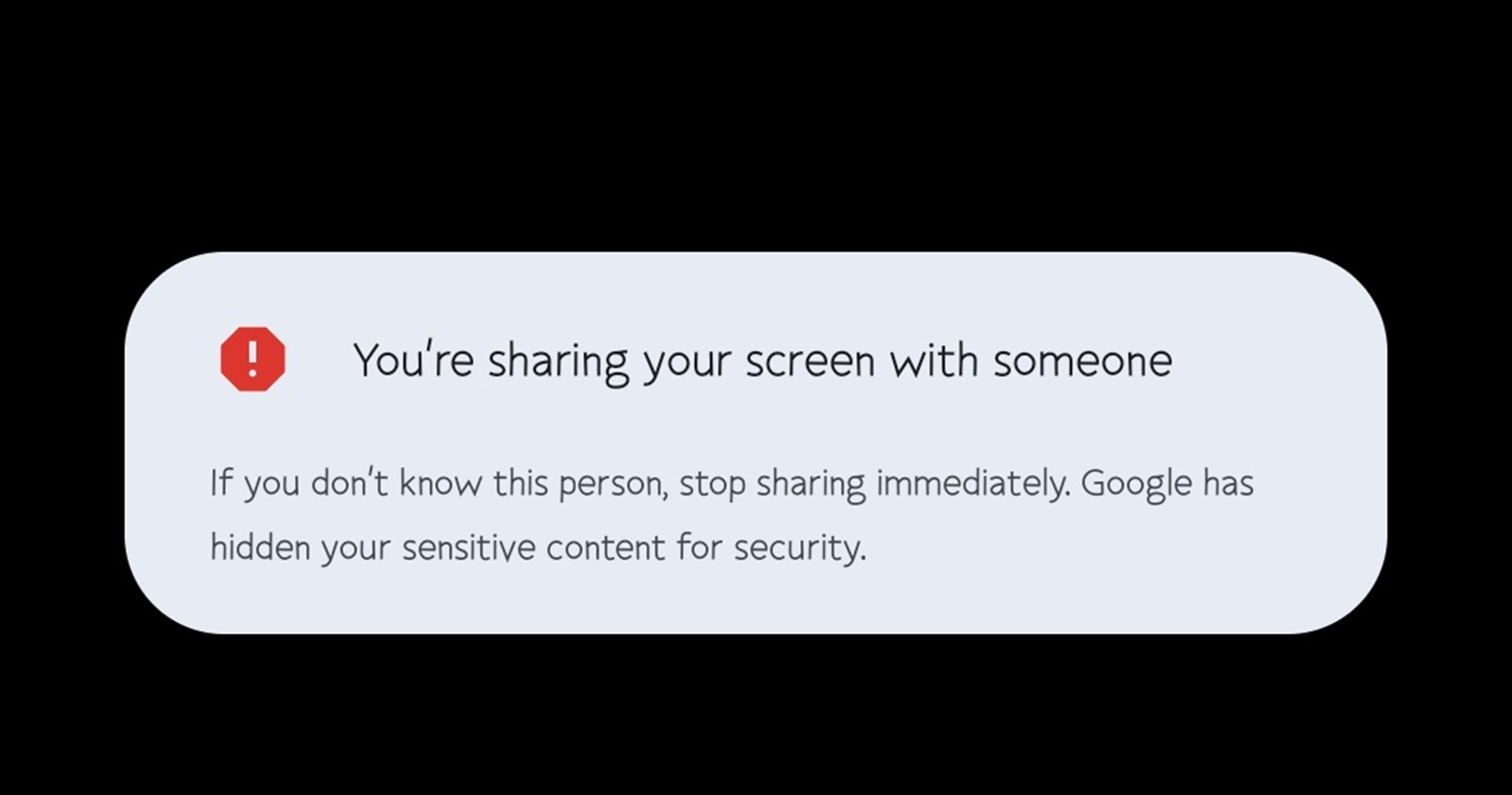
Google Messages has a new weapon against scammers who lurk for one-time passwords (OTPs) sent via SMS. In a new feature that seems to be rolling out widely, Google Messages will now warn if you’re sharing a screen with someone and subsequently hide any sensitive information from prying eyes until the screen sharing ends.
AssembleDebug, on their blog TheSpAndroid, first spotted this feature back in October. It works by temporarily blocking Google Messages when it detects instances of screen sharing. This way, if you’re unwittingly sharing your screen with a disguised scammer, they can’t peek at your private messages or, more importantly, snatch those crucial OTPs.


I still don’t have this feature on my Google Messages app, perhaps because it’s still rolling out gradually. However, if you’re among those who already received it, you’ll see a banner warning that ‘You’re sharing your screen with someone’ and that you should ‘stop immediately if you don’t know this person.’ When this warning shows up, it also means ‘Google has hidden your sensitive content for security’, so Google Messages will remain inaccessible until screen sharing stops.
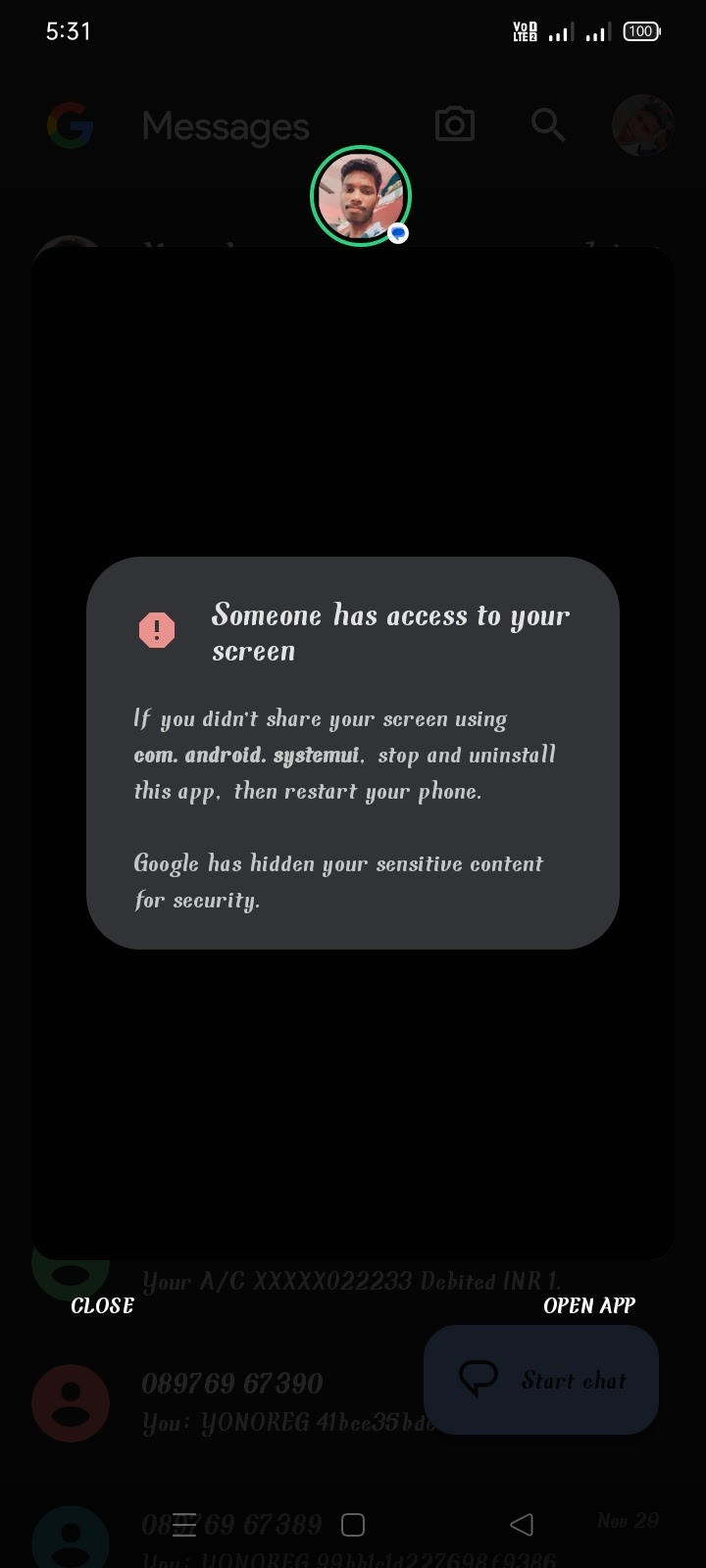
Google Messages warning appears when not screen sharing
While AssembleDebug manually enabled screen sharing via a hidden flag, some Google Messages users are already seeing the feature appear in the app without any gymnastics. And this is where things get twisted. Apparently, the banner appears for some users even when they are not actively sharing their screens.
A forum thread in the Google Messages community forum has garnered 3,367 votes from people who want to know why they’ve been seeing a banner saying that ‘You’re sharing screen with someone’ when they actually aren’t. Some get warned that they are sharing screen with ‘com.android.systemui’ or ‘rgss.com.subjects’ while others aren’t so lucky to get any hint. Apparently, some started seeing the banner after the recent app update on December 7, but for others, it started in September.
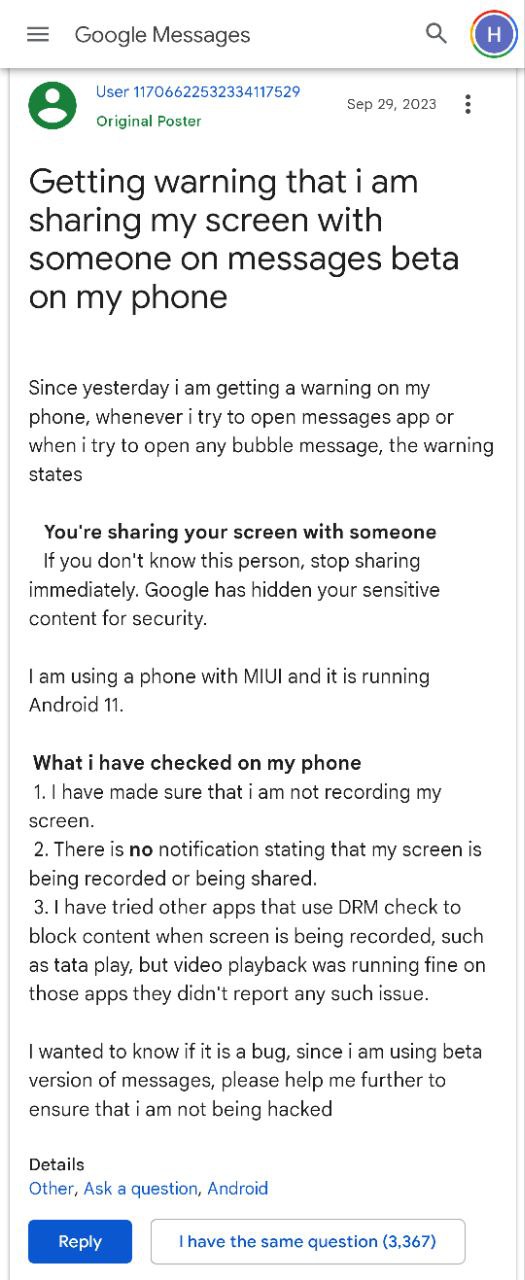
This raises two possibilities: either a bug is triggering false positives, or, worse, a hacker has found a way to initiate hidden screen sharing. Hopefully the former is the case, although there’s still no official word or any clarification from Google.
While Google hasn’t officially announced this feature, its gradual rollout suggests it’s more than just a test. It’s a promising step towards securing your messages, but the annoying warning that ‘You’re sharing screen with someone’ is becoming a source of frustration for Google Messages users. Luckily, I’ve gathered a couple of workarounds that could come in handy, although there’s no guarantee they work for everyone.
Potential workarounds
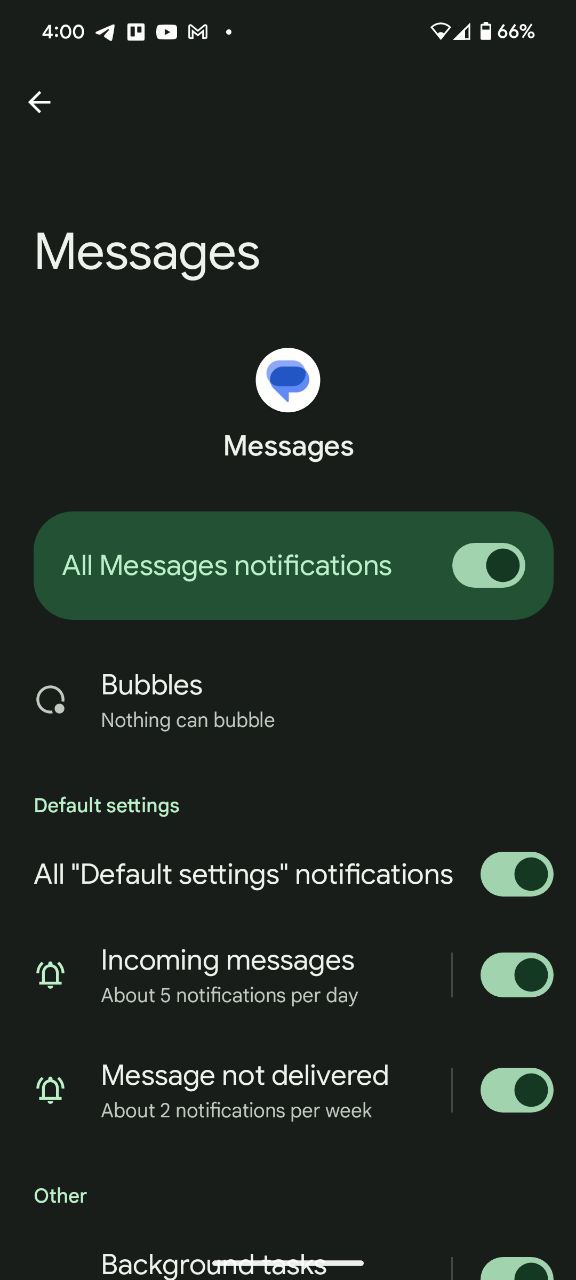
One user suggests heading to your phone’s Settings app > Notifications > App notifications > Messages > Bubbles and select ‘Nothing can bubble’. This fixed the issue for them and a few others as well, but the fact that it’s disabled by default on our Pixel units could partly explain why we don’t have this feature.
Alternatively, you can try disabling or removing any antivirus or cleaner app installed on the phone to fix this issue since it worked for some. But if none of this works, check that you don’t have any app streaming in the background. Apparently, closing such apps may also solve this problem.


Hillary Keverenge
2681 Posts
Tech has been my playground for over a decade. While the Android journey began early, it truly took flight with the revolutionary Lollipop update. Since then, it's been a parade of Android devices (with a sprinkle of iOS), culminating in a mostly happy marriage with Google's smart home ecosystem. Expect insightful articles and explorations of the ever-evolving world of Android and Google products coupled with occasional rants on the Nest smart home ecosystem.
Next article View Article
