





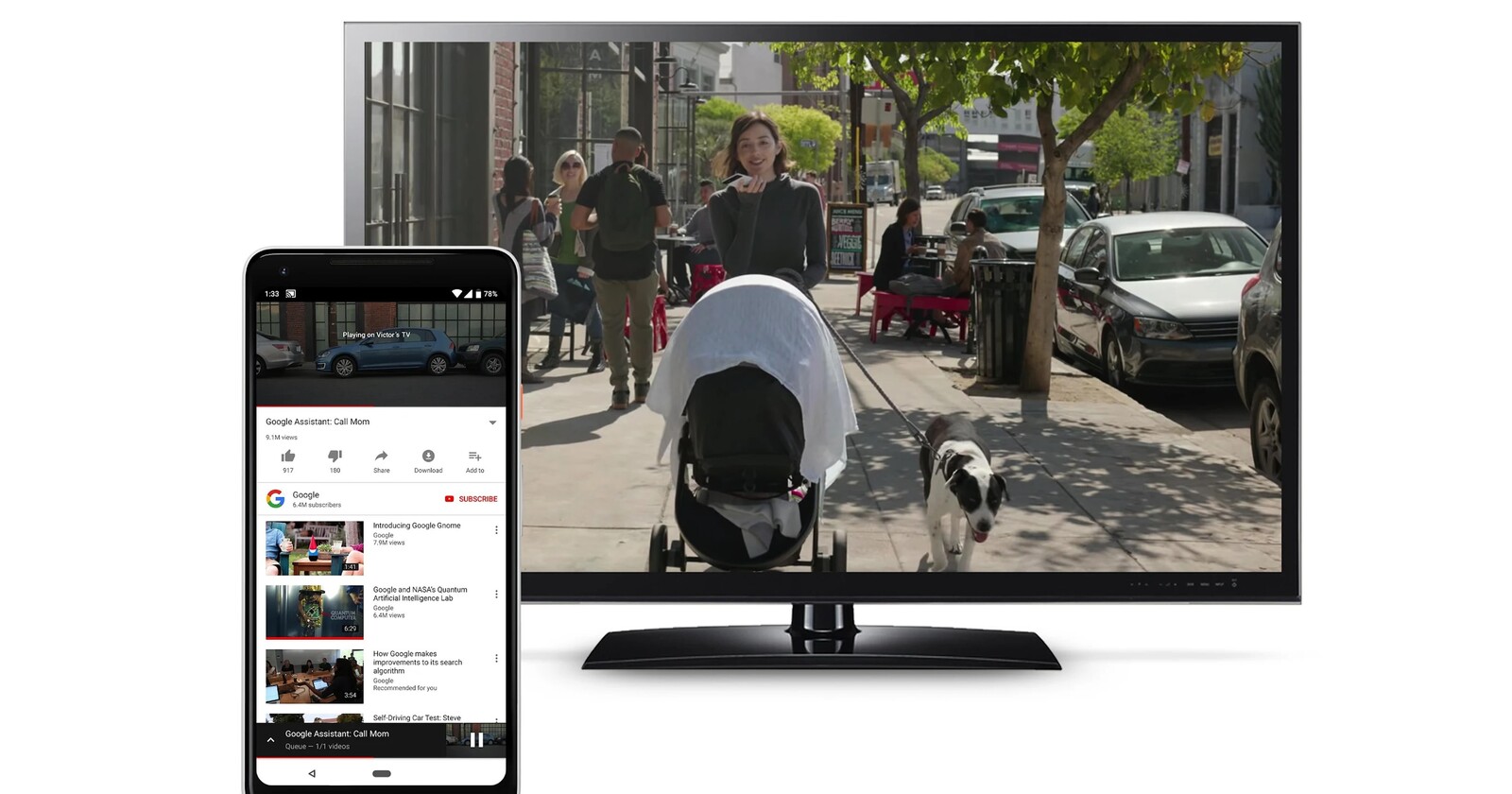
Here’s the crux of the article in video form:
It seems that Google wants to better integrate the Google Cast controls into the Android UI, since they have become part of the native media player instead of being a simple notification among many others.
Android media player notification now integrates Google Cast controls
Google Cast is the feature that enables screencasting to any compatible screen with a few taps. It is quite useful if you want to watch multimedia content played from your smartphone on a much larger screen for a better experience.
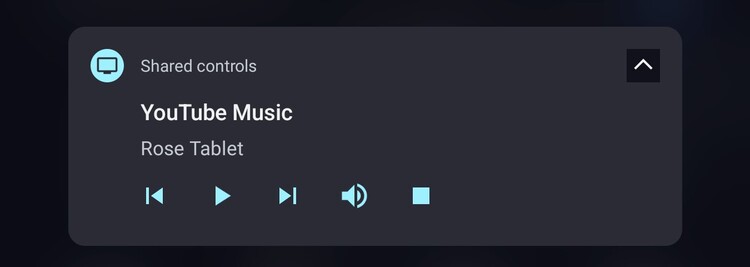
That said, if you are a regular user of the feature, you may have encountered the issue of the Google Cast control options being a silent (low priority) notification in the notification shade. So if you’re someone who receives a lot of notifications, this one might even be quite low on the list getting lost among the others.
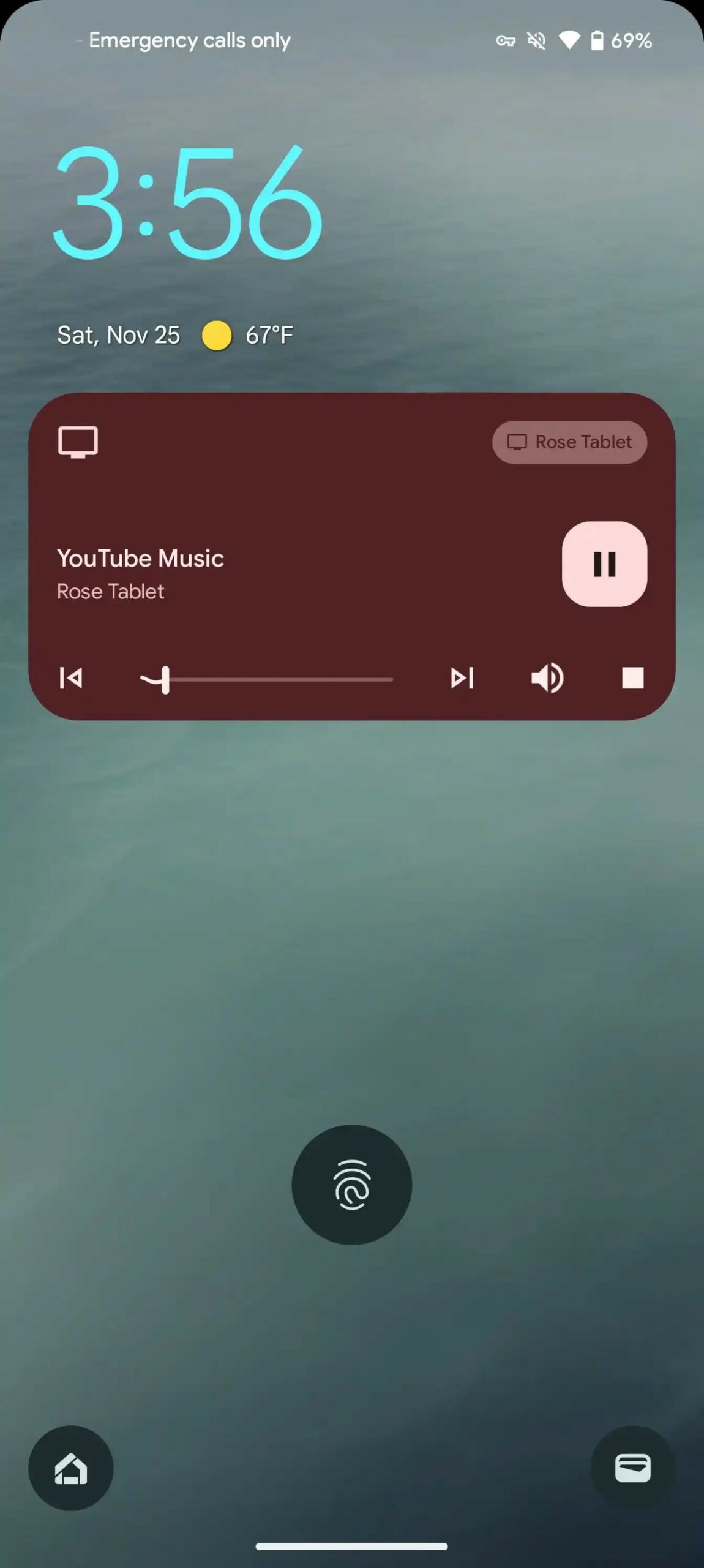
Fortunately, that has now changed, as the Google Cast control options are now integrated into the native Android multimedia player (via 9to5Google). This means they get a prominent place in the notification shade, making the controls much more accessible, which makes a lot of sense.
Devices that will get the change
The tweak appears to have been implemented since this week and is available on Android 11+ devices, so many users will be able to take advantage of it. More specifically, it seems that it arrived with the latest Google Play Services v23.44.14 update.
This change seems quite useful, since the controls for multimedia content in play should always have prominence and be accessible at all times. It is also another proof of how, thanks to the’modularization’ that Android has experienced for years, these types of changes can be implemented without the need for a whole system update.

Jean Leon
1613 Posts
A tech enthusiast since ever. I like to always be up to date on the latest news in the industry and write about it. Twitter: @jean_ERdC

Next article View Article
