Here’s the crux of the article in video form:
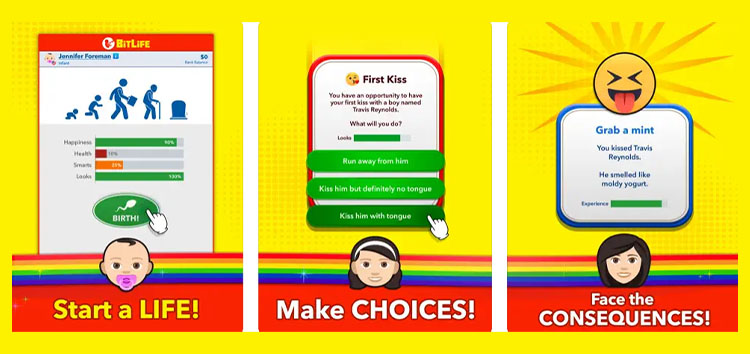
BitLife is a popular life simulation app available on Android and iOS. It allows users to grind various tasks, earn money, climb the social ladder, and become ideal citizens of society.
However, there’s a bug in the app that has been negatively impacting the experience for some.
BitLife app crashing when opening the menu
BitLife users complain (1,2,3,4,5,6) that every time they click on the top-left menu, the app crashes immediately. This prevents them from accessing useful features and settings present in the menu.

It seems that the bug has been affecting players for over 6 months and BitLife developers have done little to nothing to fix it. Some have taken to social media platforms like Twitter and Reddit to express their concerns.
What’s even more concerning is that the application consistently receives updates every month. Yet this incredibly annoying issue has managed to stick around for so long.
One Bitlife user claims that they’ve been using the app without opening the main menu for the last 6 months.
I’ve had this issue for over 6 months, and Bitlife has refused to address it. I didn’t uninstall my game cause I didn’t want to lose my data. So I play the game without using the main menu
Source
Some have already tried common troubleshooting steps like updating the application or restarting their device but to no avail.
Reports indicate that the problem only affects iOS devices at the moment. The bug also prevents users from starting new lives or accessing old saves, achievements, and settings.
BitLife developers are yet to comment on the issue where the app keeps crashing when opening the menu. This means that affected users might have to wait indefinitely for the fix to arrive.
Potential workaround
While there is a workaround that can help you mitigate the problem, we do not consider it a convenient enough option. According to some, reinstalling the app can potentially fix the menu crashing issues.
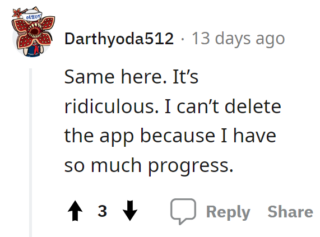
However, it’s important to note that BitLife does not save your progress to the cloud or the Apple Game Center. All of your progress is saved locally on your iPhone/iPad.
This means that reinstalling the app will delete all of the progress you’ve made over the last few months if not years. Naturally, we do not recommend trying this workaround if you are an old user.
We hope the developers are able to fix the crashing issue as soon as possible. We’ll keep an eye on this matter and update this story to reflect noteworthy developments.
Featured image source: Apple App Store.
PiunikaWeb started as purely an investigative tech journalism website with main focus on ‘breaking’ or ‘exclusive’ news. In no time, our stories got picked up by the likes of Forbes, Foxnews, Gizmodo, TechCrunch, Engadget, The Verge, Macrumors, and many others. Want to know more about us? Head here.
Tags
BitLife app crashes when opening menu BitLife app crashing when opening the menu BitLife app menu crashing Bitlife app three line menu crashing BitLife app top-left menu crashing ButLife app crashes when pressing menu
Jaspreet Singh
119 Posts
I have always been passionate about smartphones, cameras, computers and basically everything technology related. Writing content for PW allows me to express that nerd inside me and talk about things i love.
Next article View Article